

How to Add Social Media Icons to an Email Signature
Enhance your email signature by adding social media icons. Discover step-by-step instructions to turn every email into a powerful marketing tool.

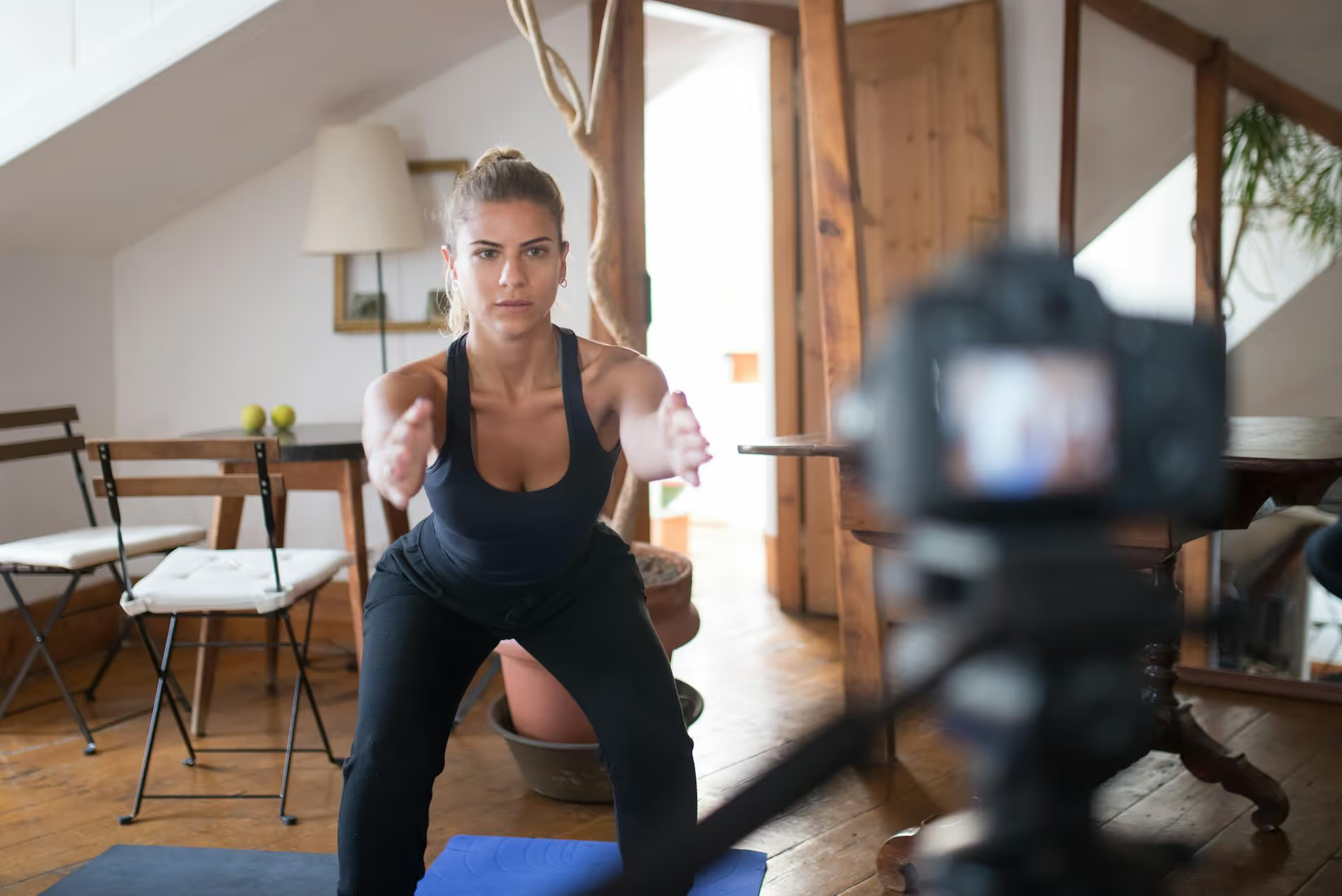
Going viral on TikTok isn't just about what you film - it's about how you piece it together. A great edit can turn a simple idea into an unforgettable video, while a sloppy one can make even the best concept fall flat. This guide will walk you through the editing techniques that grab attention, keep viewers watching, and make your videos feel polished and professional, even if you're just getting started.
You don't need expensive software or years of experience to create compelling TikTok videos. Most of what makes a video successful comes down to understanding the fundamentals of rhythm, pacing, and visual storytelling on the platform. Get these right, and you're already ahead of the game.
Before you jump into third-party apps, spend some time with TikTok's own editor. It's incredibly powerful for a native tool and is the fastest way to hop on a trending sound or effect. Understanding its limitations will also help you appreciate what other tools offer when you're ready to level up.
Focus on getting comfortable with these basic functions:
Your Pacing is Everything
TikTok moves fast, and your edits need to match that energy. Long, lingering shots that might work on YouTube or in a film will lose your audience's attention instantly. The unspoken rule is that something new needs to happen on screen every one to three seconds. This doesn't mean you need a million different clips, a visual change can be a zoom, a new text overlay popping up, or a sticker appearing on screen.
Think about the rhythm of a popular GRWM ("Get Ready With Me") video. The cuts are quick: swiping on foundation, a tap of blush, putting on mascara, a final outfit shot. Each action is a separate, short clip. This rapid-fire pacing keeps the viewer engaged because their brain is constantly getting new information to process.
Actionable Tip: Film more than you think you need. Shoot a process from multiple angles or do several takes. This gives you plenty of options in the edit to create fast, dynamic cuts and keep your pacing tight.
A "trending sound" isn't just popular background music - it's often a formatting cue for your edit. A good creator knows how to make TikTok edits to the sound, not just place it under their video.
Here's how to do it effectively:
You have a fraction of a second to convince someone not to scroll past your video. Your opening shot is your most valuable real estate. Don't waste it on a slow intro or a bland establishing shot.
Your edit should support a powerful hook. Effective hooks include:
Once you've got the basics down, you can start incorporating slightly more advanced techniques to make your content stand out. These aren't complicated, but they require a bit more planning and a sharper eye during the edit.
A match cut is a transition where you cut between two different shots that are compositionally similar. It's a classic filmmaking trick that feels seamless and professional. On TikTok, it's often used for outfit changes, location swaps, or "before and after" reveals.
For example, you could film yourself clicking your fingers in your living room, then cut to a shot of you clicking your fingers on a beach. To make this work:
When you place these two clips back-to-back, the action feels continuous across the change, creating a smooth and impressive transition.
On-screen text does more than just transcribe your words. It guides the viewer's attention and adds an extra layer of personality. Instead of simply placing a block of text on the screen, think about how to make it dynamic.
Remember that the TikTok interface covers parts of the screen. Keep important text and visuals out of the right sidebar (where the like, comment, and share buttons are) and the bottom of the screen (where the caption and username are) to make sure nothing gets hidden.
Static shots can feel boring. If you can't film from multiple angles, create visual variety by using zooms and punch-ins during your edit. A slow, subtle zoom in can build tension or help focus the viewer's attention. A quick "punch-in" (a fast zoom) can add comedic timing to a punchline or emphasize a reaction.
In apps like CapCut, you can achieve this using keyframes. A keyframe is a marker that tells the app you want a change to happen. You can set a keyframe at the start of a clip with the video at normal size, then another keyframe a second later with the video zoomed in. The app will automatically create a smooth motion between those two points.
The app you use to edit makes a difference. While you can create great content with just the TikTok app, other tools can unlock more creative possibilities.
Pros: A fast and easy way to create content. You have direct access to every trending sound, effect, and filter on the platform. A great editor for simple trends and reactive videos.
Cons: Limited control over multiple video layers and audio tracks. Things like detailed keyframing or complex audio mixing are not possible.
Owned by the same parent company as TikTok, CapCut is a free and extremely powerful mobile editor. It integrates perfectly with TikTok and is the most popular choice for creators who want more control.
Top Features:
If you're already comfortable with other tools, you don't necessarily need to switch. Mobile apps like InShot offer many of the same features as CapCut. For creators shooting on professional cameras and editing on a computer, powerful software like DaVinci Resolve (which has an excellent free version) or Adobe Premiere Pro offer limitless control, but come with a much steeper learning curve.
Making good edits for TikTok comes down to telling a story quickly, using sound to guide your pace, and applying simple techniques to keep things dynamic. Whether you're using match cuts or just timing your on-screen text, the goal is always to hold the viewer's attention from the first second to the last. With practice, these editing skills will become second nature, allowing you to turn your ideas into engaging content more efficiently.
Once you've perfected your editing workflow, the next step is getting your videos scheduled and posted consistently. We built Postbase with a visual calendar that lets us see our entire TikTok schedule mapped out, which makes it simple to plan ahead and spot gaps in our content. Because it's built specifically for today's video-first platforms, we can upload our final edits and schedule them for TikTok, Reels, and YouTube Shorts all from one place without wrestling with format issues or worrying about posts failing to publish.
```
Spencer's spent a decade building products at companies like Buffer, UserTesting, and Bump Health. He's spent years in the weeds of social media management—scheduling posts, analyzing performance, coordinating teams. At Postbase, he's building tools to automate the busywork so you can focus on creating great content.

Enhance your email signature by adding social media icons. Discover step-by-step instructions to turn every email into a powerful marketing tool.
Record clear audio for Instagram Reels with this guide. Learn actionable steps to create professional-sounding audio, using just your phone or upgraded gear.
Check your Instagram profile interactions to see what your audience loves. Discover where to find these insights and use them to make smarter content decisions.
Requesting an Instagram username? Learn strategies from trademark claims to negotiation for securing your ideal handle. Get the steps to boost your brand today!
Attract your ideal audience on Instagram with our guide. Discover steps to define, find, and engage followers who buy and believe in your brand.
Activate Instagram Insights to boost your content strategy. Learn how to turn it on, what to analyze, and use data to grow your account effectively.
Wrestling with social media? It doesn’t have to be this hard. Plan your content, schedule posts, respond to comments, and analyze performance — all in one simple, easy-to-use tool.



