

How to Add Social Media Icons to an Email Signature
Enhance your email signature by adding social media icons. Discover step-by-step instructions to turn every email into a powerful marketing tool.

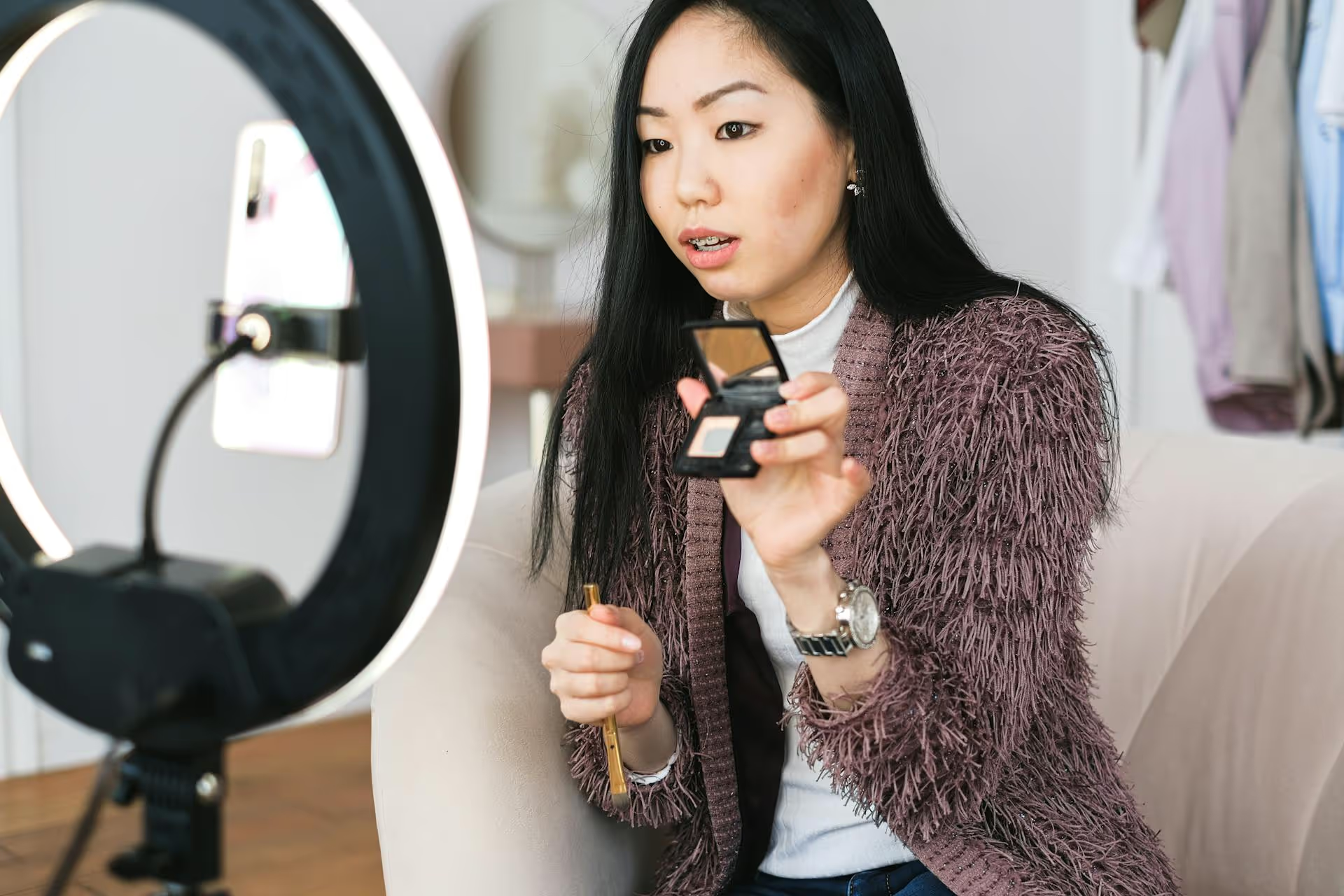
Putting one link in your TikTok bio is simple, but what happens when one link just isn't enough? You've got a fantastic new YouTube video, an online store, an affiliate partnership, and your other social media accounts to promote, but TikTok only gives you one clickable spot. This article breaks down exactly how to share multiple links on your TikTok profile, using both official features and smart, creative workarounds that top creators rely on.
TikTok is an incredible engine for discovery and community building, but its native functionality is designed to keep users inside the app. For brands, creators, and marketers, the primary goal is often the opposite: to move an engaged audience from TikTok to a destination you own or control, like a blog, a product page, or an email list. Limiting yourself to a single link severely restricts your ability to accomplish this.
Imagine being a food blogger. On any given day, you might want to link to:
Each video might call for a different call-to-action (CTA), and forcing your audience to navigate away from an expired link about last week's video creates friction and lowers conversion rates. By setting up a way to share multiple links, you create a central hub where your followers can easily find exactly what they're looking for, no matter which video sent them to your profile. It's about making the journey from viewer to customer, subscriber, or follower as seamless as possible.
The most popular and effective solution to TikTok’s one-link problem is the "link in bio" tool. These services allow you to create a simple, mobile-friendly landing page that houses all of your important links. Instead of putting your eCommerce store link in your bio, you put the link to your "link in bio" page. When a user clicks it, they’re presented with a menu of options you’ve curated.
You’ve probably seen these in action from big creators. Popular tools include Linktree, Beacons, Kojis, and Milkshake, among many others. Most offer a free tier that's powerful enough for most users, with premium options for more customization and analytics.
Getting your own link landing page up and running is fast and straightforward. Here's how to do it:
Once you have your "link in bio" landing page URL, you need to add it to your profile. For a while, TikTok required creators to have 1,000 followers to access this feature, but the rules have changed for the better. Now, all you need is a Business Account, which is free to switch to and has no follower minimum for the website feature.
If you don't already have one, here’s how to make the switch:
One thing to note: Business Accounts have a smaller library of commercially-licensed sounds. If trending audio is central to your strategy, weigh this trade-off. For most brands and creators aiming to drive traffic, the website link is far more valuable.
With your Business Account active, you can now add your link:
That's it! A clickable link will now appear right on your profile page, ready to send visitors to your curated list of destinations.
Adding the link is only half the battle. You have to actively and creatively direct your viewers to actually click on it. Simply hoping they’ll discover it on their own is a recipe for missed opportunities. Here's how to effectively integrate your "link in bio" call-to-action into your video content.
The most direct method is often the best. Literally tell your audience what you want them to do. A spoken call-to-action feels personal and authoritative.
Being specific removes guesswork. If a user knows exactly what they will find when they click, they are far more likely to follow through.
Reinforce your verbal CTA with a visual cue. Use TikTok’s built-in text feature to add a text overlay that says "Link in Bio 🔗" or something similar. You can time this text to appear when you mention it verbally for a powerful one-two punch.
Experiment with different fonts, colors, and animations to make it pop without being distracting. Placed strategically at the bottom or top of the screen, a clean text overlay is a constant reminder throughout the video.
TikTok is a visual platform, so use physical movement. You’ll often see creators pointing up or to the side, motioning toward where the profile info appears on the screen. This common gesture has become a universally understood signal for "go to my profile." It's non-intrusive, looks natural, and taps into the visual language of the platform.
For eCommerce businesses, there’s an even more direct way to add multiple links: TikTok Shop. If you are an eligible seller, you can tag specific products directly in your videos and live streams. When a user sees your video, a small shopping bag icon or product showcase will pop up on the screen.
When they tap it, they can browse the tagged products and click through to purchase - all without leaving the TikTok app. Each product tag functions as a direct link, allowing you to showcase an entire outfit or collection in a single video. This is by far the most integrated way to drive sales on the platform and is a fantastic way to link to multiple product pages simultaneously.
Finally, TikTok allows you to directly connect both your Instagram and YouTube accounts to your profile. On your profile page, small, clickable icons for each platform will appear right next to the "Edit profile" button. While they aren't as prominent as the main website link, they are valuable one-click pathways to other platforms where you can share even more content and links.
This is a great, low-effort way to cross-promote your channels and give curious followers another avenue to find what they're looking for.
While TikTok doesn't currently allow users to embed multiple clickable links directly within a single video caption or description, leveraging a "link in bio" landing page gets you 99% of the way there. By combining that single, powerful link with clear, consistent calls-to-action in your videos, you create a seamless user experience that guides your audience exactly where you want them to go.
Planning your content is essential for a great social media strategy, especially when it comes to strategically prompting your audience to visit the links you're promoting. And as we continue to help content creators save time while growing on social, we built a visual calendar at Postbase that helps you schedule your TikToks, Reels, and Shorts weeks in advance. Seeing your entire social media strategy laid out lets you plan your launches and video CTAs so your content pipeline and link promotions are always in sync.
Spencer's spent a decade building products at companies like Buffer, UserTesting, and Bump Health. He's spent years in the weeds of social media management—scheduling posts, analyzing performance, coordinating teams. At Postbase, he's building tools to automate the busywork so you can focus on creating great content.

Enhance your email signature by adding social media icons. Discover step-by-step instructions to turn every email into a powerful marketing tool.
Record clear audio for Instagram Reels with this guide. Learn actionable steps to create professional-sounding audio, using just your phone or upgraded gear.
Check your Instagram profile interactions to see what your audience loves. Discover where to find these insights and use them to make smarter content decisions.
Requesting an Instagram username? Learn strategies from trademark claims to negotiation for securing your ideal handle. Get the steps to boost your brand today!
Attract your ideal audience on Instagram with our guide. Discover steps to define, find, and engage followers who buy and believe in your brand.
Activate Instagram Insights to boost your content strategy. Learn how to turn it on, what to analyze, and use data to grow your account effectively.
Wrestling with social media? It doesn’t have to be this hard. Plan your content, schedule posts, respond to comments, and analyze performance — all in one simple, easy-to-use tool.



