

How to Add Social Media Icons to an Email Signature
Enhance your email signature by adding social media icons. Discover step-by-step instructions to turn every email into a powerful marketing tool.

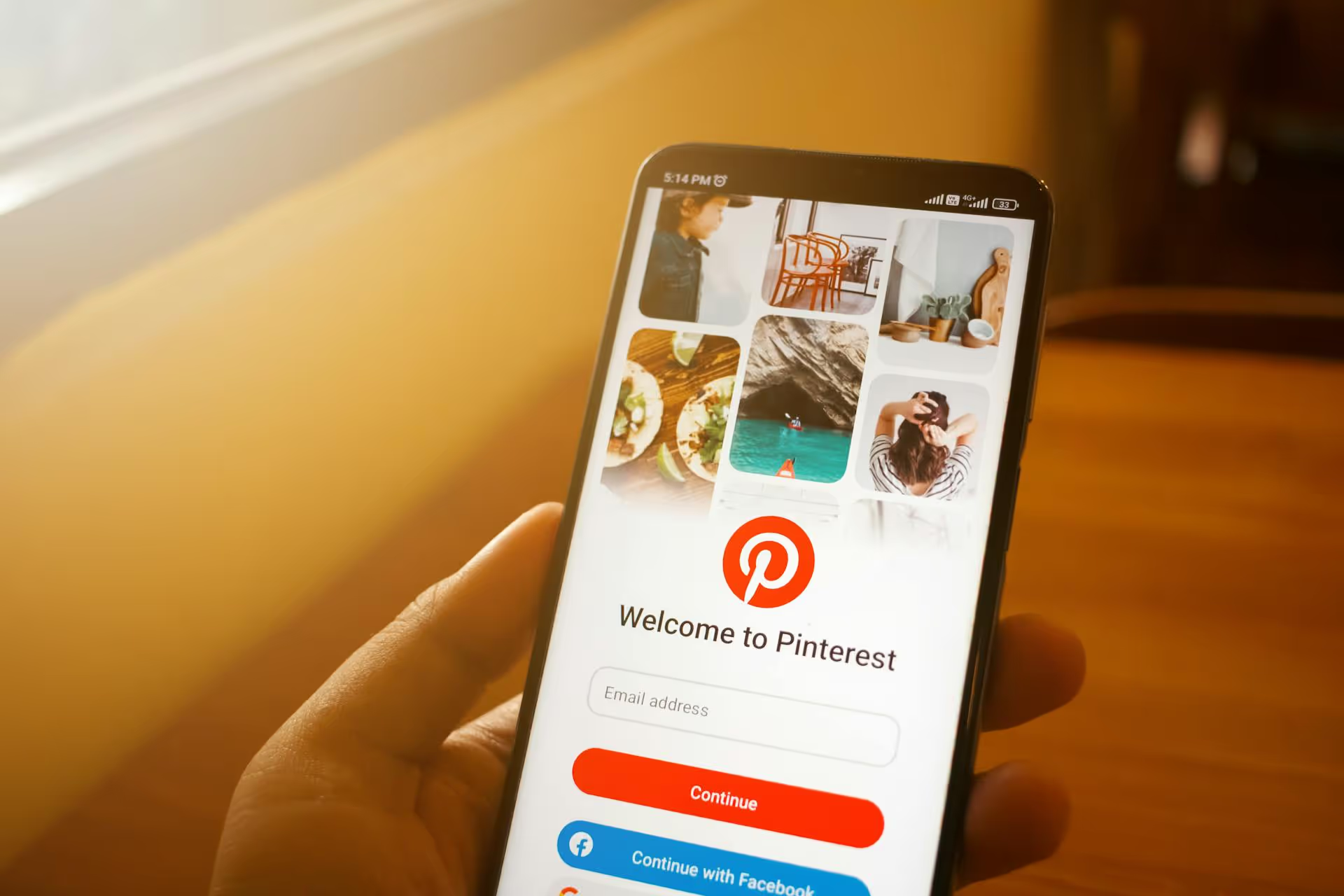
Pinterest’s Remix feature is your chance to join the conversation, not just start it. This interactive tool lets you build upon existing Idea Pins, creating a collaborative and dynamic experience for you and other creators on the platform. This guide will walk you through exactly how to create your first Remix, share actionable strategies for making your content stand out, and give you ideas to get your creative gears turning.
Think of Remix as Pinterest’s answer to TikTok’s Duet and Stitch features. It’s a tool built into Idea Pins that lets you record your own video right alongside or after someone else's Pin. You can react to content, add your own spin on a project, show a different perspective, or simply respond to a great idea. At its core, it’s all about collaboration.
So, why should you start using it? Three main reasons:
Ready to give it a try? The process is straightforward and happens right inside the Pinterest app. You can only Remix Idea Pins that have the feature enabled by the original creator, so keep an eye out for the Remix button.
Start by browsing your home feed or searching for topics you’re interested in. Look for Idea Pins that resonate with your brand or niche. When you open an Idea Pin, you'll see a few icons at the bottom of the screen. If the creator has enabled the feature, you'll see a white button that says “Remix.” You've found your inspiration!
Tap the “Remix” button. This will open the Pinterest creation studio, with the original Pin’s clips lined up at the bottom of the screen. You will have a few options for how you want to combine your content with the original:
Use Pinterest's native camera function to record your video clips. Just like with a regular Idea Pin, you can shoot multiple segments, trim them, and rearrange them. This is where you can bring your personal flair to the Remix. You have access to all of the standard Idea Pin editing features:
After you've recorded and arranged your clips the way you want, play back the preview. Make sure everything looks smooth and makes sense. You can add final overlays that span the whole Remix. Once you're happy with it, give your pin a title and description, and select the most relevant board for it. Remember to add tags and any necessary links.
This is an essential step. When you publish your Remix, the original creator will be automatically credited on the Pin itself. This isn't just a way to say, "thanks for the inspiration," but it also helps their followers discover your content. When everything looks good, hit the "Publish" button, and you're live! Your Remix is now live on Pinterest, ready to inspire others in turn.
Just because you can Remix doesn't mean you should just hit the record button and talk. The most useful Remixes serve a value and purpose. Use your Remix to show your expertise, creativity, and personality. Here are some actionable ideas for different niches:
For food bloggers and DIYers, this is gold. Remix a cooking or crafting video and add your unique spin. Did you substitute salt with soy sauce in a baking recipe? Or maybe you have a different painting technique that makes a project easier? This shows your creativity and gives your followers valuable ideas.
See a 'life hack' pin that you think can be done even better? Remix the original Pin showing how you can do it faster or more easily. This positions you as a problem-solver and proves your ability to help the community make their lives easier.
If you sell products, you can Remix styling Idea Pins to show how to incorporate your product into a look. You might wear their suggested shirt with a pair of your handmade jeans, or show how your art print looks in a "room makeover" pin. This is a natural, non-salesy way to share your product with an audience and show its versatility in real-world scenarios.
Transformations are powerful on visual platforms. Remix a “before” clip - like a messy room, unstyled hair, or a blank canvas - and add your "after" clip to the end. This format works great for home organization, beauty tutorials, fitness progress, or art creation. It creates a satisfying reveal that encourages viewers to watch until the end.
Authentic reactions are always engaging. Remix a Pin that is funny, shocking, or particularly insightful and film your genuine reaction side-by-side. Your commentary or expressions can add a human touch that builds a deeper connection with your followers. It's a low-lift way to generate content while showing off your personality.
If a creator posts a Pin asking a question, use Remix to answer it. Alternatively, find an educational Pin in your niche and add more information or another layer of context. For example, a financial advisor could Remix a video about budgeting to add a specific tip for freelancers. This positions you as an expert and adds value to the original conversation.
Not all Remixes are created equal. To make sure yours grabs attention and drives engagement, keep these tips in mind:
Pinterest Remix is a powerful tool for boosting engagement, reaching new audiences, and joining the creative conversation on the platform. By adding your unique voice and building on existing ideas, you transform from a passive viewer into an active participant in the Pinterest community.
Creating great, idea-first content like Remixes should be the goal, but keeping it organized alongside content schedules for multiple platforms can be a challenge. At Postbase, we built a platform specifically designed for today's visual-driven social world, where short-form video is king. With our clear, visual platform, you can schedule all your content for Pinterest, TikTok, Instagram, and other social media feeds in the same place. We make it easy to keep your platforms consistent, stay true to your brand's look, and keep everything connected.
Spencer's spent a decade building products at companies like Buffer, UserTesting, and Bump Health. He's spent years in the weeds of social media management—scheduling posts, analyzing performance, coordinating teams. At Postbase, he's building tools to automate the busywork so you can focus on creating great content.

Enhance your email signature by adding social media icons. Discover step-by-step instructions to turn every email into a powerful marketing tool.
Record clear audio for Instagram Reels with this guide. Learn actionable steps to create professional-sounding audio, using just your phone or upgraded gear.
Check your Instagram profile interactions to see what your audience loves. Discover where to find these insights and use them to make smarter content decisions.
Requesting an Instagram username? Learn strategies from trademark claims to negotiation for securing your ideal handle. Get the steps to boost your brand today!
Attract your ideal audience on Instagram with our guide. Discover steps to define, find, and engage followers who buy and believe in your brand.
Activate Instagram Insights to boost your content strategy. Learn how to turn it on, what to analyze, and use data to grow your account effectively.
Wrestling with social media? It doesn’t have to be this hard. Plan your content, schedule posts, respond to comments, and analyze performance — all in one simple, easy-to-use tool.



