

How to Add Social Media Icons to an Email Signature
Enhance your email signature by adding social media icons. Discover step-by-step instructions to turn every email into a powerful marketing tool.

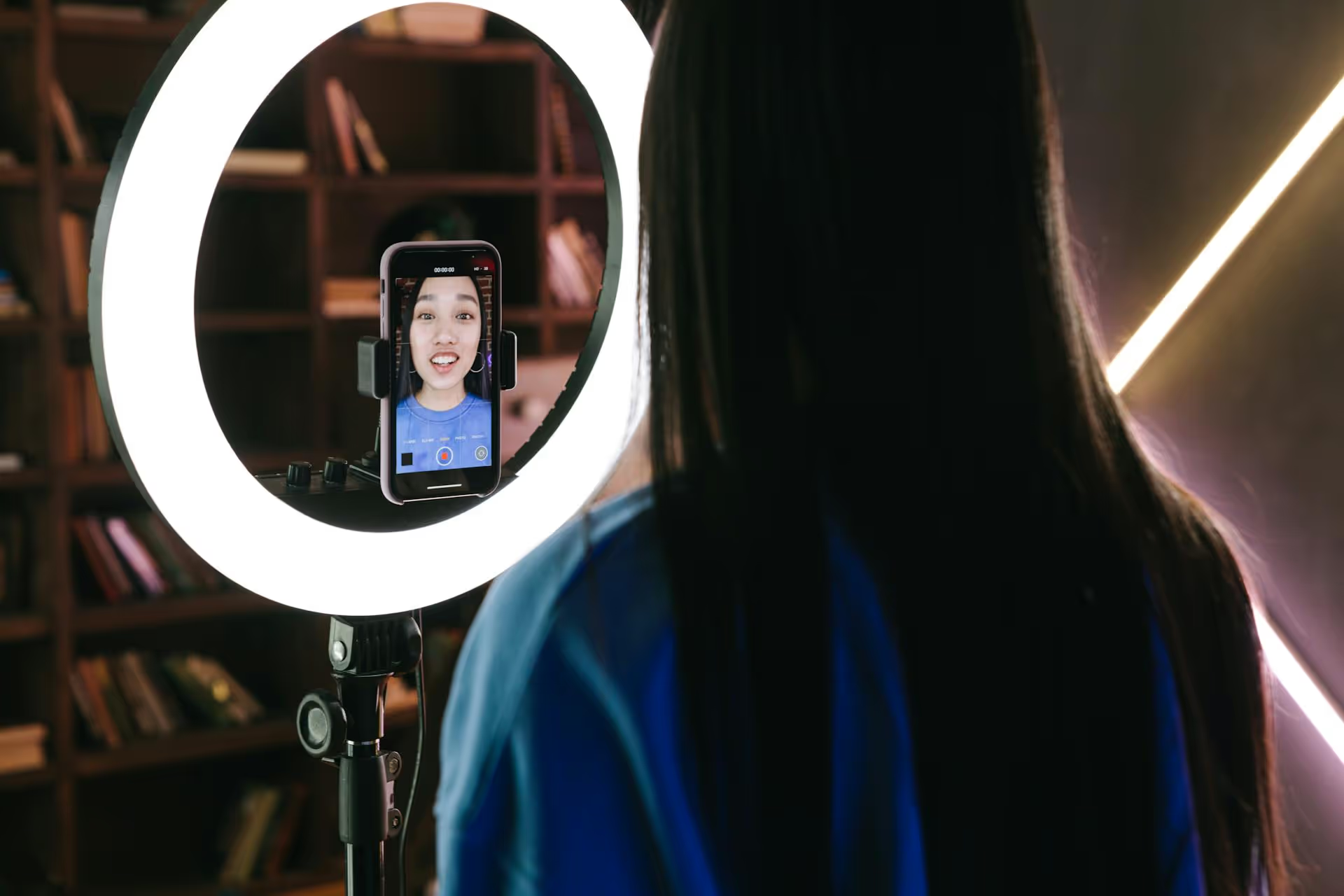
Turning your Facebook passion into a real paycheck is more achievable than ever before, but it requires a plan. Gone are the days of just posting and hoping for the best. This guide breaks down the exact monetization methods available to creators on Facebook, from building an audience that trusts you to strategically activating different revenue streams.
Before you can think about making money, your Facebook presence needs to be structured for business. You have two primary options: a Facebook Page or a personal Profile with Professional Mode turned on. While a regular profile is great for friends and family, it locks you out of the analytics and monetization tools that are essential for growth.
Both Professional Mode and Pages unlock critical features:
For most individual creators, activating Professional Mode on your existing profile is the fastest path forward. It converts your "friends" into "followers" and gives you immediate access to creator tools without needing to build a new page from scratch. If you're building a brand or business, a dedicated Facebook Page might be a better long-term fit.
Once you’ve got your Page or Pro Mode set up, take five minutes to optimize it. First impressions matter.
You can’t monetize an empty room. Before any money changes hands, you need to build an audience that knows, likes, and trusts you. That process boils down to two things: consistent, niche-specific content and genuine community interaction.
The biggest mistake new creators make is trying to be everything to everyone. To build a loyal audience, you need to be known for something. Are you the go-to person for thrift store fashion flips? The expert on Star Wars lore? The artist who creates stunning digital pet portraits? Pick a lane and become a trusted voice within it.
When you're consistent, your audience knows what to expect, and Facebook's algorithm learns exactly who to show your content to. It's how you move from reaching random people to reaching the *right* people.
Facebook isn't just about text updates anymore. To succeed as a creator, you need to leverage the formats that drive the most discovery and engagement.
Once you have an engaged audience and are posting content consistently, you can start exploring Facebook's built-in monetization tools. You can find your eligibility status for all of these programs in your Professional Dashboard under "Monetization."
Keep in mind that all monetization tools require you to follow Facebook's Partner Monetization Policies, which means creating original, authentic content and adhering to community standards.
This is one of the most common monetization methods on the platform. It places short ads (pre-roll, mid-roll, or post-roll) in your longer videos. You earn a share of the ad revenue generated from these placements.
Stars are a virtual currency that your followers can purchase and send to you during Live streams and on some videos. Think of it as a virtual tip jar. For every Star you receive, Facebook pays you $0.01.
Subscriptions allow your most dedicated fans to support you with a recurring monthly payment in exchange for exclusive perks. This creates a predictable, stable source of monthly income.
This is an invite-only program that rewards creators directly for the engagement (reactions, comments, shares) their public content receives. Instead of being tied to a specific format like video, it applies to almost any post you make.
Your Facebook audience is an asset you can leverage in ways that have nothing to do with Facebook's tools. Building your own revenue streams outside the platform gives you more control and often higher earning potential.
Affiliate marketing is simply recommending a product or service you love and earning a commission if someone makes a purchase through your unique link. It’s perfect because it lets you monetize your niche expertise without creating your own product.
As your audience grows, brands will pay you to create content featuring their products or services. This could be a dedicated Reel, a mention in a live stream, or a series of story posts.
This is often the end goal for many creators. By creating and selling your own product, you control the pricing, messaging, and profit.
Making money as a creator on Facebook is a marathon, not a sprint. Success comes from consistently creating content for a specific audience, fostering a strong community, and then layering in the right monetization strategies - both on and off the platform - that fit your brand.
That consistency is the hardest part. To keep our own content pipeline flowing without getting overwhelmed, we use a tool like Postbase to plan our entire content schedule on a visual calendar. We create everything in batches, schedule it once to post across all our platforms (including Reels), and then trust that it will go live without a hitch. This frees us up to focus on the part that really matters: engaging with our community.
```
Spencer's spent a decade building products at companies like Buffer, UserTesting, and Bump Health. He's spent years in the weeds of social media management—scheduling posts, analyzing performance, coordinating teams. At Postbase, he's building tools to automate the busywork so you can focus on creating great content.

Enhance your email signature by adding social media icons. Discover step-by-step instructions to turn every email into a powerful marketing tool.
Record clear audio for Instagram Reels with this guide. Learn actionable steps to create professional-sounding audio, using just your phone or upgraded gear.
Check your Instagram profile interactions to see what your audience loves. Discover where to find these insights and use them to make smarter content decisions.
Requesting an Instagram username? Learn strategies from trademark claims to negotiation for securing your ideal handle. Get the steps to boost your brand today!
Attract your ideal audience on Instagram with our guide. Discover steps to define, find, and engage followers who buy and believe in your brand.
Activate Instagram Insights to boost your content strategy. Learn how to turn it on, what to analyze, and use data to grow your account effectively.
Wrestling with social media? It doesn’t have to be this hard. Plan your content, schedule posts, respond to comments, and analyze performance — all in one simple, easy-to-use tool.



