

How to Add Social Media Icons to an Email Signature
Enhance your email signature by adding social media icons. Discover step-by-step instructions to turn every email into a powerful marketing tool.

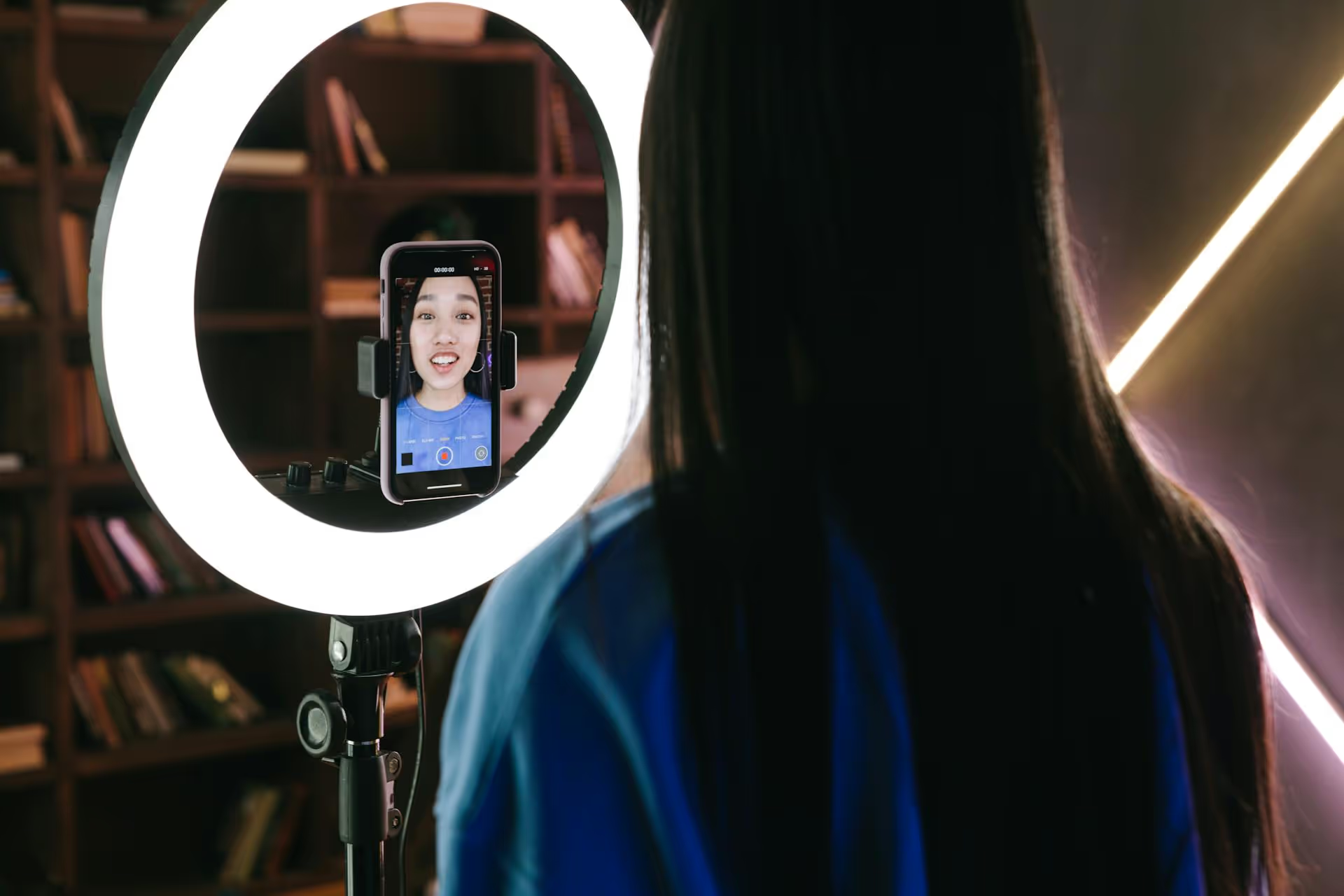
Getting your videos seen on TikTok is one thing, but turning those views into actual website traffic or sales is the real goal for many creators and brands. The good news is that with the right strategy, you can convert your TikTok audience from passive viewers into active community members and customers. This guide breaks down the actionable steps you need to take to not only grow your views but also drive meaningful traffic off the platform.
Before you create a single video, you need a basic understanding of how TikTok decides what to show people. The "For You" page (FYP) is a highly personalized feed powered by an algorithm that's trying to predict what you, the user, want to see. It’s not about how many followers an account has, it's about the quality and relevance of the individual video.
The algorithm looks at several signals to rank videos, including:
However, the single most important factor is video performance and watch time. When you post a video, TikTok first shows it to a small group of users. If that group responds well - meaning they watch it to the end (or multiple times), like it, comment, or share it - TikTok pushes it out to a larger audience. This cycle continues, which is how videos go viral. Your job is to create content that captures attention and keeps people watching as long as possible.
Your content is the foundation of your traffic strategy. If your videos don’t get seen, you can’t drive traffic from them. Here’s how to create content designed for the TikTok algorithm and audience.
TikTok is a fast-paced environment. You have, at most, three seconds to convince someone to stop scrolling and watch your video. A strong opening, or "hook," is non-negotiable.
Here are a few types of effective hooks:
Think about what would make you stop scrolling. More often than not, it's a "story that hasn't been finished" or a promise of valuable information delivered quickly.
A successful TikTok strategy often includes a mix of two content types: trends and evergreen videos.
Trending Content: This involves using popular sounds, memes, or formats. Participating in trends is a great way to increase discoverability because the algorithm is already promoting that specific sound or format. Keep an eye on your FYP and use the TikTok Creative Center to spot what's currently popular. The key is to adapt the trend to fit your niche, not just copy it without context.
Evergreen Content: These are videos that will be valuable and relevant for weeks, months, or even years. This could be how-to tutorials, tips and tricks, Q&,As, or foundational information related to your industry or niche. For example, a financial advisor could create a video on "The difference between a Roth IRA and a 401(k)." This content won't get a huge spike from a trend, but it will consistently find new viewers over time through search and algorithmic recommendations, building your authority.
A good starting point is a 70/30 split: 70% trending content for reach and 30% evergreen content to build authority and provide lasting value.
Sound is the backbone of TikTok. The platform separates videos from audio, allowing any sound to be used (or reused) by other creators. A trending sound acts like a viral hashtag, giving your video an extra push within the algorithm.
To find trending sounds, simply scroll your FYP. If you hear the same audio two or three times in a short span, it's likely trending. You can tap on the sound at the bottom of the screen to see how many videos have been made with it and save it to your favorites. However, if you have a Business Account, your access to commercial music is limited due to licensing restrictions. Don't worry - you still have access to the Commercial Music Library, which is full of royalty-free tunes you can safely use.
Hashtags on TikTok primarily categorize your video so the algorithm understands what it’s about and who to show it to. Forget the old Instagram advice of using 30 hashtags. On TikTok, less is more.
Aim for 3 to 5 relevant hashtags per video. A good mix includes:
Avoid using massive, generic hashtags like #fyp, #foryou, or #viral. At one point, people thought these could "trick" the algorithm into showing your video on the FYP, but that’s not really how it works. Stick to hashtags that actually describe what your video is about.
TikTok isn’t a broadcast channel, it’s a social platform. When people comment on your videos, it sends a powerful signal to the algorithm that your content is valuable and engaging. Your job is to encourage and participate in that conversation.
To build an audience, people need to know they can expect content from you regularly. While you don’t need to post multiple times a day, aiming for 3-5 times per week is a solid goal when you're trying to grow.
More important than frequency is when you post. You want your video to go live when your target audience is most active on the app. TikTok gives you this information for free.
Post during those peak hours to give your content the best possible chance of getting seen right away.
Now for the most important part: turning those hard-earned views into website clicks.
Your bio is your only chance to place a clickable link on your profile. You need a Business Account or a Creator Account with over 1,000 followers to add a website link. Make it count.
Your bio should quickly explain who you are, what you offer, and why someone should click your link. Be specific. Instead of "Marketing Expert," try "I help small businesses grow with simple marketing tips."
Since you only get one link, use a "link-in-bio" tool to create a simple landing page that houses multiple links to your website, blog, products, or other social channels.
You can't just expect people to find your link. You have to tell them what to do. A call-to-action (CTA) is a clear instruction that directs your audience.
You can place CTAs in three places:
Don’t be shy about it. A clear, compelling reason to click will massively increase your traffic.
Growing on TikTok and driving traffic from it comes down to a consistent system: create value-packed content with a strong hook, post at times when your audience is active, engage with your community, and use clear calls-to-action that tell people exactly where to go next. Follow these fundamentals, stay consistent, and you'll build an engine that turns viewers into a dedicated audience.
Building a killer TikTok strategy that feels both creative and sustainable requires a plan. As people who live and breathe social media, we built Postbase to make that process easier. Our visual calendar lets you plan out your video ideas for the week, our scheduling tool ensures your content goes live reliably during those peak follower hours, and our unified analytics show you what's actually working without needing to jump between five different screens. It gives you the structure you need so you can focus on the fun part: making great TikToks.
```
Spencer's spent a decade building products at companies like Buffer, UserTesting, and Bump Health. He's spent years in the weeds of social media management—scheduling posts, analyzing performance, coordinating teams. At Postbase, he's building tools to automate the busywork so you can focus on creating great content.

Enhance your email signature by adding social media icons. Discover step-by-step instructions to turn every email into a powerful marketing tool.
Record clear audio for Instagram Reels with this guide. Learn actionable steps to create professional-sounding audio, using just your phone or upgraded gear.
Check your Instagram profile interactions to see what your audience loves. Discover where to find these insights and use them to make smarter content decisions.
Requesting an Instagram username? Learn strategies from trademark claims to negotiation for securing your ideal handle. Get the steps to boost your brand today!
Attract your ideal audience on Instagram with our guide. Discover steps to define, find, and engage followers who buy and believe in your brand.
Activate Instagram Insights to boost your content strategy. Learn how to turn it on, what to analyze, and use data to grow your account effectively.
Wrestling with social media? It doesn’t have to be this hard. Plan your content, schedule posts, respond to comments, and analyze performance — all in one simple, easy-to-use tool.



