

How to Add Social Media Icons to an Email Signature
Enhance your email signature by adding social media icons. Discover step-by-step instructions to turn every email into a powerful marketing tool.

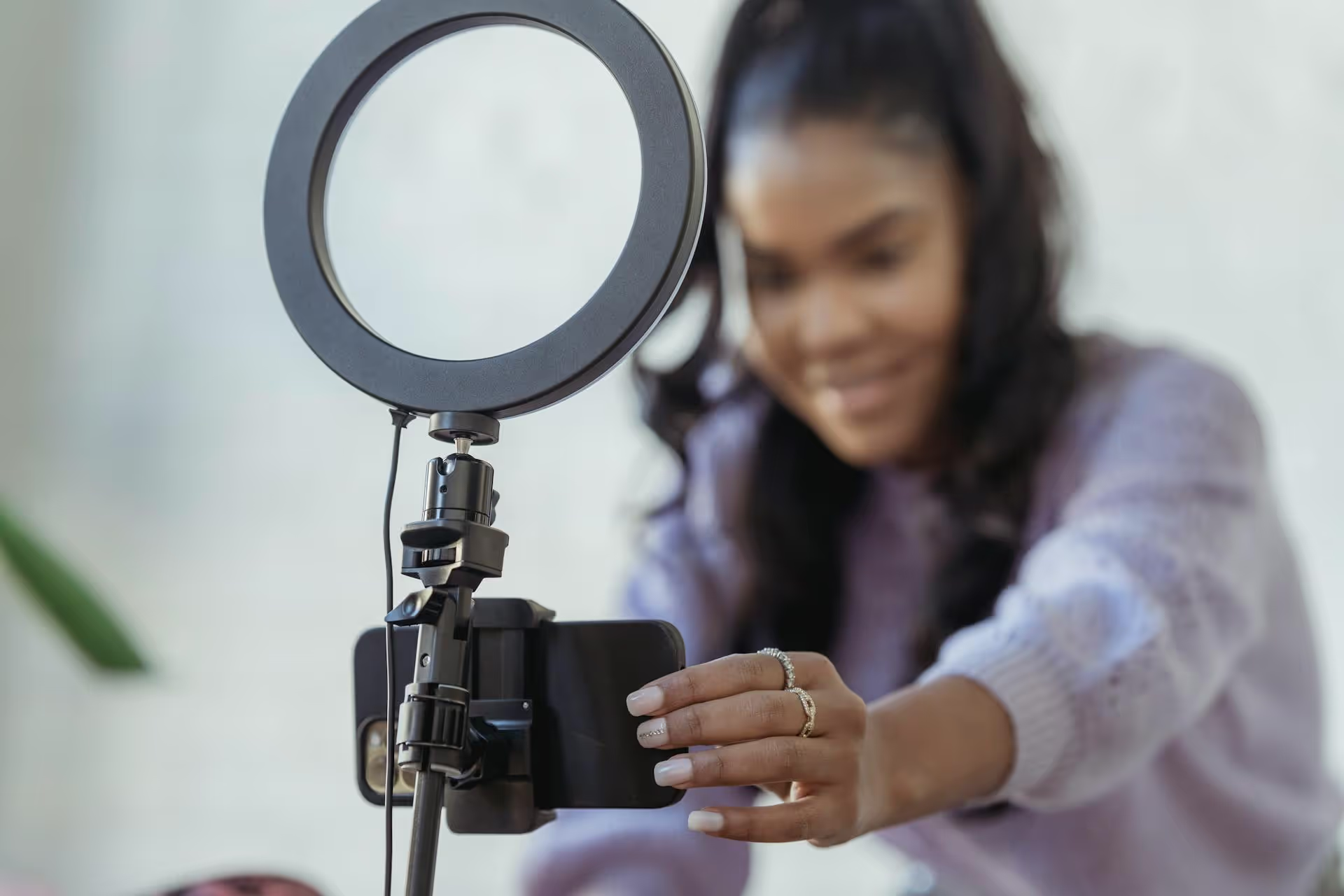
Scheduling your TikToks is one of the best ways to post more consistently, save a massive amount of time, and get your content in front of your audience when they’re most active. This guide breaks down exactly how to schedule your posts, from using TikTok’s built-in tool to adopting a more powerful workflow that keeps you organized.
In a perfect world, you’d come up with an amazing video idea, film it, edit it, and post it right at the perfect moment - every single day. But life gets in the way. Scheduling lets you take control of your content calendar instead of letting your schedule control you. There are three big wins here:
TikTok has its own built-in scheduler that works directly from your desktop browser. It’s a great starting point if you're producing your content on a computer. The process is straightforward, but remember, it only works on your desktop, not the mobile app.
Here’s the step-by-step breakdown:
Open your favorite web browser on your laptop or desktop computer and navigate to tiktok.com. Log into your account if you haven’t already. The interface will look a little different from the mobile app, but your profile and For You Page will be there.
Look for a cloud icon with an upward-pointing arrow in the top-right corner of the screen. It should be right next to your messages and inbox icons. Click on this “Upload” button to get started.
You'll be taken to the upload screen. You can either drag and drop your video file directly onto the designated area or click on the “Select file” box to open your computer’s file explorer and choose your video. TikTok supports common video formats like MP4 or WebM. Be aware of the file requirements: the resolution must be 720x1280 or higher, the length can be up to 10 minutes, and the file size should be under 2GB.
This is where you bring your post to life. Just like on the app, you’ll need to prepare all the elements of your TikTok:
Now for the most important part. Right below the privacy settings, you’ll see a toggle switch labeled “Schedule video.” Click this to turn it on. The button will slide to the right and turn green, revealing date and time selection fields.
A calendar will pop up. Select the future date and time you want your TikTok to go live. TikTok allows you to schedule posts anywhere from 15 minutes to 10 days in the future. Pay close attention to the time zone - the scheduler automatically detects your computer's local time zone, just double-check that it’s correct.
Once you’ve double-checked your caption, hashtags, cover, and scheduled time, click the red “Schedule” button. That’s it! Your video is now queued up and will automatically be published at the time you chose. You can view your scheduled posts in your drafts.
While the native tool is functional, it comes with some serious limitations that can slow down solo creators and marketing teams.
Learning how to schedule is the first step. The next step is learning how to do it effectively to grow your account. Here are some strategies that professional creators and social media managers use to get the most out of scheduling.
Don't just guess when to post. Use your data! TikTok provides its own analytics that tell you exactly when your followers are most active.
To find this: Go to your Profile &rarr, Tap the three lines in the top-right &rarr, Select Creator Tools &rarr, Tap on Analytics &rarr, Go to the Followers tab.
Scroll down to "Follower Activity." You'll see a graph showing the hours of the day when your audience is most active. Use this data to schedule your posts to drop right before or during these peak times for an initial engagement boost.
A smooth scheduling session happens when you have everything ready to go. Before you even sit down to schedule, have these three things finalized for each video:
Scheduling is a tool for efficiency, not an excuse to disengage. The first hour after a video is posted (the "golden hour") is very important. This is when initial engagement - likes, comments, shares, and saves - signals to the algorithm that your content is resonating with viewers.
Even if you’ve scheduled a post, try to be online when it goes live. As comments start appearing, respond to them right away. Answering questions, pinning thoughtful comments, and liking replies shows your audience you're present and can spark even more conversation, which is great fuel for an algorithmic boost.
Scheduling your TikToks moves you from being a reactive content creator to a proactive one. Whether you stick with TikTok’s native desktop tool or use a dedicated platform, a consistent calendar saves you time, reduces stress, and gives your content the best possible chance to succeed by reaching your audience at just the right time.
The limitations of the native scheduler - especially being stuck on desktop and not being able to manage across platforms - are exactly why we built Postbase. We wanted a clean, modern way to plan all our social content (TikToks, Reels, Shorts, and more) in one beautiful visual calendar, schedule posts reliably without them failing, and handle all our comments from a single inbox. It’s the kind of simple, powerful tool we always wished we had for ourselves.
Spencer's spent a decade building products at companies like Buffer, UserTesting, and Bump Health. He's spent years in the weeds of social media management—scheduling posts, analyzing performance, coordinating teams. At Postbase, he's building tools to automate the busywork so you can focus on creating great content.

Enhance your email signature by adding social media icons. Discover step-by-step instructions to turn every email into a powerful marketing tool.
Record clear audio for Instagram Reels with this guide. Learn actionable steps to create professional-sounding audio, using just your phone or upgraded gear.
Check your Instagram profile interactions to see what your audience loves. Discover where to find these insights and use them to make smarter content decisions.
Requesting an Instagram username? Learn strategies from trademark claims to negotiation for securing your ideal handle. Get the steps to boost your brand today!
Attract your ideal audience on Instagram with our guide. Discover steps to define, find, and engage followers who buy and believe in your brand.
Activate Instagram Insights to boost your content strategy. Learn how to turn it on, what to analyze, and use data to grow your account effectively.
Wrestling with social media? It doesn’t have to be this hard. Plan your content, schedule posts, respond to comments, and analyze performance — all in one simple, easy-to-use tool.



