

How to Add Social Media Icons to an Email Signature
Enhance your email signature by adding social media icons. Discover step-by-step instructions to turn every email into a powerful marketing tool.

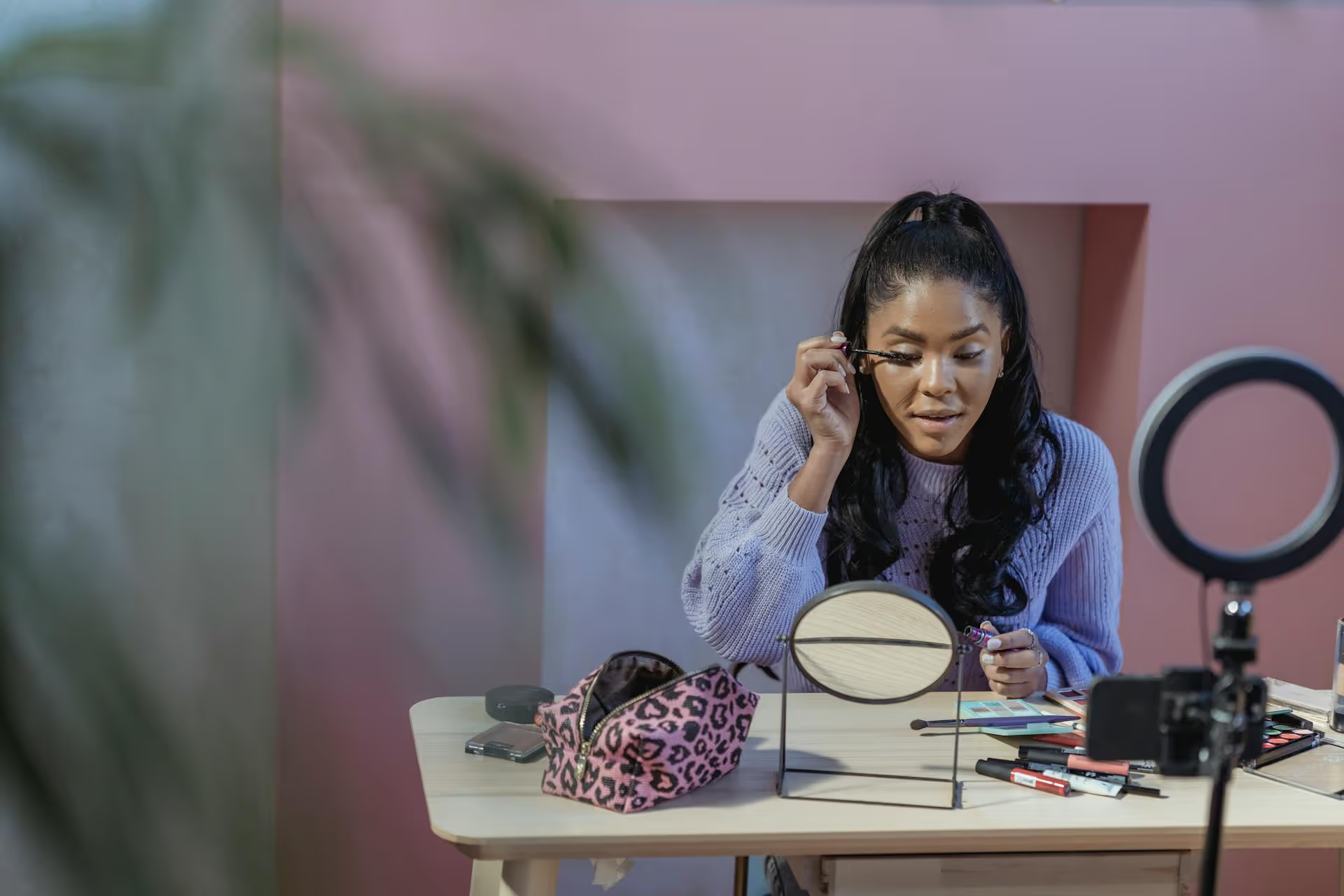
Adding your own voice to a viral TikTok is a powerful way to join a trending conversation, share your expertise, or simply showcase your unique sense of humor. This guide will show you exactly how to Duet on TikTok with a mic, walking you through every step from the initial setup to tips for getting crystal-clear audio that makes your content stand out.
A standard Duet shows your reaction side-by-side with another video, but using your microphone unlocks a whole new level of creativity. By adding your own audio, you transform a simple reaction into a personalized piece of content. This is your chance to stop being a passive viewer and become an active participant in a trend.
Here are just a few ways you can use your mic to elevate your Duets:
Getting your voice into a Duet is surprisingly straightforward once you know where to look. Let's walk through the exact process so you can get it right on your first try.
First, find the TikTok you want to Duet. You can’t Duet every video - some creators disable the feature. If it's available, you'll see the option.
Before you record, the Duet creation screen will pop up. Your camera feed will be on the right side by default. On the right-hand toolbar, tap the "Layout" button. You can choose different configurations like "Top & Bottom," a "Green Screen" background, or the "React" floating-head option to find the format that best suits your video idea.
This is the most critical step and the one most people miss. By default, TikTok does not record your microphone audio in a Duet. You have to turn it on manually.
Look at the toolbar on the right side of the recording screen. You will see a small microphone icon. Tap it.
When you tap the mic icon, a message will pop up saying "Microphone on." You'll notice the icon now looks "on," often without a line through it. Now, when you press the record button, TikTok will capture both the original video's audio and the sound from your phone's microphone.
Pro Tip: If you forget to do this and record your video, don't worry. You can still add a voiceover later in the editing phase, but recording it live often feels more natural and spontaneous.
With your mic now on, you're ready to film. Press the red record button at the bottom of the screen to start. You can either tap it to start recording until the clip runs out, or you can press and hold to record for a specific duration. React, sing, commentate, or do whatever you planned. When you're finished, tap the checkmark to move to the editing screen.
Recording is only half the battle. Properly balancing the audio is what separates a confusing mess from a clear, professional-sounding Duet. After your recording is done, you'll be taken to the post-production or editing screen. Here’s what to focus on.
Once you’re on the editing screen, tap the "Volume" button on the right-side toolbar. This opens up a simple mixer with two sliders:
The number one mistake people make is leaving both sliders at 100%. If you do this, your voice and the original sound will compete, and viewers won't be able to distinguish what you're saying. For commentary or speaking videos, a good starting point is to lower the "Original Sound" to around 10-30% and keep your "Added Sound" at or above 100%.
Play it back to check the balance. Can you clearly hear what you're saying without the original sound being too distracting? Adjust until it feels right.
For a creative touch, you can alter your voice using TikTok's built-in effects. On the editing screen's toolbar, find "Voice effects." You can apply filters that make you sound like a robot, a chipmunk, or as if you’re speaking through a microphone. This can add a comedic layer to your Duet, especially for silly or meme-based content.
Making sure viewers can hear your Duet is good. Making sure it sounds crisp and clean is even better. You don't need a professional recording studio to drastically improve your audio quality. Follow these simple tips.
Your phone's microphone is designed to pick up everything around it. That includes the echo from an empty room, the hum of your air conditioner, traffic outside your window, or your roommate watching TV in the other room. Find the quietest space available. A room with soft surfaces like carpets, curtains, and furniture will absorb sound and reduce echo, making your voice sound much clearer.
The microphone built into your smartphone is decent, but an external mic will provide a massive leap in quality for just a small investment. You don't need anything fancy.
Using any of these options will make your audio sound instantly richer and less distant.
Before recording a full take, film a quick 5-second test video where you speak normally. Watch it back (preferably with headphones) to check a few things: Are you too loud and causing distortion? Are you too quiet? Is there a distracting background noise you didn't notice before? This simple habit can save you from re-recording multiple times.
If you're doing commentary or giving educational tips, you have a limited amount of time to get your point across. Jot down a few bullet points on a notepad or sticky note and place it near your phone. This isn't about reading a script word-for-word, which can sound robotic. It’s about having a clear plan so you don't ramble or stumble over your words. The more confident and prepared you sound, the more professional the final Duet will feel.
Mastering the mic-on Duet feature is a fantastic way to add your voice to the endless conversations happening on TikTok every day. By following these steps to enable your mic, carefully balancing your audio levels, and taking a few extra measures to ensure sound quality, you'll be creating content that not only entertains but also helps you build a community around your unique perspective.
Once you’re consistently creating killer Duets and other short-form videos, managing your posting schedule can quickly become a chore. At Postbase, we designed our platform for the modern video-first world by simplifying content management. Instead of wrestling with a complicated tool, you can use our visual calendar to plan, schedule, and publish all your TikToks, Reels, and Shorts across every platform from one clean, reliable space. It’s all about helping you spend more time on what you do best - creating amazing content.
Spencer's spent a decade building products at companies like Buffer, UserTesting, and Bump Health. He's spent years in the weeds of social media management—scheduling posts, analyzing performance, coordinating teams. At Postbase, he's building tools to automate the busywork so you can focus on creating great content.

Enhance your email signature by adding social media icons. Discover step-by-step instructions to turn every email into a powerful marketing tool.
Record clear audio for Instagram Reels with this guide. Learn actionable steps to create professional-sounding audio, using just your phone or upgraded gear.
Check your Instagram profile interactions to see what your audience loves. Discover where to find these insights and use them to make smarter content decisions.
Requesting an Instagram username? Learn strategies from trademark claims to negotiation for securing your ideal handle. Get the steps to boost your brand today!
Attract your ideal audience on Instagram with our guide. Discover steps to define, find, and engage followers who buy and believe in your brand.
Activate Instagram Insights to boost your content strategy. Learn how to turn it on, what to analyze, and use data to grow your account effectively.
Wrestling with social media? It doesn’t have to be this hard. Plan your content, schedule posts, respond to comments, and analyze performance — all in one simple, easy-to-use tool.



