

How to Add Social Media Icons to an Email Signature
Enhance your email signature by adding social media icons. Discover step-by-step instructions to turn every email into a powerful marketing tool.

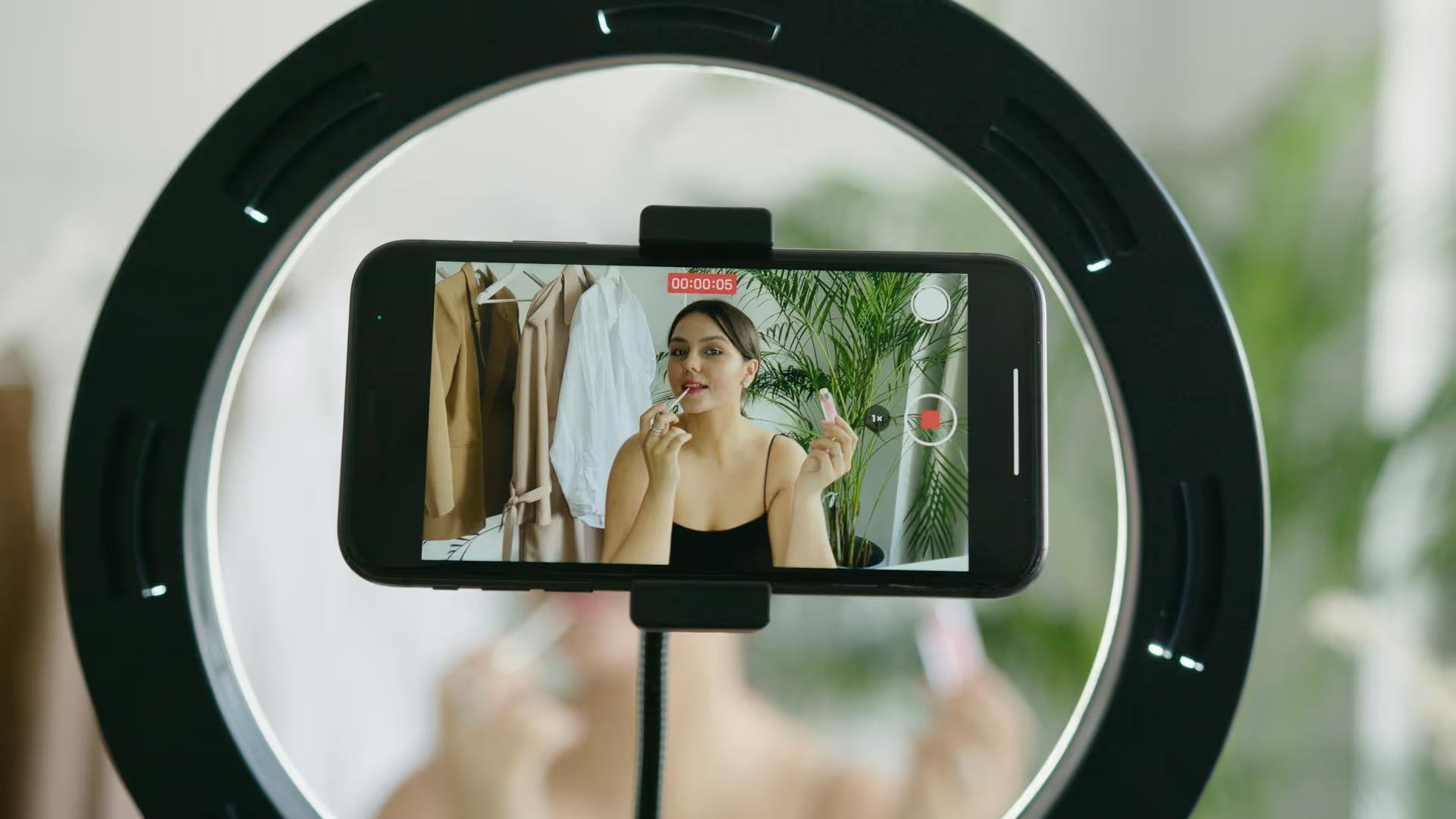
Writing a YouTube Shorts description feels like an afterthought for many creators, but neglecting this small piece of text is a missed opportunity for discovery. A well-crafted description gives YouTube's algorithm the context it needs to find the right audience for your video, boosting your visibility in search and suggested feeds. This guide walks you through a step-by-step process for writing great descriptions that get your Shorts seen by more people.
It's easy to assume Shorts descriptions don't matter. They're usually hidden behind a "more" button, and the format is all about quick, fast-paced consumption. If no one's reading it, why bother writing it? That's a fair question, but it misses the most important audience for your description: the YouTube algorithm.
YouTube is a search engine. Its algorithm is constantly working to understand what every single video is about so it can match it with the right viewers. While it analyzes your video's audio, visual elements, and title, the description provides a rich source of text-based context that is easy to catalog. It’s your chance to tell the system exactly what your Short contains, who it's for, and why they should care.
Here’s why a thoughtful description moves the needle:
Your description isn't just metadata, it's a strategic tool for discoverability and engagement that works silently in the background.
A great Shorts description doesn't need to be a long essay. It just needs to be structured strategically to deliver maximum impact in a concise format. We can break it down into three simple parts: the hook, the context, and the call-to-action.
When someone expands your description, the first one or two lines are immediately visible. This "above the fold" text is your opportunity to grab a curious viewer’s attention and reinforce the value proposition of your Short. Don't waste it with generic filler.
Your hook should mirror the energy of your video and create intrigue. It should directly relate to the content they just watched and make them want to know a little more.
Strategies for a Strong Hook:
Imagine your Short is a 30-second tutorial on a photo editing trick.
Imagine your Short is a funny clip of your dog.
This is where you give the algorithm the keywords it needs to properly categorize your content. After your hook, write a short paragraph of two to three sentences that provides more detail about the video. Your goal here is to naturally include a few keywords and phrases that someone might use to find a video like yours.
How do you find the right keywords? The easiest way is to use the YouTube search bar. Start typing a phrase related to your video and look at what autosuggests. Those suggestions are based on what real people are actively searching for.
For a Short about a "one-pan chicken and rice recipe," you might find related searches like:
Weave these naturally into your context paragraph. Don't just stuff a list of keywords - write in full, readable sentences. This extra context also adds value for viewers who want more information, such as the specific tools you used, the location you visited, or where they can find an ingredient.
For the "one-pan chicken and rice" recipe video:
"This one-pan chicken and rice recipe is the perfect solution for busy weeknights. It’s a healthy one-pan meal that’s ready in under 30 minutes, making it one of our go-to quick chicken recipes when we don’t have time to cook. All you need is some chicken breast, rice, your favorite veggies, and a few spices for one of the best easy weeknight dinner ideas you'll ever find!"
This paragraph signals to YouTube exactly what the content is about and helps it find viewers who are looking for that specific type of recipe.
Don’t let the viewer’s journey end after they watch your Short. The final part of your description is your call-to-action (CTA), where you tell them exactly what to do next. Be direct, clear, and make it easy for them to follow through. Place any links you have here, and always use the full URL (https://www.yourlink.com) to ensure it's clickable.
Effective CTAs for YouTube Shorts:
This part of the description turns a passive viewer into an active participant in your community. Each link clicked and question answered sends positive engagement signals back to the YouTube algorithm, reinforcing your channel's authority on a topic.
Hashtags on YouTube are another useful tool for classification, but the approach should be different than on platforms like Instagram. Your goal isn't to be discovered solely through hashtags, but to use them to refine the algorithm's understanding of your content. Piling on 30 generic tags won't help, in fact, it can confuse the system by sending mixed signals.
For YouTube Shorts, a focused strategy of 3-5 highly relevant hashtags at the end of your description is ideal.
Here's how to structure your hashtag block:
#photographytips, #fitness, #diycrafts. #lightroomediting, #bodyweightworkout, #resinjewelry. This mix gives the algorithm both wide and specific signposts to work with, helping it place your content in front of a balanced audience of casual viewers and enthusiasts.
Writing a great description becomes much easier once you have a repeatable workflow. Here’s a simple template you can adapt for any piece of content.
[Hook Line: Restate the video's main idea or pose a compelling question.]

[Context Paragraph: Write 2-3 sentences providing additional detail and relevant information. Naturally work in your top 2-3 keywords and related phrases here.]

[CTA: Choose one clear action you want the viewer to take.]
→ [Example: Watch the full video here]: https://www.yourlink.com

#Shorts #[BroadCategoryHashtag] #[NicheHashtag1] #[NicheHashtag2]
Let's apply this template to an imaginary Short about a travel destination.
Check out this video from my trip to Italy. Best place ever. Watch my stuff. #travel #shorts #youtube #vlog #italy #europe #fyp
This description provides almost no valuable information. The hook is weak, there's no context for either the viewer or the algorithm, the CTA is vague, and the hashtags are too generic and spammed.
You absolutely have to add this hidden gem in Italy to your bucket list. We stumbled upon the small coastal town of Positano in southern Italy and were blown away by the views. This is one of the best affordable travel destinations if you’re planning a trip to the Amalfi Coast and want to avoid the main tourist crowds. Curious about how much we spent? See our full Italy budget breakdown on the blog: https://www.yourblog.com/italy-budget#Shorts #ItalyTravel #Positano #AmalfiCoast
This description works on every level. The hook is intriguing. The context paragraph is packed with relevant keywords like "Positano," "Amalfi Coast," and "affordable travel destinations." The CTA sets a clear expectation and provides a helpful link. And finally, the hashtags are specific and directly related to the video's content.
Creating an effective YouTube Shorts description boils down to writing for the algorithm first and curious viewers second. By providing clear context with a well-structured hook, keyword-rich paragraph, and a direct call-to-action, you give your content the best possible chance to be discovered, viewed, and enjoyed by the right audience.
Of course, nailing the descriptions is just one part of the puzzle. Consistent multi-platform publishing is where growth really happens, and managing Shorts alongside your other content on Instagram, TikTok, and elsewhere can feel chaotic. At Postbase, we built our visual calendar and scheduler specifically for creators who are tired of switching between apps. Our tool was designed from the ground up for modern content like Shorts and Reels, allowing you to plan, schedule, and publish everything from one place without the workflow headaches of older, clunkier platforms.
Spencer's spent a decade building products at companies like Buffer, UserTesting, and Bump Health. He's spent years in the weeds of social media management—scheduling posts, analyzing performance, coordinating teams. At Postbase, he's building tools to automate the busywork so you can focus on creating great content.

Enhance your email signature by adding social media icons. Discover step-by-step instructions to turn every email into a powerful marketing tool.
Record clear audio for Instagram Reels with this guide. Learn actionable steps to create professional-sounding audio, using just your phone or upgraded gear.
Check your Instagram profile interactions to see what your audience loves. Discover where to find these insights and use them to make smarter content decisions.
Requesting an Instagram username? Learn strategies from trademark claims to negotiation for securing your ideal handle. Get the steps to boost your brand today!
Attract your ideal audience on Instagram with our guide. Discover steps to define, find, and engage followers who buy and believe in your brand.
Activate Instagram Insights to boost your content strategy. Learn how to turn it on, what to analyze, and use data to grow your account effectively.
Wrestling with social media? It doesn’t have to be this hard. Plan your content, schedule posts, respond to comments, and analyze performance — all in one simple, easy-to-use tool.



