

How to Add Social Media Icons to an Email Signature
Enhance your email signature by adding social media icons. Discover step-by-step instructions to turn every email into a powerful marketing tool.

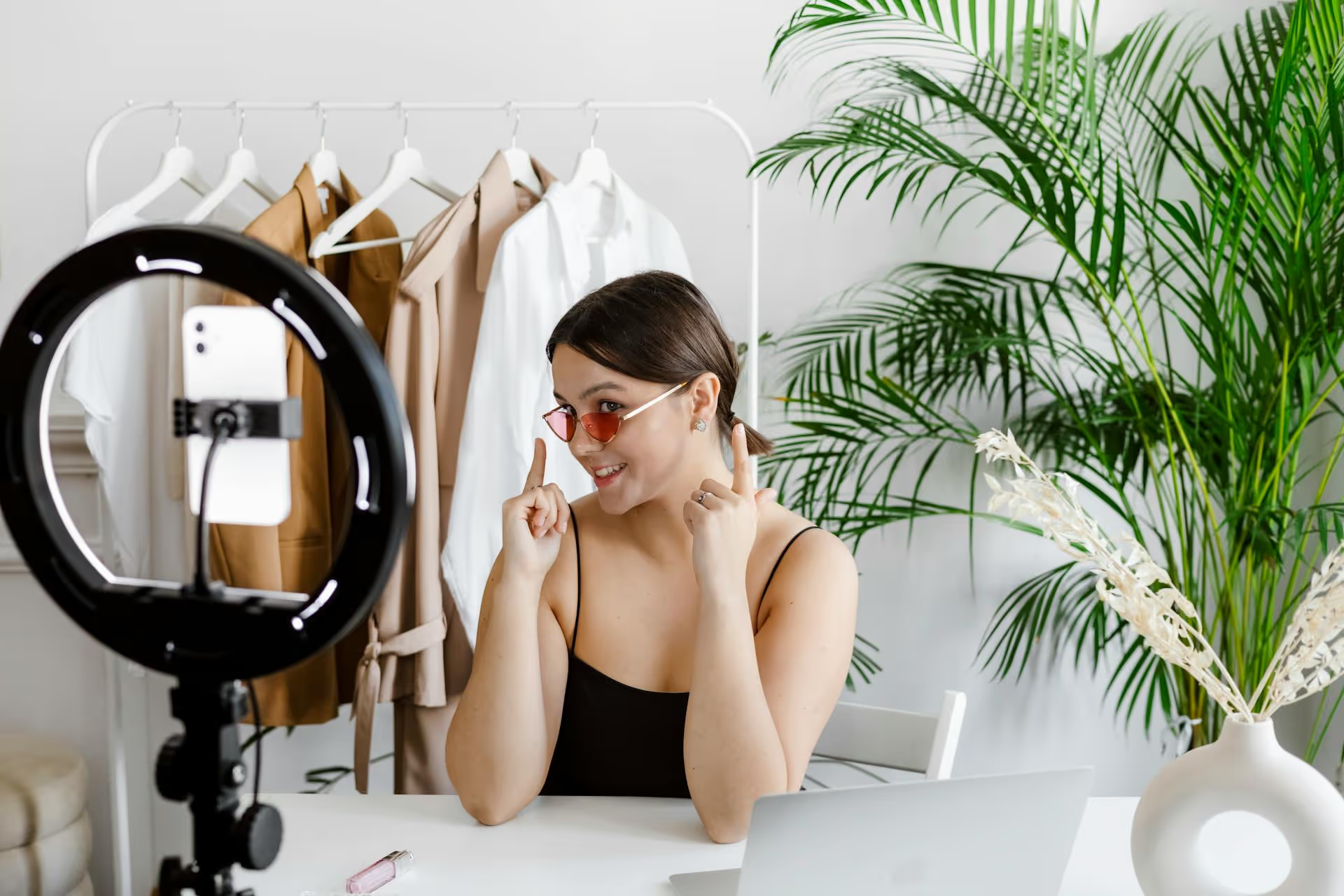
Getting your YouTube Shorts noticed feels like trying to go viral in a sea of endless content. The good news is that with the right strategy, you can cut through the noise and give your short-form videos the attention they deserve. This guide covers a complete blueprint for promoting your YouTube Shorts, from creating irresistible content to mastering the algorithm and leveraging other platforms for explosive growth.
Promotion begins the moment you hit "record." No marketing trick can save a boring video. To get views, you need a Short that people can't help but finish and maybe even watch a second time. The core idea is to make your content so good that it practically promotes itself.
The Shorts feed is fast-paced. You have less than two seconds to convince someone not to swipe away. A strong hook is non-negotiable.
Trends are a powerful shortcut to visibility. When you use a trending audio track or participate in a popular format, you're tapping into a conversation that's already happening. YouTube’s algorithm is more likely to show your content to viewers who have previously engaged with that trend.
How do you find them? Pay attention to the Shorts feed. When you hear an audio track multiple times, tap on it to see how many Shorts have been made with that sound. The YouTube app itself has a "Trending" section for audio, making it easy to see what’s currently popular. Don’t just copy a trend, though, find a way to adapt it to your specific niche for the best results.
Audience retention is a massive signal to the YouTube algorithm. The best metric? Retention over 100%. That happens when people watch your Short more than once. The easiest way to achieve this is with a "perfect loop," where the end of the video seamlessly transitions back to the beginning.
Content that works well for loops includes:
Every Short you post should answer an unspoken question for the viewer: "What's in it for me?" The value can be entertainment, education, or inspiration.
Whatever your niche, be clear about the value you provide. Viewers are more likely to subscribe and return if they know what to expect from your content.
Creating great content is only half the battle. You have to package it in a way that helps YouTube's discovery system understand what it's about and who to show it to. This is where a little technical optimization goes a long way.
Your title serves two purposes: it tells the algorithm what your video is about and it entices a human to click. While many viewers will discover your Short through the Shorts shelf swipes, it can also appear in YouTube search results and on the home page.
#Shorts hashtag: While YouTube automatically identifies vertical video under 60 seconds as a Short, adding the #Shorts hashtag in the title or description is still best practice and helps cement that classification.The description is prime real estate for providing more context to the algorithm. Even if viewers don't read it, YouTube's crawlers do.
#Shorts, add 3-5 other relevant hashtags that are specific to your niche (e.g., #bakinghacks, #cakedecorating, #kitchenhacks). Don’t overdo it with a giant block of tags, keep it focused.You can't upload a custom thumbnail for a Short that purely appears on the Shorts shelf. However, you can choose a specific frame from your video to act as the thumbnail. This thumbnail will appear on your channel page, in search results, and on the home page feed.
Take the time to select a compelling frame. Look for a shot that is clear, high-contrast, visually interesting, and communicates what the video is about at a glance. An interesting expression or a peak moment of action often works best.
Don't rely solely on YouTube's algorithm to do all the work. By actively promoting your content on other platforms, you can create new streams of traffic and build a more robust brand presence.
Your YouTube Shorts can and should be repurposed for other short-form video platforms like Instagram Reels, TikTok, and even Pinterest Idea Pins. Each platform has its own audience, and cross-posting magnifies your reach with minimal extra effort.
However, simply downloading and re-uploading isn't enough. For best results:
Once you’ve unlocked the Community Tab on your channel, it's a powerful tool for promoting your Shorts directly to your most loyal subscribers. Post a poll, a behind-the-scenes GIF, or a simple text update and link directly to your newest Short. This re-engages your existing audience and gives your video an initial boost in views, which can help it get picked up by the wider algorithm.
Find other creators in your niche (or a similar one) and propose a collaboration. This doesn't have to be a major production. You can do a "Remix" of their Short, where you react to their video or add your own spin on it. A simple duet or stitch-style video introduces your content to a whole new, highly relevant audience, often resulting in a wave of new subscribers.
How you interact with your audience and interpret your data are the final pieces of the promotion puzzle. These habits turn passive viewers into an active community.
High engagement signals a quality video to the algorithm. When a Short starts getting comments, reply to them as quickly as possible. This encourages more people to join the conversation. Simple replies like "Thank you!" or answering a question can double the comment count and fuel the algorithmic fire.
Better yet, ask questions back. If someone says "Great recipe!", you can ask, "Thanks! What would you like to see me cook next?"
Use the "Pin Comment" feature strategically. You can pin a comment that perfectly summarizes the video's value, asks a great question that you want others to answer, or even provide additional context or a correction if you made a small mistake in the video.
Your analytics are your report card. They tell you what’s working and what isn’t. For Shorts, pay attention to these key metrics:
Use this data not to judge past performance but to inform your future-content strategy. If Shorts about a certain topic always get a high "Viewed" percentage, make more of them.
Promoting YouTube Shorts is a mix of art and science. It requires creating content that resonates emotionally while also satisfying the technical demands of the YouTube algorithm, then amplifying your reach through smart cross-promotion and community engagement. By focusing on strong hooks, trending audio, strategic optimization, and consistent analysis, you can get your videos in front of the right audience and build a thriving channel.
Juggling all this manual promotion across different platforms can quickly become overwhelming, draining the time you'd rather spend creating. That's why we created a tool built for the reality of social media today. With Postbase, you can manage your entire content strategy from one visual calendar, scheduling your YouTube Shorts, Instagram Reels, and TikToks all at once, helping you expand your reach without multiplying your workload.
Spencer's spent a decade building products at companies like Buffer, UserTesting, and Bump Health. He's spent years in the weeds of social media management—scheduling posts, analyzing performance, coordinating teams. At Postbase, he's building tools to automate the busywork so you can focus on creating great content.

Enhance your email signature by adding social media icons. Discover step-by-step instructions to turn every email into a powerful marketing tool.
Record clear audio for Instagram Reels with this guide. Learn actionable steps to create professional-sounding audio, using just your phone or upgraded gear.
Check your Instagram profile interactions to see what your audience loves. Discover where to find these insights and use them to make smarter content decisions.
Requesting an Instagram username? Learn strategies from trademark claims to negotiation for securing your ideal handle. Get the steps to boost your brand today!
Attract your ideal audience on Instagram with our guide. Discover steps to define, find, and engage followers who buy and believe in your brand.
Activate Instagram Insights to boost your content strategy. Learn how to turn it on, what to analyze, and use data to grow your account effectively.
Wrestling with social media? It doesn’t have to be this hard. Plan your content, schedule posts, respond to comments, and analyze performance — all in one simple, easy-to-use tool.



