

How to Add Social Media Icons to an Email Signature
Enhance your email signature by adding social media icons. Discover step-by-step instructions to turn every email into a powerful marketing tool.

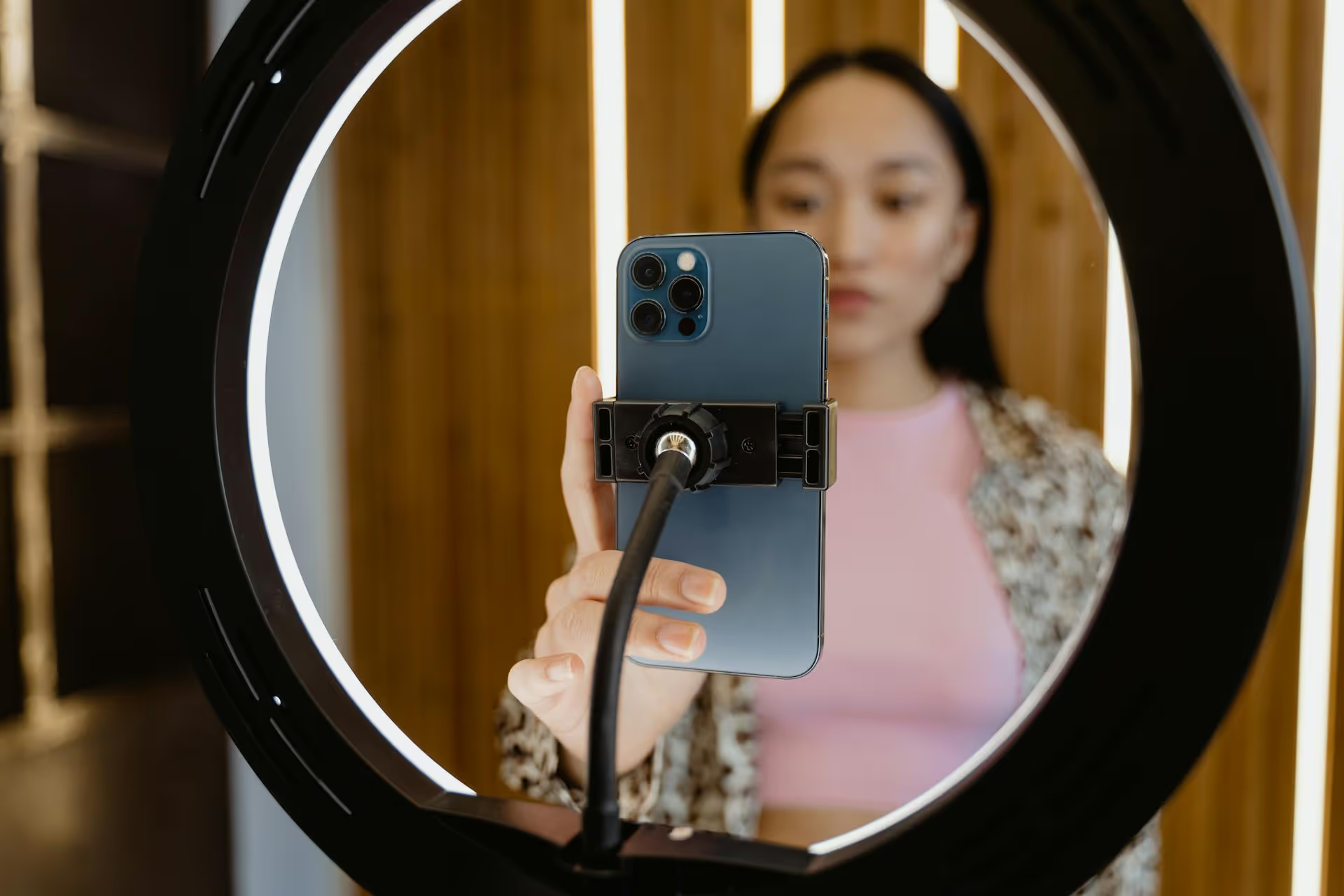
Putting your podcast on Facebook isn’t just about submitting an RSS feed anymore - it’s about turning your audio into an interactive experience that builds a dedicated community. This guide will show you exactly how to do that, covering step-by-step methods for creating video podcasts, hosting live audio rooms, and turning your best moments into viral-worthy clips. You’ll learn how to build an active listener base directly on the world's largest social network.
While platforms like Spotify and Apple Podcasts are essential for distribution, they are fundamentally listening apps, not community hubs. Facebook flips that script. By bringing your podcast to your Facebook Page or Group, you meet listeners where they are already spending their time, scrolling and interacting. This opens up entirely new ways to grow and engage your audience.
Here’s the advantage:
Since Facebook removed its direct RSS feed integration, successful podcasters have shifted to creating native content that fits the platform. This might sound like more work, but it creates a much richer experience. Here are the three primary methods, from the most popular to the most interactive.
Video is the undisputed king of content on Facebook, enjoying preferential treatment from the algorithm. A video version of your podcast is more likely to be seen, shared, and engaged with than a simple link to an external player. There are two main ways to approach this.
An audiogram is the simplest way to convert your audio into a video format. It's typically a static image (like your podcast cover art), an animated waveform that moves in sync with your audio, and sometimes automated captions. It’s a low-effort, high-reward strategy for making your audio "shareable" on a visual platform.
How to create one:
If you're already filming your podcast episodes for a platform like YouTube, you're a step ahead. A video showing the host and guests adds a powerful human element that makes listeners feel more connected. When people can see your facial expressions and body language, it creates a more intimate and engaging experience.
How to share it on Facebook:
Facebook Live Audio is the platform's answer to Clubhouse and X Spaces. It allows you to host a live, audio-only broadcast directly from your Facebook Page, a perfect format for a live podcast recording, an AMA (Ask Me Anything) session with your listeners, or an interview with a special guest.
The beauty of Live Audio is its immediacy and interactivity. Listeners can join in, request to speak, and send "Reactions" in real time. It's the ultimate format for real-time community building.
How to start a Facebook Live Audio Room:
Pro-Tip: Announce your Live Audio session in advance! Create a post a day or two before to let people know when you'll be live so they can make plans to tune in.
Full-length episodes are great for your core audience, but short-form vertical video is how you reach new listeners. Facebook Reels are actively prioritized by the algorithm and have immense discovery potential. Your podcast is a goldmine of clips waiting to be made.
Look for short, powerful moments in your episodes:
How to create effective podcast Reels:
Creating content is only half the battle. You need a simple framework for building and nurturing your podcast community on Facebook.
A Facebook Page is your official presence. It's public and perfect for broadcasting your episodes, running ads, and reaching a broad audience. All podcast content (videos, Reels, Live Audio recordings) should live here.
A Facebook Group is your exclusive clubhouse. You can make it private to create a safe space for super-fans to discuss episodes, share ideas, and connect with you and each other. Use your Page to funnel interested listeners into your Group.
Just like a traditional podcast, consistency is vital. Decide which days you'll publish and stick to it. For example:
When someone takes the time to leave a comment on your podcast video, reply! Thank them, answer their question, or ask them a follow-up question. This simple act of acknowledgment fosters immense goodwill and makes people feel seen. Pin the best comment on each post to encourage more high-quality interaction.
Treating Facebook as a dynamic venue for your podcast, rather than just a place to drop a link, unlocks its true community-building potential. By repurposing your audio into native video, engaging Reels, and live conversations, you're not just posting content, you're creating an interactive home for your show where listeners can become true fans.
When we designed Postbase, we were tired of tools that were built for the text-and-photo era of social media. We created it from the ground up to handle the content that actually drives growth today - especially short-form video. For podcasters, that means you can easily schedule your main video episode, all your promotional Reels clips, and your announcement graphics across Facebook, Instagram, TikTok, and more from one clean visual calendar. It's a lifesaver when you're turning a single podcast episode into ten different pieces of social content.
Spencer's spent a decade building products at companies like Buffer, UserTesting, and Bump Health. He's spent years in the weeds of social media management—scheduling posts, analyzing performance, coordinating teams. At Postbase, he's building tools to automate the busywork so you can focus on creating great content.

Enhance your email signature by adding social media icons. Discover step-by-step instructions to turn every email into a powerful marketing tool.
Record clear audio for Instagram Reels with this guide. Learn actionable steps to create professional-sounding audio, using just your phone or upgraded gear.
Check your Instagram profile interactions to see what your audience loves. Discover where to find these insights and use them to make smarter content decisions.
Requesting an Instagram username? Learn strategies from trademark claims to negotiation for securing your ideal handle. Get the steps to boost your brand today!
Attract your ideal audience on Instagram with our guide. Discover steps to define, find, and engage followers who buy and believe in your brand.
Activate Instagram Insights to boost your content strategy. Learn how to turn it on, what to analyze, and use data to grow your account effectively.
Wrestling with social media? It doesn’t have to be this hard. Plan your content, schedule posts, respond to comments, and analyze performance — all in one simple, easy-to-use tool.



