

How to Add Social Media Icons to an Email Signature
Enhance your email signature by adding social media icons. Discover step-by-step instructions to turn every email into a powerful marketing tool.

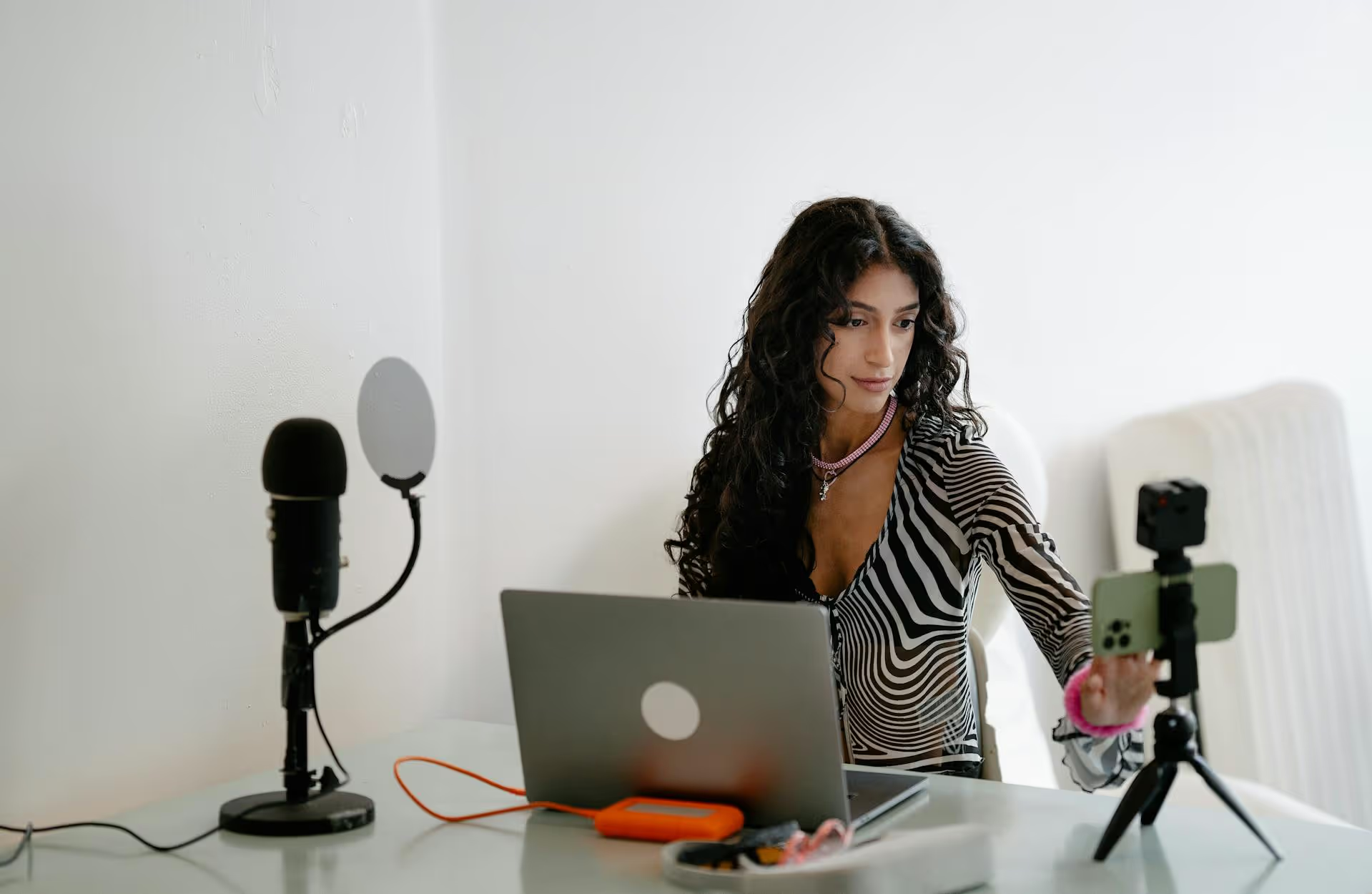
Launching a virtual event is one thing, but getting people to actually show up is a whole different challenge. Your social media feeds are the front lines of promotion, where hype is built, tickets are sold, and a community forms long before the first speaker ever takes the virtual stage. This guide will walk you through a complete social media playbook, broken down into what to do before, during, and after your event to get maximum attention and deliver an unforgettable experience.
The pre-event phase is where the magic happens. This is your chance to build momentum from a faint whisper to a roaring crowd. Your goal here isn't just to announce the event but to make people feel like they’ll be missing out on something big if they don't attend. Neglecting this stage is the number one reason virtual events fall flat.
Before you post anything, you need to know exactly who you're talking to. Don't waste energy trying to be everywhere at once. A B2B tech summit will find its home on LinkedIn and X (formerly Twitter), while a watercolor workshop for creatives will thrive on Instagram and Pinterest. Ask yourself:
Once you know who you’re talking to and where they are, you can tailor your content and your messaging to resonate with them directly. Generic promotion is forgettable promotion.
In a scrolling world, visual consistency makes you immediately recognizable. Your event needs a brand identity that’s strong, professional, and consistent across every single social media post. This includes:
People should be able to see one of your posts in their feed and instantly know it’s for your event without even reading the caption.
A single "Registration is open!" post is not a strategy - it's a hope. Instead, build suspense and intrigue over several weeks with a coordinated drip campaign of content. Think of it like a movie trailer that gives you just enough to want to buy a ticket.
Your speakers, sponsors, and early registrants are your secret marketing army. You just need to make it incredibly easy for them to spread the word.
Organic promotion is the foundation, but using platforms' specific tools - and a small ad budget - can significantly boost your reach.
The event has started, but your social media work isn't over. Your goal now is to serve two audiences: the people attending the event, fostering a sense of community for them, and the people *not* attending, showing them what they’re missing (hello, FOMO!).
Even if people aren't at your event, you can provide them with immediate value by sharing nuggets of wisdom. As speakers present, share powerful quotes, insightful statistics, and actionable tips. Always tag the speaker and use the event hashtag. This turns your social feed into a valuable resource and keeps your event’s name at the top of people’s timelines.
You don't want to give away the farm by streaming the entire event for free. Instead, use short live-streaming opportunities to create a sense of immediacy and exclusivity. A few ideas:
This is your most important job during the event. Monitor your event hashtag obsessively. When an attendee shares a photo of their setup, a screenshot of a slide, or their biggest takeaway, respond immediately. Thank them, reshare their post (on Stories or as a quote-tweet), and like their content.
This validation means the world to an attendee. It makes them feel seen and encourages others to start posting too. Every attendee who shares is creating social proof on your behalf - your job is to amplify it.
When the last session ends, the conversation is just getting started. Don't go dark. A smart post-event strategy turns attendees into lifelong fans and provides you with powerful marketing material for your next event.
Within 48 hours of your event ending, post a high-energy recap video. It doesn’t have to be long - 30 to 60 seconds is perfect for Reels, Shorts, and TikTok. Combine epic screenshots of your speakers, the best quotes, and clips of attendee chat reactions. Set it to some upbeat music. This video serves a dual purpose: it’s a feel-good piece of nostalgia for those who attended and a potent piece of FOMO-inducing marketing for those who didn't.
Scroll through your event hashtag to find positive posts from attendees. Reach out via DM and ask for permission to use their words as an official testimonial on your website or in future promotions. You can also post a final "Thank You" graphic and ask people to share their single biggest takeaway in the comments. These soundbites are social proof gold.
Every event should end with a clear path forward. What do you want your audience to do next? Share session recordings? Announce the dates for next year's event and open a waitlist? Invite them to a private Slack or Discord community to continue the conversation? Give your excited and engaged audience a clear next step so you don’t lose the momentum you’ve worked so hard to build.
Promoting a virtual event is a marathon, not a sprint. A successful social media campaign requires thoughtful strategy before, during, and after your event to build real buzz, drive engagement, and turn attendees into vocal advocates. It’s about building a community, not just broadcasting an announcement.
Pulling off a multi-phase promotional plan with dozens of pieces of content - from speaker reveals to highlight Reels - can feel overwhelming without the right support. When we built Postbase, we were reacting to years of wrestling with unreliable tools that made planning big campaigns more difficult. Having a visual calendar to lay out your entire pre-event, during-event, and post-event schedule is a game-changer, and our rock-solid video scheduler ensures your all-important recap Reels and session clips publish without a hitch.
Spencer's spent a decade building products at companies like Buffer, UserTesting, and Bump Health. He's spent years in the weeds of social media management—scheduling posts, analyzing performance, coordinating teams. At Postbase, he's building tools to automate the busywork so you can focus on creating great content.

Enhance your email signature by adding social media icons. Discover step-by-step instructions to turn every email into a powerful marketing tool.
Record clear audio for Instagram Reels with this guide. Learn actionable steps to create professional-sounding audio, using just your phone or upgraded gear.
Check your Instagram profile interactions to see what your audience loves. Discover where to find these insights and use them to make smarter content decisions.
Requesting an Instagram username? Learn strategies from trademark claims to negotiation for securing your ideal handle. Get the steps to boost your brand today!
Attract your ideal audience on Instagram with our guide. Discover steps to define, find, and engage followers who buy and believe in your brand.
Activate Instagram Insights to boost your content strategy. Learn how to turn it on, what to analyze, and use data to grow your account effectively.
Wrestling with social media? It doesn’t have to be this hard. Plan your content, schedule posts, respond to comments, and analyze performance — all in one simple, easy-to-use tool.



