

How to Add Social Media Icons to an Email Signature
Enhance your email signature by adding social media icons. Discover step-by-step instructions to turn every email into a powerful marketing tool.

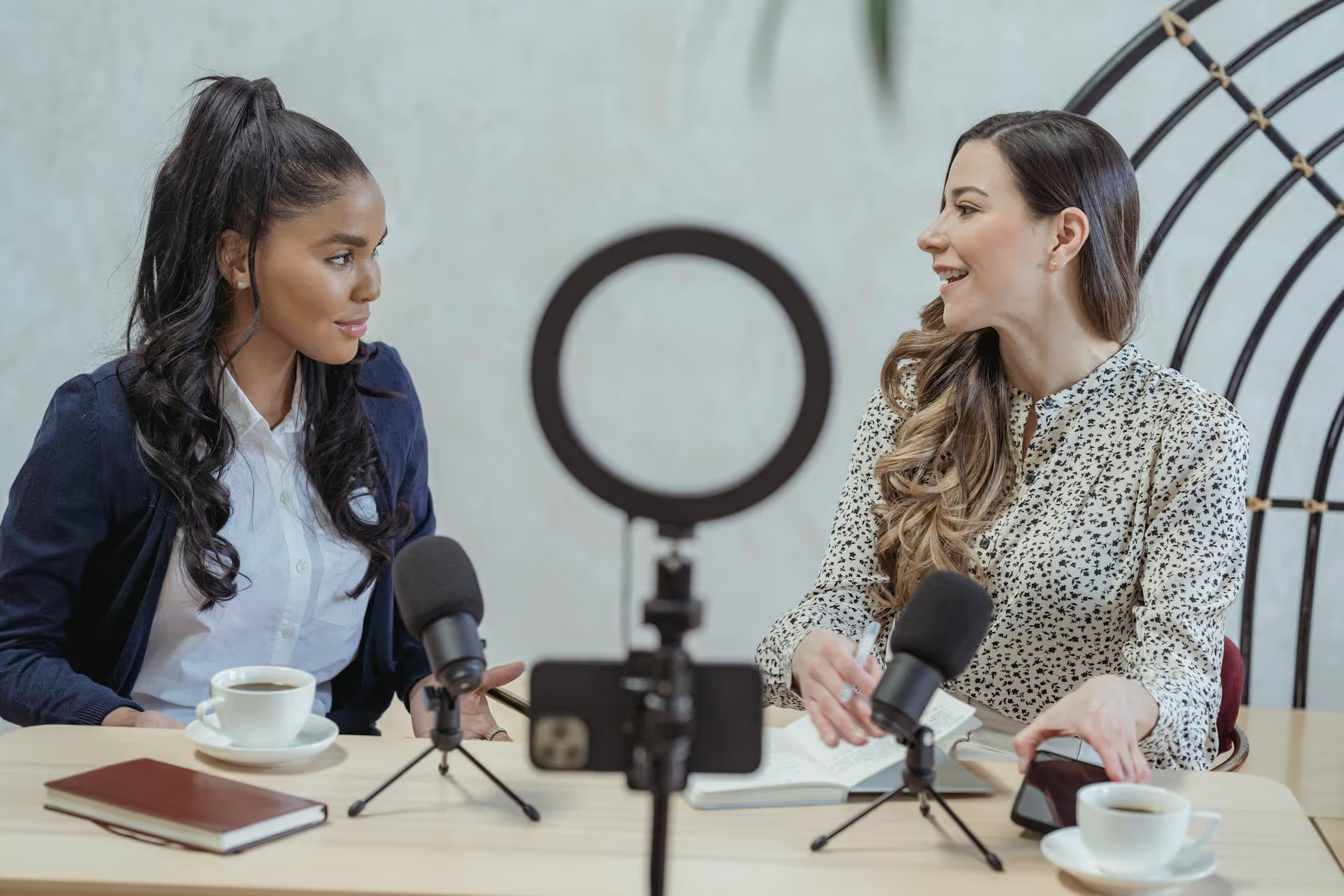
There's almost nothing more frustrating for a creator than pouring your heart into a TikTok video, only to have it muted for a copyright violation minutes after you post it. Suddenly, your perfectly timed lip-sync or epic montage is silent, defeating the entire purpose of the post. This guide will walk you through exactly how to post on TikTok without running into copyright issues so you can focus on creating great content that actually gets seen and heard.
Before we get into the "how," it helps to understand the "why." Copyright is a legal right that protects an artist’s original work - whether that's a song, a movie clip, or even a dance. Platforms like TikTok have licensing agreements with major music labels and movie studios. These agreements allow them to offer certain sounds for creators to use, but they also require TikTok to take down content that uses protected material without permission.
When you upload a video with a popular song you added yourself - say, a Taylor Swift track you downloaded and put in your editing app - TikTok's automated system scans it. If it recognizes the copyrighted audio and you don't have the right to use it, it will often mute the sound, remove the video, or render it ineligible for the For You Page. This is especially true for brand or business accounts. It’s not TikTok being difficult, it’s their way of complying with international copyright laws.
You might have heard of "Fair Use," a legal concept that allows for the limited use of copyrighted material without permission for purposes like commentary, criticism, or parody. While it sounds like a good defense, Fair Use is incredibly subjective and rarely holds up for most social media content. Relying on it is a gamble. It’s always safer and smarter to use sound you know you have permission for from the start.
The easiest and most foolproof way to avoid copyright problems is to use the audio available directly within the TikTok app. TikTok has already done the hard work of licensing millions of songs and sounds for you to use. However, the library you have access to depends heavily on what type of account you have.
Many creators and marketers are shocked when they switch to a Business Account and find that almost all the popular, trending songs have vanished from their audio library. This isn't a glitch. Here’s the difference:
The “trap” is that using a popular pop song to market your business - even if you’re a small brand or sole proprietor - is a commercial use. Record labels actively protect their music from being used in advertisements without a very (very) expensive license. TikTok protects you (and itself) by limiting business accounts to music that is explicitly licensed for marketing.
If you're a business, stick to the Commercial Music Library. It might feel limiting, but a video with royalty-free music is infinitely better than a muted video with a hit song.
Sticking to the in-app library isn't for everyone. Maybe you want a unique sound no one else is using, or you need something very specific for your brand video. In that case, you’ll need to source your own copyright-free audio. Fortunately, there are tons of great resources out there designed for creators.
For this approach, you'll need to use a simple video editing app like CapCut, Splice, or InShot. You download the sound from one of the services below, add it to your video in the editor, and then upload the final video package to TikTok.
Using a track from one of these services means you have the license to use it. If TikTok ever flags it by mistake, you can use the license certificate provided by the platform to easily clear the claim in an appeal.
Copyright doesn’t just apply to music. It also covers video clips from movies, TV shows, sports games, and other creators’ original content. Simply screen-recording a scene from Netflix and uploading it will almost certainly get your video taken down.
So how do people build huge followings doing reaction videos or using popular memes? The key is transformation. You aren't just re-posting someone else's content, you're adding something new to it.
If you plan to use video clips, your goal is to make your video a new, original piece of content that uses the clip for a specific purpose, like commentary or comedy. Here are some actionable guidelines:
Even if you're careful, you might occasionally get a copyright flag, often from the automated system making a mistake. Don't panic. Here are your options.
Navigating TikTok's copyright rules really comes down to one core idea: use content you have permission for. You can either stick to the pre-approved sounds inside TikTok's library or find unique, licensed tracks from royalty-free platforms. By making smart choices about your audio and video sources, you build a sustainable content strategy that keeps your account safe and your videos playing loud and clear.
Staying on top of your entire content strategy - from finding copyright-safe audio to scheduling your next video - is a lot to juggle. At Postbase, we developed our tool to bring all that planning into one clean, visual calendar. I especially find it helps with creating a consistent TikTok presence because I can schedule my videos weeks in advance, see an entire overview of what’s going live, and then duplicate a successful idea to post natively on Instagram Reels and YouTube Shorts right from the same screen. It frees me up to spend more time creating and less time organizing, and most importantly, posts show up right when they're supposed to. If you want a simpler way to manage your content machine, you should check out Postbase.
```
Spencer's spent a decade building products at companies like Buffer, UserTesting, and Bump Health. He's spent years in the weeds of social media management—scheduling posts, analyzing performance, coordinating teams. At Postbase, he's building tools to automate the busywork so you can focus on creating great content.

Enhance your email signature by adding social media icons. Discover step-by-step instructions to turn every email into a powerful marketing tool.
Record clear audio for Instagram Reels with this guide. Learn actionable steps to create professional-sounding audio, using just your phone or upgraded gear.
Check your Instagram profile interactions to see what your audience loves. Discover where to find these insights and use them to make smarter content decisions.
Requesting an Instagram username? Learn strategies from trademark claims to negotiation for securing your ideal handle. Get the steps to boost your brand today!
Attract your ideal audience on Instagram with our guide. Discover steps to define, find, and engage followers who buy and believe in your brand.
Activate Instagram Insights to boost your content strategy. Learn how to turn it on, what to analyze, and use data to grow your account effectively.
Wrestling with social media? It doesn’t have to be this hard. Plan your content, schedule posts, respond to comments, and analyze performance — all in one simple, easy-to-use tool.



