

How to Add Social Media Icons to an Email Signature
Enhance your email signature by adding social media icons. Discover step-by-step instructions to turn every email into a powerful marketing tool.

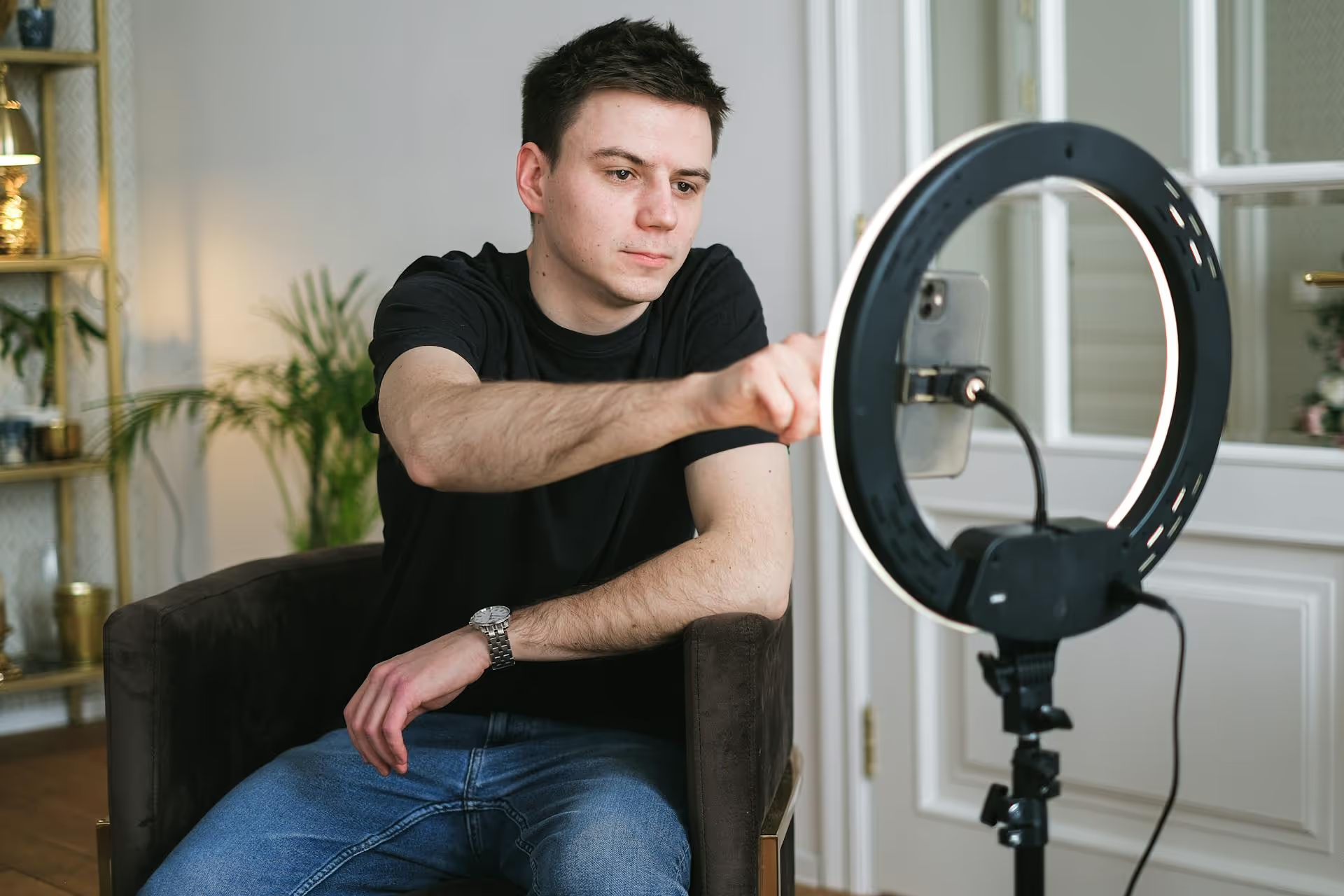
Ever create an amazing tutorial or a powerful mini-story, only to realize Instagram says it's too long for a Reel? It's a frustrating stopping point for many creators. The good news is, you absolutely can post Reels that last much longer than the 90-second in-app limit. This guide cuts through the confusion and shows you exactly how to get your longer videos posted as Reels, along with strategies to keep your audience hooked from start to finish.
The "90-second limit" is one of the biggest misconceptions on Instagram right now. It causes a lot of confusion because it only applies to one specific scenario. To understand how to post longer Reels, you first need to know about the two different limits Instagram has in place.
A while back, Instagram consolidated most of its video formats. To simplify things for users, they made a change where nearly every video uploaded to the platform is now treated as a Reel. This change works massively in your favor, allowing you to share more in-depth content without hacks or workarounds. It's not a glitch - it's an intended feature.
Posting a longer Reel is surprisingly easy and doesn't require any special tricks. The whole process uses the standard video upload flow you're already familiar with. You just need to have your final video saved to your phone before you start.
Just remember one thing: for best results, your video should be in a vertical, 9:16 aspect ratio (1080px by 1920px). This ensures it fills the entire screen on mobile phones, just like a standard Reel, providing the most immersive viewing experience.
Ready to go? Here's exactly what to do.
So, what if your masterpiece is a 20-minute mini-documentary? Any video uploaded that is longer than 15 minutes will be published as what Instagram calls a standard "Instagram Video" post.
It will still appear in your followers' main feeds and on the primary 'Video' tab on your profile, but there’s a key difference: it won't be distributed as a Reel.
This means it will not show up in the main Reels discovery feed or on the dedicated "Reels" tab on your profile grid. For creators and marketers focused on reaching new viewers, this is a big deal. The Reels algorithm is a powerful engine for discovery, and content published as an "Instagram Video" doesn't get to leverage it in the same way. For maximum potential reach, keeping your video at or under the 15-minute mark is the smartest strategy.
Getting your longer video published is just the first part of the puzzle. The real challenge is keeping a user's attention in a format designed for quick-hit content. Here are a few professional tips to make your longer-form Reels captivating.
The hook is everything, especially in a longer Reel. You have to give viewers a compelling reason not to immediately scroll away. A weak opening guarantees your 10-minute video gets less than two seconds of watch time. Start with something that generates immediate curiosity.
Longer formats give you the luxury of building a real narrative. Random clips don't work here. Think of your Reel as a mini TV episode with a beginning, middle, and end. Whether it's a DIY project, a step-by-step tutorial, a comedy sketch, or a small documentary, structure your video logically so the viewer feels like they are on a journey that leads to a satisfying conclusion.
A huge percentage of users watch videos with the sound off. If your video relies on a voiceover, on-screen text isn't optional - it's a requirement. Use bold, kinetic text to highlight your main points and guide the viewer through the video. This not only accommodates silent viewers but also improves comprehension and retention for everyone. Always turn on auto-generated captions for accessibility and to help viewers follow along more easily.
A long video with no structure can feel intimidating to a viewer. Break up your content into digestible "chapters" using simple title cards or text overlays. For example:
This little technique helps manage viewer expectations and gives them a sense of progress, making them more likely to stick around until the end.
Your Reel's cover is its billboard. It gets one chance to earn a click when someone is scrolling through your profile grid or the Reels feed. Don't leave it to chance by letting Instagram pick a random blurry frame. Design a custom cover or choose a clear, compelling frame from your video. A great cover often includes:
Posting longer Reels on Instagram is not only possible but also incredibly simple once you know the rules. It all boils down to creating your video outside the app and using the standard 'Post' uploader to share content up to 15 minutes long. The true art lies in making that extended runtime count by telling a strong story and using visuals that keep your audience captivated.
We know that creating high-quality, long-form video content takes a lot of effort and detailed scheduling. That's why we built Postbase to be a rock-solid, video-first platform. After putting all that work into a fantastic 10-minute tutorial or brand story, the last thing you want is a scheduling tool that complicates the upload or fails to publish reliably. We ensure your hard work pays off by getting your content live exactly when it’s supposed to, so you can focus on making more great videos instead of worrying if your tools are working.
Spencer's spent a decade building products at companies like Buffer, UserTesting, and Bump Health. He's spent years in the weeds of social media management—scheduling posts, analyzing performance, coordinating teams. At Postbase, he's building tools to automate the busywork so you can focus on creating great content.

Enhance your email signature by adding social media icons. Discover step-by-step instructions to turn every email into a powerful marketing tool.
Record clear audio for Instagram Reels with this guide. Learn actionable steps to create professional-sounding audio, using just your phone or upgraded gear.
Check your Instagram profile interactions to see what your audience loves. Discover where to find these insights and use them to make smarter content decisions.
Requesting an Instagram username? Learn strategies from trademark claims to negotiation for securing your ideal handle. Get the steps to boost your brand today!
Attract your ideal audience on Instagram with our guide. Discover steps to define, find, and engage followers who buy and believe in your brand.
Activate Instagram Insights to boost your content strategy. Learn how to turn it on, what to analyze, and use data to grow your account effectively.
Wrestling with social media? It doesn’t have to be this hard. Plan your content, schedule posts, respond to comments, and analyze performance — all in one simple, easy-to-use tool.



