

How to Add Social Media Icons to an Email Signature
Enhance your email signature by adding social media icons. Discover step-by-step instructions to turn every email into a powerful marketing tool.

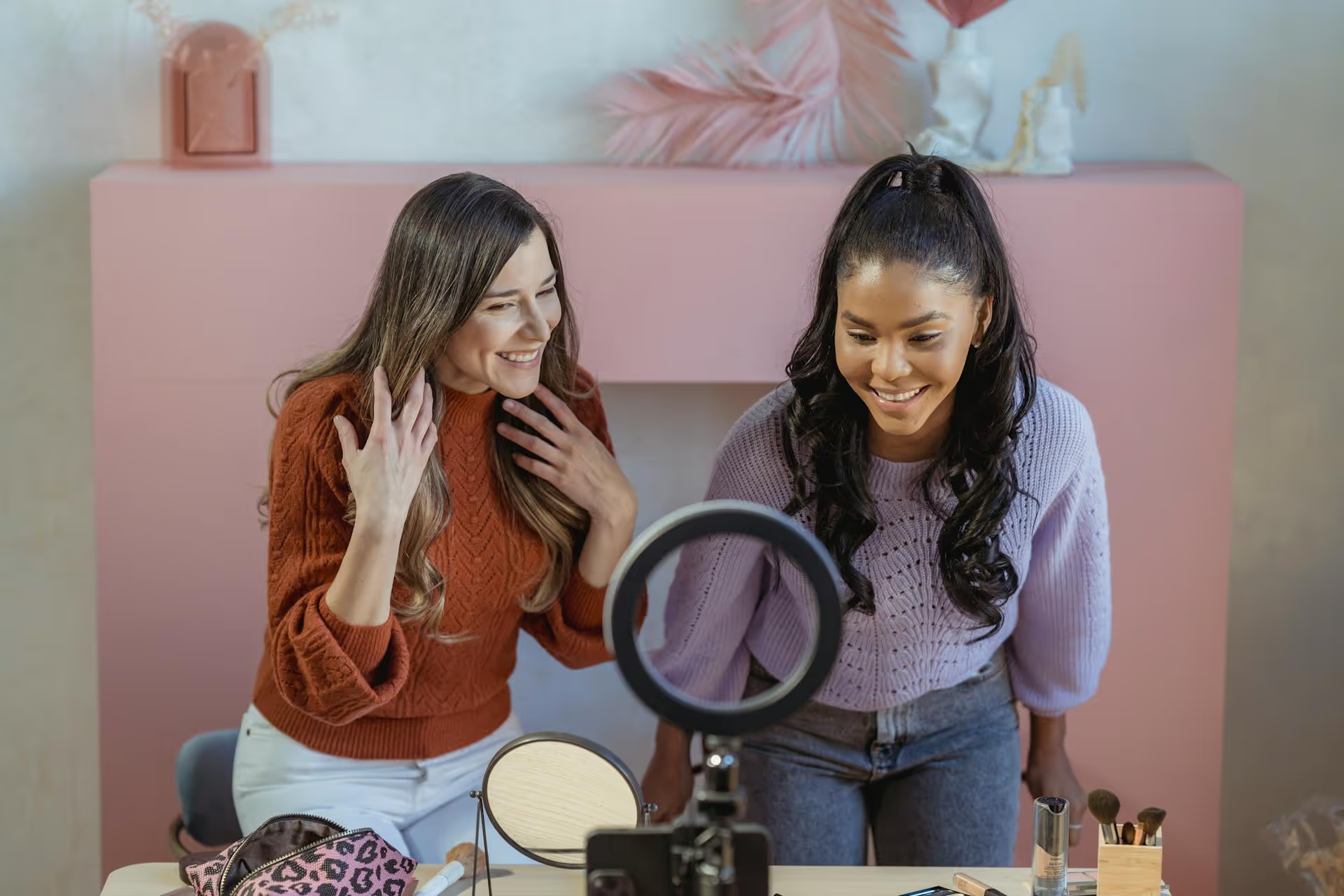
Nothing kills the vibe of a great Facebook Live like that chilling notification: Your video has been partially muted because it may contain music that you don't own. One minute you're connecting with your audience, the next you're talking in silence over a dead audio track. This article explains exactly why this happens and, more importantly, gives you a clear roadmap on how to legally play music during your live streams without getting shut down.
That frustrating mute isn't Facebook being a buzzkill, it’s an automated system trying to navigate the thorny world of music copyright law. To understand how to avoid the block, you first have to understand what you're up against.
At the heart of the issue is Facebook's robust copyright detection system, often referred to as Rights Manager. Think of it as an incredibly advanced bouncer with a super-powered sense of hearing. This automated system constantly scans all uploaded content, including live streams, listening for snippets of copyrighted audio. It compares what it hears to a massive database of protected songs provided by record labels, publishers, and artists.
When this system detects a match, it takes action instantly to comply with the licensing agreements Facebook has with music rights holders. These agreements are incredibly complex and generally do not permit the average user to broadcast commercial music to a broad audience, which is exactly what a Facebook Live stream does. Broadcasting a popular song is legally similar to playing it on a radio station - it requires specific licenses that are expensive and difficult to obtain for individual creators.
The consequences for infringement can range from:
In short, the moment you hit "Go Live," you become a broadcaster, and a different set of rules applies. The goal isn't to stop you from creating dynamic content, but to protect the artists, songwriters, producers, and labels who own the rights to the music.
Meta's guidelines on music can feel a little confusing, but they boil down to a simple principle: the purpose and format of your video matter. They generally want videos to have a primary visual component, with music existing to support the visual, not to be the main focus itself.
Many creators get flagged due to a few common, easily avoidable missteps. Steer clear of these and you're already halfway to a safer stream:
So, you can't just play your favorite songs. Let's focus on what you can do. Here are the five smartest and safest ways to bring music into your live stream legally.
This is the easiest and most foolproof method. Meta offers creators access to the Facebook Sound Collection, a library of thousands of songs and sound effects that have been pre-cleared for use across Facebook and Instagram. It's completely free to use.
How it works: You can access the library through Meta Business Suite. Browse or search for tracks by genre, mood, or tempo, download the ones you like, and then incorporate them into your live streaming setup. Because Facebook owns or has licensed everything in this library, their system will recognize it as safe content, and your stream won't be flagged.
The Catch: The selection, while vast, does not include popular, commercial music. You won't find the latest chart-toppers here. It’s a library of high-quality production music, which is perfect for unobtrusive background scores but might not fit if you want a recognizable vibe.
For creators and brands who are serious about their video content, subscribing to a royalty-free music service is a game-changer. These platforms provide legal access to huge catalogs of professional-quality music for a monthly or annual fee.
Popular services include:
When you use a track from one of these services, you have a digital license that proves your right to use it. This not only keeps you safe from automated takedowns but also gives you ammunition to file a successful dispute if your stream is ever incorrectly flagged.
If you're a musician, this is your time to shine! Performing your own original music or playing back your own recordings during a Live is the ultimate way to stay safe. You own the copyright, so there's no risk of infringement.
For brands with a budget, commissioning custom intro/outro music or a library of background tracks from a composer can be a fantastic branding opportunity. This creates a signature sound that is unique to your business and completely owned by you.
This approach works best with independent or emerging artists, not big names signed to major labels. If you love the music of a smaller artist that you follow online, reach out to them! Many indie musicians are thrilled at the prospect of receiving exposure and will happily grant you permission to use their music, especially if you offer to link to their profiles and streaming platforms during your broadcast.
Just be sure to get this permission in writing. A simple email or direct message that clearly states you are allowed to use specific songs in your Facebook Live streams is enough to protect you. This written record will be essential if you need to dispute a claim.
Works in the public domain are no longer protected by copyright and are theoretically free for anyone to use. This typically includes very old classical music, folk tunes, and hymns where the original copyright has expired (usually 70+ years after the creator's death).
However, there's a huge pitfall here that trips people up: while a composition by Beethoven might be in the public domain, a modern recording of that composition by the London Symphony Orchestra is not. The orchestra and the record label own the copyright to that specific performance. To be truly safe, you need a recording that is also in the public domain, which are often older and of lower audio quality. So while technically an option, it requires meticulous research to ensure both the song and the recording are free to use.
Even when you follow the rules, automated systems can make mistakes. If your live stream gets flagged while using licensed royalty-free music or music you have direct permission to use, try not to panic. Here’s what to do:
While playing your favorite pop song on a Facebook Live is a legal shortcut to a muted video, it doesn't mean your streams have to be silent. By using Facebook's Sound Collection, subscribing to a quality royalty-free music service, or using original tracks, you can create engaging, professional broadcasts without having to worry about copyright bots crashing your party.
At Postbase, we believe managing your social media should feel empowering, not like you're constantly fighting against confusing rules and hidden pitfalls. While we can't negotiate music rights for your live streams, we can make planning them ridiculously simple. Our platform lets you organize all your content, including scheduling reminders for your live events, on one visual calendar so your entire strategy stays clear and consistent. We provide a rock-solid, reliable foundation for your content, giving you the mental space to focus on the creative stuff - like finding that perfect, legally safe song.
Spencer's spent a decade building products at companies like Buffer, UserTesting, and Bump Health. He's spent years in the weeds of social media management—scheduling posts, analyzing performance, coordinating teams. At Postbase, he's building tools to automate the busywork so you can focus on creating great content.

Enhance your email signature by adding social media icons. Discover step-by-step instructions to turn every email into a powerful marketing tool.
Record clear audio for Instagram Reels with this guide. Learn actionable steps to create professional-sounding audio, using just your phone or upgraded gear.
Check your Instagram profile interactions to see what your audience loves. Discover where to find these insights and use them to make smarter content decisions.
Requesting an Instagram username? Learn strategies from trademark claims to negotiation for securing your ideal handle. Get the steps to boost your brand today!
Attract your ideal audience on Instagram with our guide. Discover steps to define, find, and engage followers who buy and believe in your brand.
Activate Instagram Insights to boost your content strategy. Learn how to turn it on, what to analyze, and use data to grow your account effectively.
Wrestling with social media? It doesn’t have to be this hard. Plan your content, schedule posts, respond to comments, and analyze performance — all in one simple, easy-to-use tool.



