

How to Add Social Media Icons to an Email Signature
Enhance your email signature by adding social media icons. Discover step-by-step instructions to turn every email into a powerful marketing tool.

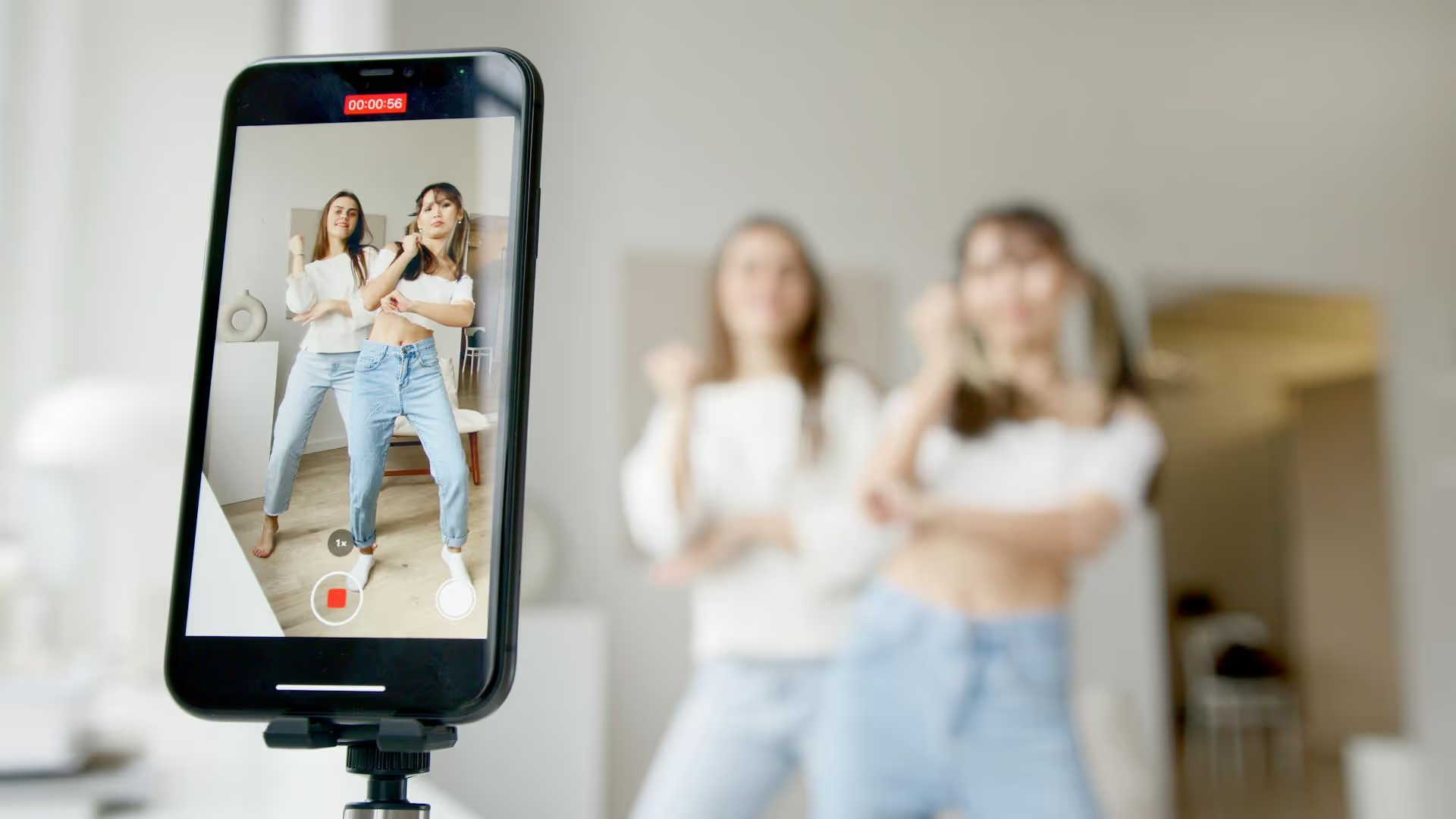
Ever find the perfect trending sound on TikTok, only to realize it cuts off just when you're getting to the good part? You're not alone. While TikTok's built-in sound library is massive, many popular audio clips are capped at 60 seconds. This article will show you exactly how to bypass that limit by creating your own long-form original sound, giving you the creative freedom to tell longer stories, build deeper connections, and stand out from the crowd.
Before we get into the fix, it's helpful to know why you're running into this problem in the first place. TikTok's platform was originally built around short, snappy content. Most of the sounds in its commercial music library are licensed for use in clips up to one minute long. This is why you can record a video up to 3 minutes or even 10 minutes, but when you go to add a popular song, your video gets trimmed down to fit the audio.
So, can you magically stretch a 15-second sound into a 2-minute masterpiece? No. You can't change the length of an existing sound in TikTok's library. The secret isn't to extend a sound but to create a brand new "Original Sound" from a video you upload with your own longer audio track. It's a simple workaround that puts you in complete control.
The entire strategy boils down to a single concept: TikTok creates an "Original Sound" from the audio of any video you upload. If you upload a 2-minute video that has audio on it, TikTok generates a new 2-minute sound tied to that video. Anyone, including you, can then use that sound on future TikToks.
This means you have to do a little prep work outside of the TikTok app. You'll need to edit your video and audio together first using an external application, and then upload the finished product to TikTok. Let's break down exactly how to do it.
This process might seem like a lot of steps at first, but once you do it once, it'll become second nature. It's the go-to method for content creators who need more time for tutorials, storytelling, or creating unique audio memes.
First, you need the audio you want to use. This can come from several places, but the most important thing to remember is copyright. Using a full song from a famous artist without permission is a quick way to get your video muted or taken down.
Here are some safe and effective sources for your long audio:
Once you have your audio file, save it somewhere you can easily access it on your phone or computer, like your camera roll, files app, or cloud storage.
This is where you bring it all together. TikTok's in-app editor is great for simple cuts, but for this task, you need an external tool. They are more powerful and give you full control over adding and timing your audio.
Here are some popular and easy-to-use video editing apps:
The Editing Process:
Once you're happy with how the video and audio line up, it's time to export. Here are a few key settings to keep in mind:
Save the final video to your phone's camera roll or your computer's desktop. You now have a ready-to-upload video file with your long-form sound baked right in.
This part is just like uploading any other video. Open the TikTok app and tap the "+" icon. Instead of recording a new video, tap "Upload" and select the video you just exported from your editing app.
Go through the usual steps: add your caption, relevant hashtags, and a cover photo. When you're ready, post the video.
As soon as a video with its own audio is posted, TikTok automatically creates what's called an "Original Sound."
To use it:
Bonus Tip: You can (and should) rename your sound! On the sound page, tap the little pencil/edit icon next to the title. Change it from "Original sound - [Your Username]" to something descriptive, like "Chill Lo-Fi for Morning Routines" or "Spooky Storytime Monologue." This makes it much easier for other people to find and use your sound, increasing its chances of going viral.
Now that you know how to make them, how can you use longer sounds to elevate your content? Here are a few ideas to get you started.
Tired of needing a "Part 2" for your tutorials? A 2-minute sound gives you enough room to explain a concept fully without rushing. This is perfect for makeup tutorials, DIY projects, coding tips, or any educational content where detail is important. You sound more confident, and your audience gets more value from a single video.
Some of the most engaging content on TikTok involves personal stories. Whether it's a funny anecdote, a heartfelt moment, or a "storytime" video about a wild experience, having up to 3 minutes of background music or talking time allows you to build suspense, develop characters, and land the punchline with perfect timing.
Many trends start with an "Original Sound." You could record a funny monologue, a skit, or an audio clip that gives others a prompt to create. For instance, you could create a 90-second sound with a voiceover that says, "Tell me about a time you were completely wrong about something..." leaving space for other creators to stitch or duet with their own stories.
A longer audio track is perfect for montages. Imagine a "Day in the Life of a Small Business Owner" video set to a single, consistent song that lasts for two minutes. This creates a much more cohesive and professional feel than using multiple short clips with cutting audio.
Creating a TikTok sound longer than one minute comes down to shifting your process outside the app. By combining your video with your desired audio in an external editor first, you can upload a finished clip that generates a new, perfectly timed "Original Sound" for you and others to use.
As we know, producing unique content like this requires planning, especially when creating assets meant to be used again and again. Our goal with Postbase was to build a tool that makes this process feel less chaotic. Using a visual calendar, you can plan out when to drop new original sounds, schedule the videos that will promote them, and see your entire multi-platform content strategy at a glance - all within a tool built for the reality of short-form video.
Spencer's spent a decade building products at companies like Buffer, UserTesting, and Bump Health. He's spent years in the weeds of social media management—scheduling posts, analyzing performance, coordinating teams. At Postbase, he's building tools to automate the busywork so you can focus on creating great content.

Enhance your email signature by adding social media icons. Discover step-by-step instructions to turn every email into a powerful marketing tool.
Record clear audio for Instagram Reels with this guide. Learn actionable steps to create professional-sounding audio, using just your phone or upgraded gear.
Check your Instagram profile interactions to see what your audience loves. Discover where to find these insights and use them to make smarter content decisions.
Requesting an Instagram username? Learn strategies from trademark claims to negotiation for securing your ideal handle. Get the steps to boost your brand today!
Attract your ideal audience on Instagram with our guide. Discover steps to define, find, and engage followers who buy and believe in your brand.
Activate Instagram Insights to boost your content strategy. Learn how to turn it on, what to analyze, and use data to grow your account effectively.
Wrestling with social media? It doesn’t have to be this hard. Plan your content, schedule posts, respond to comments, and analyze performance — all in one simple, easy-to-use tool.



