

How to Add Social Media Icons to an Email Signature
Enhance your email signature by adding social media icons. Discover step-by-step instructions to turn every email into a powerful marketing tool.

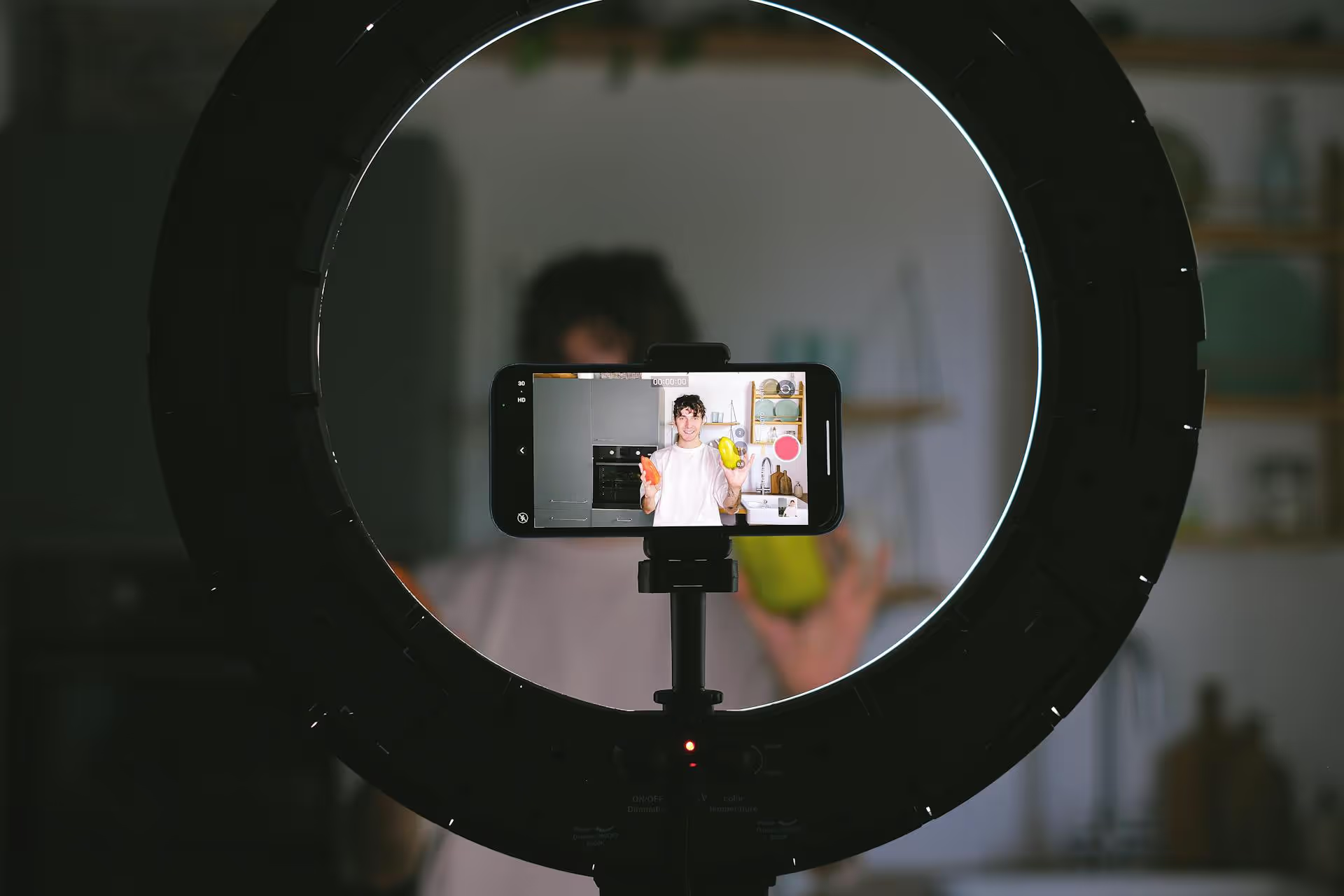
Adding the perfect song can transform your Instagram Story or Reel from just another post into something that stops the scroll, but getting the right music in place isn't always as simple as it seems. If you've ever felt limited by Instagram’s music library, you’ve come to the right place. This guide walks you through every method for adding music to your Instagram content, from using the official in-app library and understanding copyright rules to importing your own unique audio for a truly custom vibe.
For most day-to-day posts, Instagram’s own library is your fastest and safest option. It’s packed with licensed tracks, from chart-topping hits to obscure indie gems, which means you don’t have to worry about copyright infringement. Here’s how to access it on Stories and Reels.
The Instagram music sticker is a seamless way to add a soundtrack directly to your Story. It’s interactive, effective, and simple to use.
For Reels, adding music is integrated directly into the creation process. Sound is critical for gaining traction on Reels, so knowing how to do this right is essential.
If you've ever tried to find a specific popular song but couldn't find it in the library, you probably have a Business Account. Because of complex music licensing agreements, Business Accounts have access to a smaller, royalty-free library called the Instagram Sound Collection. This collection contains thousands of tracks that are safe to use for commercial purposes without risking copyright infringement.
Personal Accounts, on the other hand, have access to the entire commercial music library, including the latest hits. If you're trying to build a brand, it's a trade-off: access to popular music versus the legal protection and business tools a Business Account provides.
Why can't you just grab any song from Spotify and use it on Instagram? It simply comes down to copyright: Music labels and artists own the rights to their music, and platforms like Instagram need to have licenses to let you use it. When you use Instagram's own library, they've already taken care of that for you.
But if you upload a video with copyrighted music without permission, Instagram's automated system can detect it, and one of a few things can happen:
That's why it's important to understand that the methods below which help you import your own audio are workarounds, not legal loopholes. Instagram's content detection system may still apply.
So, what if you have a song in mind that isn't on the Instagram library, whether it's an original track you've created, royalty-free music from a subscription service, or a song you want to layer over your video for a professional result? These methods give you more flexibility.
This is the most common and most effective way to get your own audio into Instagram. The idea is to edit your video in another app first by adding the music directly to the video file.
Just because you embedded the audio in the video file doesn't mean it's invisible to Instagram’s copyright detection tools. If you've used a famous commercial song without a license, the algorithm may still flag it and mute your audio, remove the Reel, or even flag your account. This method is great for using original audio or properly licensed tracks but not a foolproof way to get around copyright.
If you hear a sound on another Reel that isn't in the music library (perhaps it's a viral soundbite, a movie quote, or another creator's original sound), you can easily use it in your own content.
For content creators, brands, and marketing professionals who need to add quality music without any worry of copyright, subscription-based royalty-free music services are the ultimate solution. Services like:
These providers offer you a massive library of high-quality music and sound effects for a flat monthly fee. A license allows you to use any of their tracks in your commercial content. Then you can just download the MP3 track and add it to your video using Method 1, knowing that you're fully covered and legally compliant.
In the past, music was mainly an option for Stories and Reels. However, Instagram has rolled out the ability to add music to standard photo posts in the feed as well. The process for doing this follows a familiar pattern:
This may still be rolling out for some accounts, and the same Business Account restrictions apply.
Adding the right music to your Instagram content can transform your work. While the in-app music sticker is always your best and safest bet, learning to import your own audio by pre-editing videos on a third-party application or using a licensed music service will open up a world of possibilities for creators and brands looking for something better.
Once you've created that amazing Reel or video with the perfect track, the next step is scheduling it. Managing your content can be a chore, which is why a good scheduling tool is essential. At Postbase, we built our platform to simplify managing your social media content, including short-form video. Our visual calendar enables you to plan your content schedule weeks or even months in advance, giving your team a clear overview of what's coming up. Postbase is designed for collaboration, allowing your team to organize everything from initial ideas to final edits in one place. By keeping your projects organized, you free up more time to focus on growing your business instead of getting bogged down by logistics as your social media presence grows in importance.
Spencer's spent a decade building products at companies like Buffer, UserTesting, and Bump Health. He's spent years in the weeds of social media management—scheduling posts, analyzing performance, coordinating teams. At Postbase, he's building tools to automate the busywork so you can focus on creating great content.

Enhance your email signature by adding social media icons. Discover step-by-step instructions to turn every email into a powerful marketing tool.
Record clear audio for Instagram Reels with this guide. Learn actionable steps to create professional-sounding audio, using just your phone or upgraded gear.
Check your Instagram profile interactions to see what your audience loves. Discover where to find these insights and use them to make smarter content decisions.
Requesting an Instagram username? Learn strategies from trademark claims to negotiation for securing your ideal handle. Get the steps to boost your brand today!
Attract your ideal audience on Instagram with our guide. Discover steps to define, find, and engage followers who buy and believe in your brand.
Activate Instagram Insights to boost your content strategy. Learn how to turn it on, what to analyze, and use data to grow your account effectively.
Wrestling with social media? It doesn’t have to be this hard. Plan your content, schedule posts, respond to comments, and analyze performance — all in one simple, easy-to-use tool.



