

How to Add Social Media Icons to an Email Signature
Enhance your email signature by adding social media icons. Discover step-by-step instructions to turn every email into a powerful marketing tool.

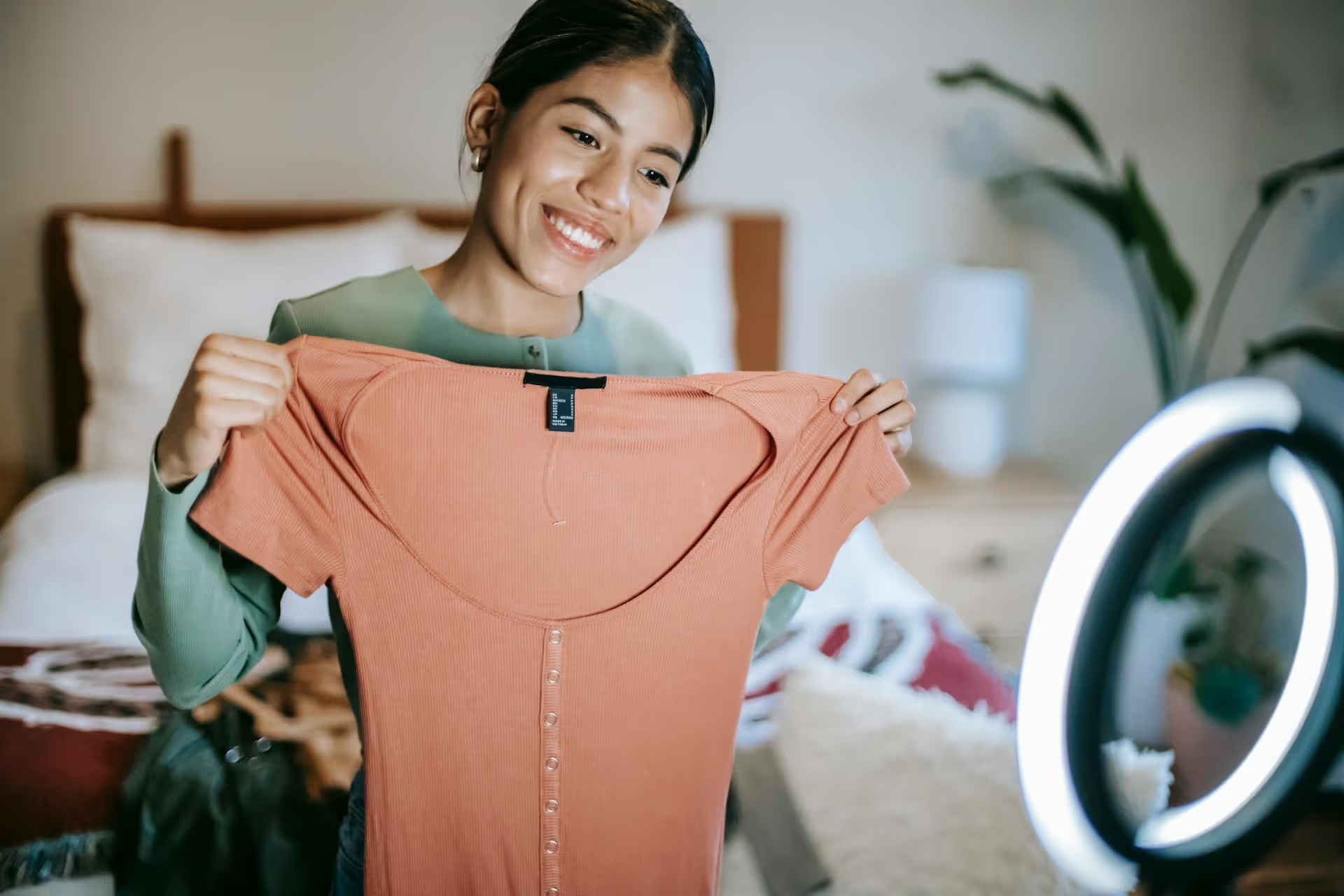
Cracking the TikTok algorithm feels like trying to solve a puzzle with moving pieces, but it's simpler than you think. There's no secret back door or magic formula, it's a recommendation system that wants to show great videos to the people who will love them. This guide will walk you through actionable strategies to create content that TikTok's algorithm wants to push, helping you reach the audience you're meant for.
Before you learn the "how," you need to understand the "what." The TikTok algorithm isn't a shadowy figure deciding who gets famous. It’s a sophisticated system designed for one purpose: to keep users on the app for as long as possible. It achieves this by matching videos with viewers who are most likely to enjoy them.
The algorithm looks at a variety of signals to figure out who to show your video to. These signals include:
This is fantastic news because it means your success is tied directly to the quality of your content, not your existing fame.
On the For You Page, you have less than a few seconds - sometimes only one - to stop someone's scroll. If a viewer swipes away from your video quickly, the algorithm interprets this as a negative signal. If they stick around, it's a positive one. High initial watch time is the fuel for viral success, and it all starts with your hook.
Your hook is the very beginning of your video. It can be a line of text on the screen, the first few words you say, or a visually arresting opening shot. Here are some strategies that work:
People are wired to react to statements that challenge their beliefs. Starting with a controversial take immediately captures attention and encourages viewers to watch longer to hear your reasoning.
Tap into your audience's pain points, questions, and curiosities. A direct question frames your video as the solution they've been scrolling for.
For DIYs, tutorials, how-tos, or transformation videos, start by showing the incredible end result. This sparks curiosity and makes the viewer want to see the process of how you got there.
Experiment with different hook styles. Pay close attention to your analytics to see which types of openings your specific audience responds to best.
Imagine the algorithm is trying to build a profile of your account. If you post a cooking video one day, a financial tip the next, and a workout routine after that, the algorithm gets confused. It has no idea who to show your videos to, so it shows them to a random assortment of people, most of whom won't be interested. Engagement drops, and your video dies.
Conversely, if you consistently post about a specific topic - let's say "easy vegetarian recipes for busy professionals" - the algorithm learns exactly who your content is for. It will start showing your videos to people who have engaged with vegetarian food, meal prep hacks, and other related content creators. These viewers are primed to enjoy your content, which leads to better watch time, more engagement, and a powerful signal to the algorithm to push your video even wider.
Your niche is your "sandbox." Choosing one and sticking to it is one of the fastest ways to build momentum. It tells the algorithm who you are and helps you build a community of loyal viewers who genuinely care about what you have to say.
Getting someone to stay for the first ten seconds is only half the battle. Video completion rate is a massive factor. If people are watching your videos all the way through, the algorithm considers that a home-run endorsement. Here's how to keep them glued to the screen:
TikTok is a visual platform. Don't just stand and talk at the camera. Even informational videos can be made dynamic:
Have you ever watched a video three times without realizing it? That’s an infinity loop. By structuring your video so the end seamlessly flows back into the beginning, you can trick viewers into re-watching. This sends an extremely positive signal because a 200% watch-through rate (two complete views) is algorithm gold.
Example: Start a video by saying, "This one simple tip changed..." and end it by saying, "...and that's how this simple tip changed everything." People often miss when the video restarts.
Don't just say, "Comment below!" Give people a reason to comment. Instead of asking for a follow, ask a question that prompts a real response.
This approach moves your comments section from a ghost town to an active conversation, another excellent signal for the algorithm.
Trends are a powerful way to tap into existing conversations and gain visibility. However, using them effectively is an art.
Sounds can act like hashtags, helping to categorize your video. When you use a trending sound, TikTok may show it to people who have already engaged with other videos using that same sound. But don't just shoehorn a sound into unrelated content. The best strategy is to find a sound that's on the rise and adapt it to fit your niche. If you have a business account, making an HR policy video with a viral dance sound probably won't land well. But using a trending comedic dialogue to roleplay a common customer service issue? That’s smart.
Forget littering your caption with 20 generic tags like #foryou or #viral. It's ineffective. Think of hashtags as SEO for your video. A better strategy is to use a mix of broad and specific tags, usually around 3-5 in total:
This focused approach helps the algorithm quickly identify the ideal audience for your content.
Your analytics are the algorithm telling you exactly what it likes and dislikes about your content. Stop posting and praying, and start analyzing. Switch to a free Creator or Business account to get access to your dashboard, and pay special attention to these three metrics:
Treat your content strategy like a science experiment. Look at your best-performing videos. What was the hook? What was the format? How did you structure the story? The data will give you a blueprint. Double down on what's working and ruthlessly cut what isn't.
Hitting the TikTok algorithm isn't about gaming a system, it's about consistently creating high-value content that resonates with a specific audience. Focus on crafting powerful hooks, keeping viewers engaged until the end, staying within your niche, and using your analytics to learn and iterate. Your content will find its people.
Staying consistent is often the most significant challenge, especially when juggling content ideas, captions, and publishing schedules. Since we know firsthand how much of a grind it can be to manage not just TikTok but other platforms as well, we built Postbase to make the whole process feel less like a chore. It gives you a clean visual calendar to plan your videos ahead and then reliably schedules them to go live, so you can trust your content is being posted consistently without needing to check your phone every few hours. This makes delivering all that valuable content to the algorithm much easier.
Spencer's spent a decade building products at companies like Buffer, UserTesting, and Bump Health. He's spent years in the weeds of social media management—scheduling posts, analyzing performance, coordinating teams. At Postbase, he's building tools to automate the busywork so you can focus on creating great content.

Enhance your email signature by adding social media icons. Discover step-by-step instructions to turn every email into a powerful marketing tool.
Record clear audio for Instagram Reels with this guide. Learn actionable steps to create professional-sounding audio, using just your phone or upgraded gear.
Check your Instagram profile interactions to see what your audience loves. Discover where to find these insights and use them to make smarter content decisions.
Requesting an Instagram username? Learn strategies from trademark claims to negotiation for securing your ideal handle. Get the steps to boost your brand today!
Attract your ideal audience on Instagram with our guide. Discover steps to define, find, and engage followers who buy and believe in your brand.
Activate Instagram Insights to boost your content strategy. Learn how to turn it on, what to analyze, and use data to grow your account effectively.
Wrestling with social media? It doesn’t have to be this hard. Plan your content, schedule posts, respond to comments, and analyze performance — all in one simple, easy-to-use tool.



