

How to Add Social Media Icons to an Email Signature
Enhance your email signature by adding social media icons. Discover step-by-step instructions to turn every email into a powerful marketing tool.

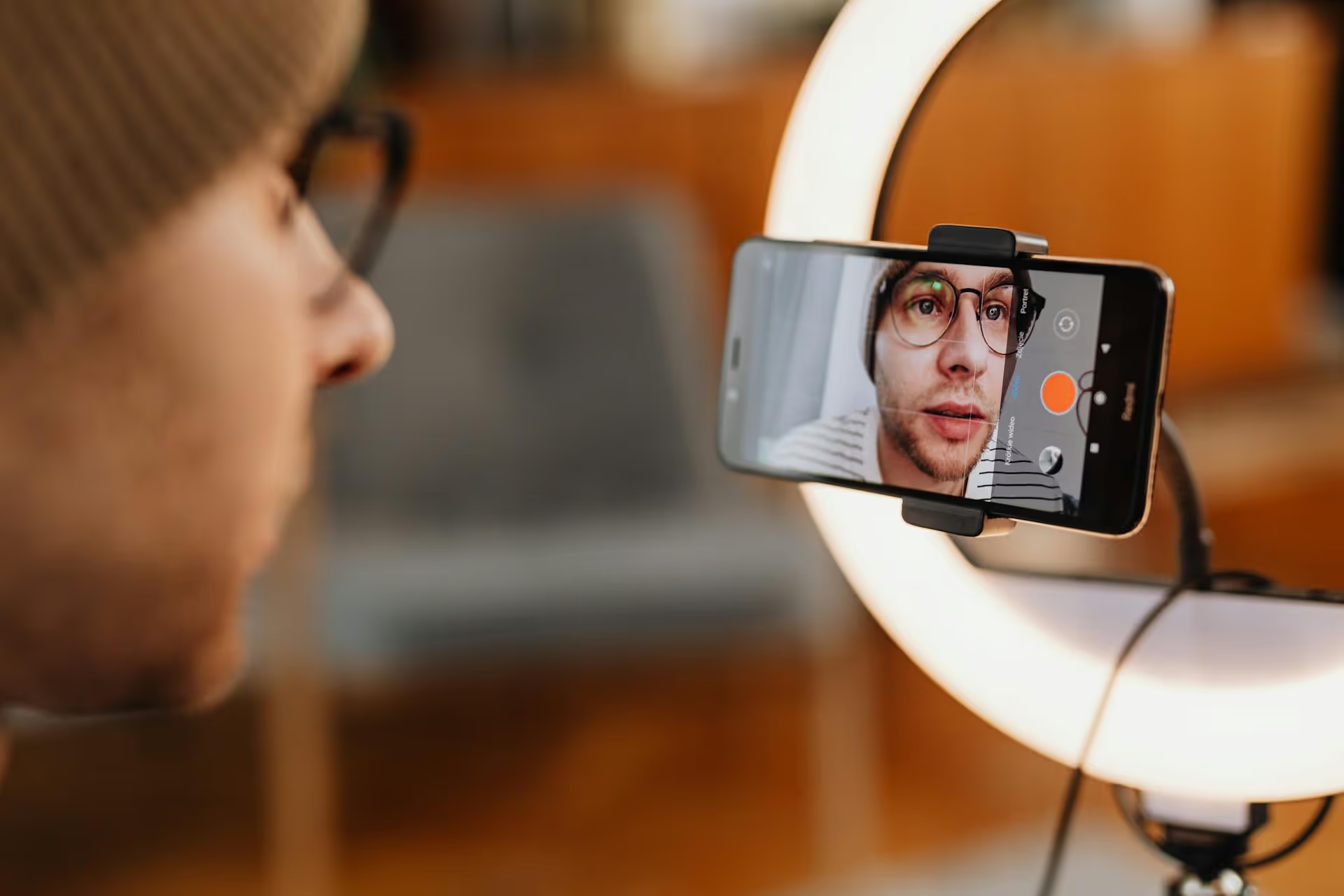
Finding the perfect sound for your TikTok video can feel like the difference between five views and five million. Good news: TikTok’s massive music library is built right into the app, making it simple to find trending audio without ever leaving your creation screen. This guide will walk you through exactly where to find the library, how to navigate its different versions for personal and business accounts, and how to spot viral sounds that can give your content a serious boost.
On TikTok, sound isn't just background noise, it's often the main character. Unlike other platforms where you might scroll with the volume off, TikTok is an audio-on experience. A trending sound acts like a hashtag, connecting your video to a larger conversation and helping new audiences discover your content. When a sound goes viral, users actively seek out videos using that audio, giving creators who hop on the trend early a major advantage in visibility. Using the right sound gives your content context, taps into an existing trend, and ultimately makes it far more shareable. Whether it’s a clip from a hit song, a funny line from a movie, or an original audio from another creator, the sound you choose is one of the most important creative decisions you'll make. To learn more about getting your content seen, read our guide on how to go viral on TikTok.
TikTok gives you a few different ways to find and save sounds. You can search for audio while you’re creating a video, or you can browse and save sounds you discover while scrolling through your feed. Here’s a breakdown of each method.
This is the most direct way to add music when you’re in the middle of creating content. It's perfect when you have a video already filmed and just need to find the right audio track to complete it.
Here’s the step-by-step process:
Sometimes the best inspiration comes from just scrolling. Your For You Page is a real-time report on what's trending. If you hear a sound you love in someone else's video, you can instantly save it for your own content.
This is where many businesses and creators get confused. Not all accounts on TikTok have access to the same music. To protect against copyright infringement, TikTok offers two distinct sound libraries: one for Personal/Creator accounts and a more restrictive one for Business accounts.
If you've set up your profile as a Business Account, you will automatically be given access to the Commercial Music Library.
If you’re using a Personal Account or a Creator Account, you get access to the everything-in-here library.
Still not sure? Here’s a simple way to decide:
You can switch your account type anytime in your settings under "Manage account."
Knowing where to find the library is the first step. Knowing what to look for is how you go viral. Here are some strategies for finding Trending Sounds before it peaks.
The FYP isn't random. It’s designed to show you what’s popular right now. If you hear the same sound clip three or four times within a 10-minute scrolling session, that’s a strong signal it’s trending. Don’t ignore it - save that sound to your Favorites immediately.
Inside the music library, TikTok does some of the work for you. One of the pinned playlists is often called "TikTok Viral" or a similar name like "Trending Sounds." This is a curated list of songs that are currently gaining momentum. Check it regularly to stay ahead of the curve.
When you look at a Sound page, you'll see how many videos have been made with that audio. A truly viral sound might have millions of videos. But the sweet spot is often finding a "rising" sound - one that only has a few thousand videos but is growing fast. Getting in early on these can make your video one of the breakout hits.
Trends aren't always global dance crazes. Sometimes they’re specific to a niche. Try searching the library with keywords relevant to your industry. For example, a small business owner might search "small business tips," a book-lover might search "#BookTok," and a fitness coach might search "workout motivation" to find sounds that are popular within their specific communities.
Mastering the TikTok music library is a fundamental skill for anyone serious about growing on the platform. By understanding how to find, save, and select sounds effectively - and by knowing the critical differences between the commercial and general libraries - you can elevate your content strategy and tap into the powerful trends that drive discovery.
Once you’ve found the perfect audio, the next step is actually planning and scheduling your content seamlessly across all your platforms. To help streamline that process, we designed Postbase with a visual calendar built specifically for today's short-form video formats. You can see your entire TikTok, Reels, and Shorts schedule at a glance, helping you post consistently without feeling overwhelmed.
Spencer's spent a decade building products at companies like Buffer, UserTesting, and Bump Health. He's spent years in the weeds of social media management—scheduling posts, analyzing performance, coordinating teams. At Postbase, he's building tools to automate the busywork so you can focus on creating great content.

Enhance your email signature by adding social media icons. Discover step-by-step instructions to turn every email into a powerful marketing tool.
Record clear audio for Instagram Reels with this guide. Learn actionable steps to create professional-sounding audio, using just your phone or upgraded gear.
Check your Instagram profile interactions to see what your audience loves. Discover where to find these insights and use them to make smarter content decisions.
Requesting an Instagram username? Learn strategies from trademark claims to negotiation for securing your ideal handle. Get the steps to boost your brand today!
Attract your ideal audience on Instagram with our guide. Discover steps to define, find, and engage followers who buy and believe in your brand.
Activate Instagram Insights to boost your content strategy. Learn how to turn it on, what to analyze, and use data to grow your account effectively.
Wrestling with social media? It doesn’t have to be this hard. Plan your content, schedule posts, respond to comments, and analyze performance — all in one simple, easy-to-use tool.



