Running a debate on Instagram is one of the most effective ways to ignite conversation, skyrocket your engagement, and build a truly interactive community. This guide will walk you through everything you need to know, from choosing the right format and topic to promoting your event and repurposing the content afterward.
Why Should You Host a Debate on Instagram?
Before we get into the "how," let's quickly cover the "why." Fostering healthy debate on your Instagram isn't about creating drama, it's about building a dynamic brand. When done right, a debate can:
- Boost Engagement: Nothing gets comments, shares, and saves flowing like a compelling discussion. Live debates, in particular, generate real-time interaction that algorithms love.
- Showcase Expertise: It positions you and your guests as thoughtful leaders who aren't afraid to tackle complex topics. You get to demonstrate your knowledge in a live, unscripted environment.
- Build Community: Debates bring your audience together around a shared interest. They feel involved, heard, and part of a meaningful conversation, which strengthens their connection to your brand.
- Generate TONS of Content: A single one-hour debate can be chopped up into dozens of content pieces - Reels, carousels, quotes, and Stories - that you can use for weeks.
Choosing the Right Instagram Format for Your Debate
Instagram gives you several tools to spark a debate. Your choice depends on the level of interaction and the type of conversation you want to have.
1. Instagram Live Rooms: The Heavy Hitter
This is the best option for a formal, real-time debate. Instagram Live Rooms allow you to go live with up to three other people, creating a perfect panel discussion or a one-on-one showdown format. It's dynamic, immediate, and the most engaging format available.
- Best For: Structured conversations, guest interviews, and deep dives on specific topics.
- How it works: You (the host) start a Live broadcast and then invite your guests to join you on screen. The audience watches in real-time, can comment, and ask questions.
2. Instagram Stories: The Low-Stakes Battleground
If you're not ready for a full-scale live event, Stories are a fantastic way to host a more casual, asynchronous debate. You can use interactive stickers to engage your audience over a 24-hour period.
- Best For: Quick polls, gauging audience opinion, and creating a fun, back-and-forth conversation that feels less intense.
- How it works: Use the "Poll" or "Quiz" sticker to pose a two-sided question. Share the results, add your own commentary, and then maybe use the "Question" sticker to ask for your audience's reasoning. You can even feature your debate opponent's arguments in your stories.
3. Feed Posts &, Reels: The Conversation Starter
You can also use a standard feed post, whether it's a carousel, a photo, or a Reel, to kick off a debate that lives entirely in your comments section.
- Best For: Posing a controversial question or statement that requires a written response and fostering a long-term community discussion.
- How it works: Create a compelling piece of content around your debate topic. It could be a short video explaining your stance or a carousel breaking down two sides of an argument. In the caption, explicitly ask your followers to "debate it in the comments." Your job then becomes moderating and engaging with the responses.
Your Step-by-Step Guide to Hosting an Epic Instagram Live Debate
For the rest of this guide, we'll focus on the gold standard: an Instagram Live debate. Here’s how to plan and execute one perfectly from start to finish.
Step 1: Lay the Groundwork (The Planning Stage)
Success is all in the preparation. Don't just hit the "Go Live" button and hope for the best.
Choose a Killer Topic
The perfect debate topic sits at the intersection of what your audience cares about and what you know about. It should be:
- Relevant: Does this matter to your followers?
- Controversial (but not toxic): There need to be clear, legitimate opposing viewpoints. "Is Pineapple on Pizza Good?" is a fun, low-stakes debate. Getting into highly charged political territory might not be right for your brand.
- Specific: Don't try to debate a huge topic like "The Future of Marketing." Narrow it down to something like "Is SEO a Dying Strategy for B2B Brands?"
Find the Right Participants
Your debate is only as good as the people in it. You'll need:
- An Opponent/Counterpart: Find someone in your industry who has a different, well-articulated point of view. They should be respectful, knowledgeable, and ideally, have their own audience to bring to the table. This is a collaboration, not a fight.
- A Moderator (This might be you!): The moderator's job is to keep the conversation structured, on-topic, and civil. They introduce the speakers, ask questions, manage audience interaction, and enforce time limits.
Set Clear Rules of Engagement
Establish the structure beforehand and make sure all participants agree. Share these rules with the audience at the beginning of the live stream.
- Time Limits: Give each speaker 2-3 minutes for an opening statement, 1-2 minutes for rebuttals, and dedicated time for audience Q&,A.
- The Vibe: Make it clear this is a friendly, professional discussion. No personal attacks, no interrupting.
Step 2: Promote Your Debate Like a Pro
You can hold the best debate in the world, but it won't matter if no one shows up. Promote it relentlessly for at least a week leading up to the event.
- Create an "Event Poster": Design a simple, eye-catching graphic in a tool like Canva. It should include the topic, guest names and @handles, and the date/time. Post this to your feed.
- Leverage Stories: Use the countdown sticker in your Stories. This allows followers to set a reminder for the event. Poll your audience on what questions they want to be answered. Post an "Ask Me Anything" sticker specifically for debate questions.
- Make a Teaser Reel: Create a short, punchy Reel announcing the debate. You could have a quick, pre-recorded clip of you and your guest teasing the topic.
- Cross-Promote with Your Guest: Your debate partner should be promoting it just as hard to their audience. This is how you tap into a new pool of followers.
Step 3: Nail the Technical Setup
Poor audio or a choppy stream can ruin even the best debate. Test everything beforehand.
- Stable Internet: A wired Ethernet connection is always better than Wi-Fi. If you must use Wi-Fi, get as close to your router as possible.
- Clear Audio: Don’t rely on your phone's built-in microphone. A simple lavalier mic or even the microphone on your Apple earbuds will dramatically improve your sound quality. Ask your guests to do the same.
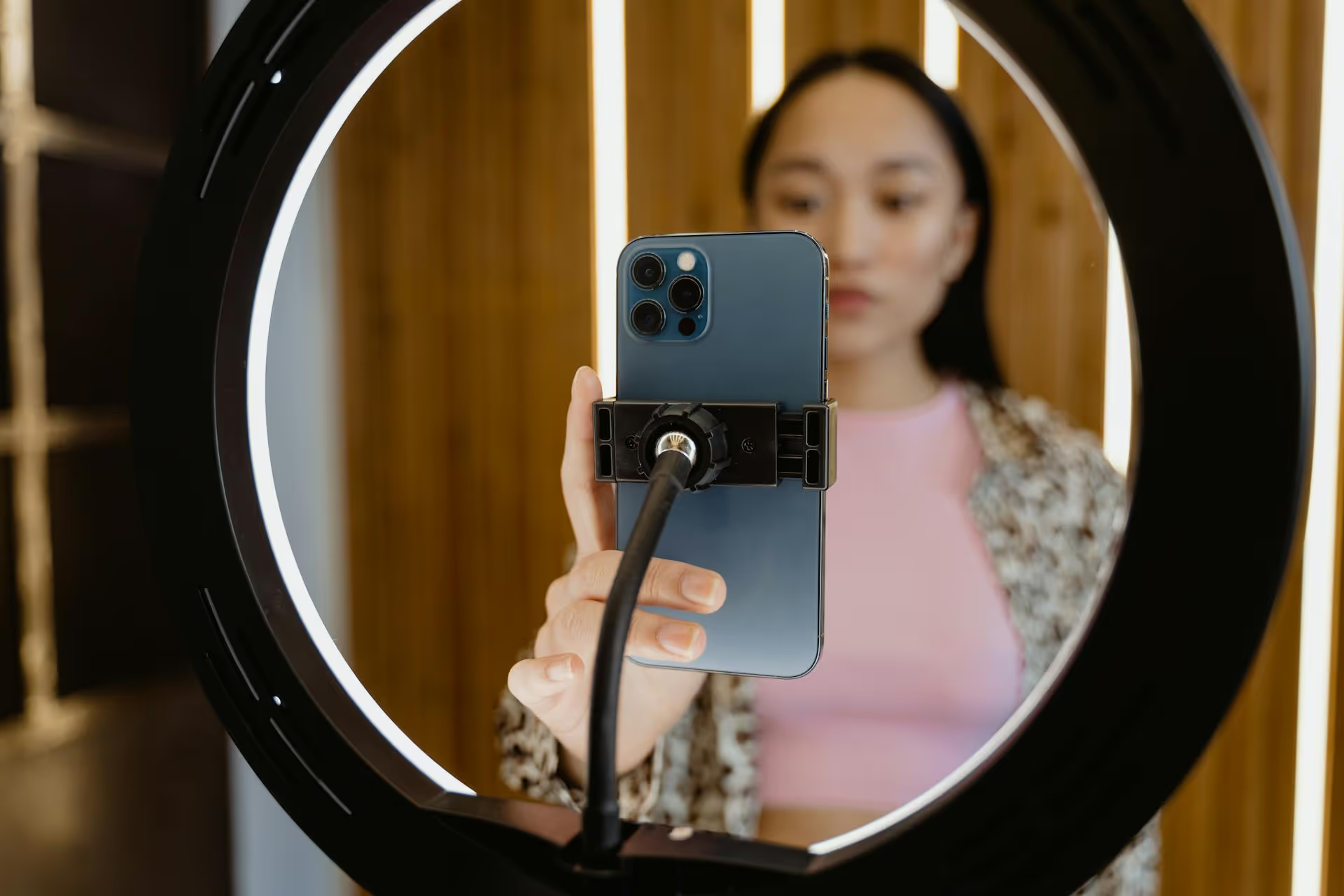
- Good Lighting: Face a window or use a ring light. Good lighting makes you look professional and helps keep viewers engaged.
- Do a Test Run: The day before, do a quick private Live with your guests to test the connection, lighting, and audio and to ensure everyone knows how to join the Live Room.
Step 4: Execute the Live Debate
It's showtime! Here's a brief run-of-show.
- Start on Time: Go live and give your audience a minute to join. Welcome people as they trickle in.
- Introduce Everything: Give a clear and concise introduction. "Welcome everyone! Today we're debating [TOPIC] with [GUEST]. Here are the rules..."
- Add Your Guests: Tap the "Invite" icon at the bottom of the screen to invite your guests to join the Live Room.
- Stick to the Structure: As the moderator, keep things moving. Give your speakers their allotted time for opening statements, rebuttals, and closing thoughts.
- Engage with the Audience: Keep an eye on the comments. Pin the best questions to the screen so everyone can see them and pose them to your speakers. Don't be afraid to filter or block trolls who are derailing the conversation.
- End on a High Note: Thank your guests and your audience for joining. Give a clear call-to-action, such as "Follow [GUEST] for more great insights," or "Let us know in the comments who you thought made the better argument!"
Step 5: Repurpose Your Content
The work doesn't stop when the live stream ends. Let the debate live on.
- Save the Live: Be sure to save the full recording to your Instagram profile so people who missed it can watch it later.
- Create Highlight Reels: Download the video and use a video editor to find the most compelling 30-60 second clips. These could be a major turning point in the debate, a powerful statement, or a funny moment. Post these as individual Reels over the next week.
- Design a Carousel Post: Pull out the 3-5 biggest "takeaways" or strongest arguments from each side and create an informative carousel. This is great for an at-a-glance summary for your audience.
- Share Quote Cards: Take powerful quotes from the debate and turn them into simple, shareable graphics for your feed and Stories.
Final Thoughts
Hosting a debate on Instagram is a powerful way to position yourself as an authority, grow your account with highly engaged followers, and build a real community around your brand. Following a structured plan for your topic, participants, promotion, and follow-up turns a simple Live video into a pillar content event that can fuel your strategy for weeks to come.
The content cycle of promoting, hosting, and then repurposing a major event like a debate can feel like a lot to manage. This is exactly why we built Postbase. Our visual calendar lets us map out the entire promotional schedule - from teaser Reels to countdown Stories - and see it all at a glance. After the debate, we can upload the source video and easily schedule all those repurposed clips and quote graphics across every platform, turning one hour of effort into a continuous stream of great content.
Spencer's spent a decade building products at companies like Buffer, UserTesting, and Bump Health. He's spent years in the weeds of social media management—scheduling posts, analyzing performance, coordinating teams. At Postbase, he's building tools to automate the busywork so you can focus on creating great content.