

How to Add Social Media Icons to an Email Signature
Enhance your email signature by adding social media icons. Discover step-by-step instructions to turn every email into a powerful marketing tool.

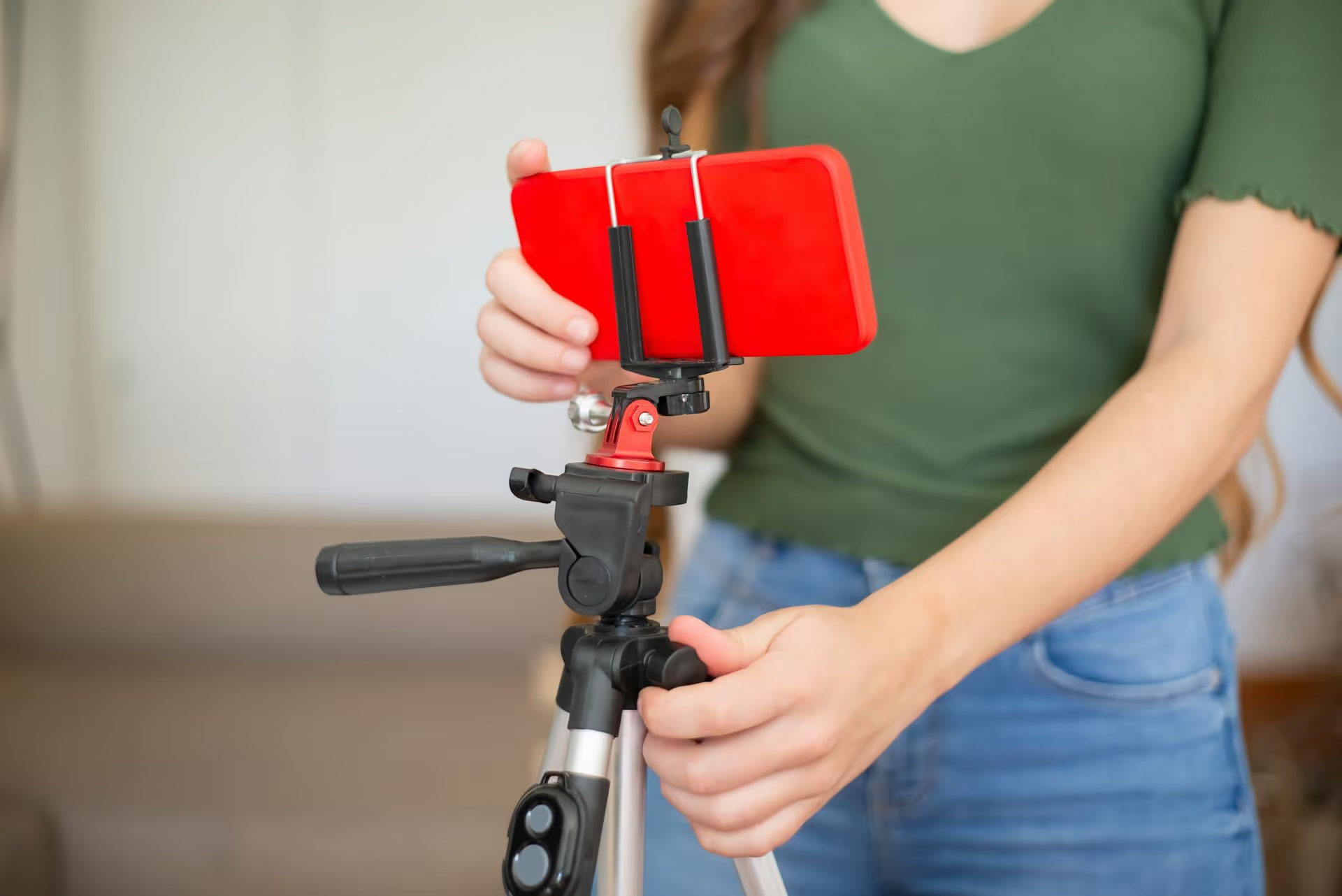
Looking to pack your next virtual workshop or in-person launch party using the power of Instagram? You’ve come to the right place. This guide walks you through the exact methods for creating and promoting events on Instagram, using both the platform's dedicated features and creative strategies that drive real RSVPs and tune-ins. We'll cover how to schedule a Live video event, how to use interactive Story stickers to build buzz, and best practices for making sure your event is a success.
Let's clear this up right away: Instagram does not have a dedicated, standalone feature like "Facebook Events." You can’t create a separate page for your event with a guest list, a mapped location, and ticket links all in one place. Instead, creating an event on Instagram involves creatively combining several of its existing features to achieve the same goal: getting people excited and reminding them to show up.
The primary tool for this is the Scheduled Live Video feature, which allows you to set a date and time for a broadcast and create a shareable post that lets followers set a reminder. Beyond that, tools like the Countdown Sticker and Reminder Sticker in Stories, collaboration posts, and strategic content planning all come together to make up your event marketing toolkit on the platform.
Think of it less as pressing one "Create Event" button and more as orchestrating a mini-campaign. When done right, this approach is incredibly effective for building anticipation and driving attendance for everything from a digital product launch to a neighborhood pop-up shop.
When you schedule a Live, Instagram automatically creates a post that your followers can engage with and creates multiple opportunities for them to opt-in for reminders.
Here’s the step-by-step process:
Start from the Instagram home screen. Swipe right to open the content creation camera, or tap the plus icon [+] at the bottom of your screen. From the bottom menu, scroll over to the “Live” option.
On the left-hand side of the Live screen, you’ll see several icons. Look for the calendar icon labeled “Schedule.” Tap it to open the scheduling options. You also have the option to add a title for your Live screen here under the “Practice” and “Audience” options, which you can do now or in the next step.
A new screen will pop up. This is where you configure your event details.
Once you’ve set your title and time, tap the “Schedule Live Video” button at the bottom. And just like that, your event is officially scheduled! Instagram will immediately generate a prompt asking if you want to share the event as a post to your feed. You definitely want to do this, as it’s the centerpiece of your promotional effort.
Scheduling the Live is just step one. Now, you need to make sure people actually know about it and remember to join. This is where the marketing kicks in.
After you schedule your Live, a shareable image is created that acts as your event’s official announcement on the feed. This post includes the title, date, and time of your Live event. Crucially, it has a special button on it that allows users to tap and get a reminder. This is your primary call-to-action.
When you share this as a post, treat it like any important piece of content:
The Countdown Sticker is your best friend when promoting an event. It creates a visual sense of urgency and lets followers opt-in for a reminder right from your Story.
Use this sticker multiple times leading up to your event - perhaps at the 7-day, 3-day, 24-hour, and 1-hour marks - to keep it top of mind.
Don't forget the power of a direct message. Tap the paper airplane icon on your scheduled Live post and send it directly to followers who have shown a lot of interest in the topic, to past clients, or to creator partners who might be willing to share it.
Since Instagram marketing is more of an art than a science, you can also promote events that aren't tied to an Instagram Live. Here are a few other methods for promoting things like a webinar on a different platform, a product drop, or a store opening.
Similar to the Countdown sticker, the Reminder sticker allows you to set a notification for a specific future event date. Users who tap it will receive a notification at that time.
This is perfect for:
You can set reminders up to three months in advance, and just like scheduled Lives, users who opt-in will get a notification 24 hours before, 15 minutes before, and at the event time.
Sometimes, the old-school approach works best. Design a beautiful, eye-catching graphic that contains all the essential event information: what it is, who it's for, where and when it’s happening, and what the call-to-action is.
To make this type of post successful, you need a clear next step:
Create a series of Reels to promote your event from different angles:
Instagram gives you a robust set of tools to create buzz and drive attendance for your events. By combining the official Scheduled Live feature with strategic promotion through Stories, feed posts, and Reels, you can build a powerful and effective event marketing campaign right within the app.
To keep all of your promotional content in order, a good plan and a clear schedule are your best allies. At Postbase, we designed our visual content calendar specifically to help you see your entire event marketing timeline at a glance. We use it to map out our announcement posts, reminder Stories, and hype Reels, easily dragging and dropping content to new days if plans change. This bird's-eye view helps our campaigns feel cohesive and on track, not chaotic.
Spencer's spent a decade building products at companies like Buffer, UserTesting, and Bump Health. He's spent years in the weeds of social media management—scheduling posts, analyzing performance, coordinating teams. At Postbase, he's building tools to automate the busywork so you can focus on creating great content.

Enhance your email signature by adding social media icons. Discover step-by-step instructions to turn every email into a powerful marketing tool.
Record clear audio for Instagram Reels with this guide. Learn actionable steps to create professional-sounding audio, using just your phone or upgraded gear.
Check your Instagram profile interactions to see what your audience loves. Discover where to find these insights and use them to make smarter content decisions.
Requesting an Instagram username? Learn strategies from trademark claims to negotiation for securing your ideal handle. Get the steps to boost your brand today!
Attract your ideal audience on Instagram with our guide. Discover steps to define, find, and engage followers who buy and believe in your brand.
Activate Instagram Insights to boost your content strategy. Learn how to turn it on, what to analyze, and use data to grow your account effectively.
Wrestling with social media? It doesn’t have to be this hard. Plan your content, schedule posts, respond to comments, and analyze performance — all in one simple, easy-to-use tool.



