

How to Add Social Media Icons to an Email Signature
Enhance your email signature by adding social media icons. Discover step-by-step instructions to turn every email into a powerful marketing tool.

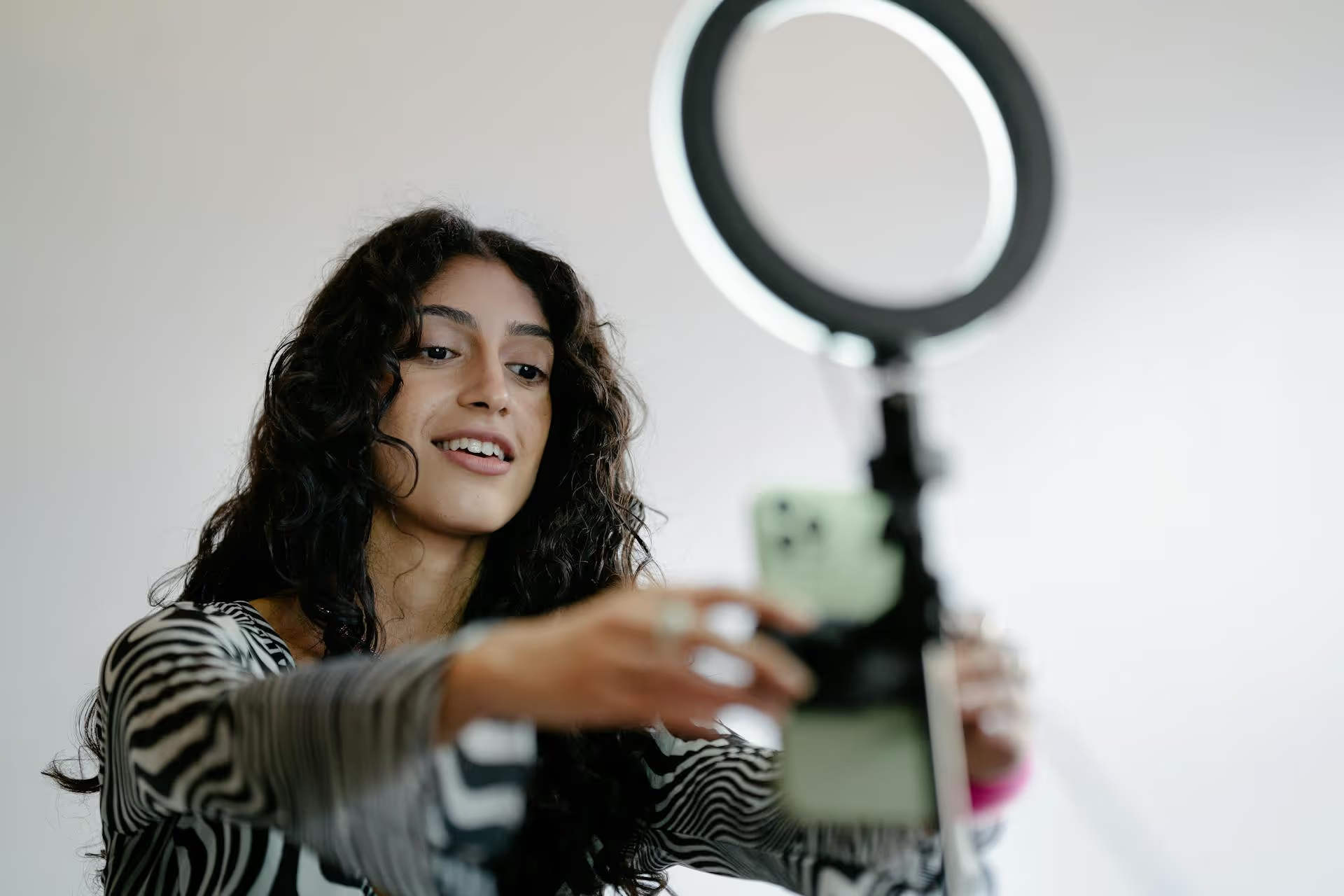
A viral YouTube Short isn't an accident, it's engineered from the ground up, and the blueprint is the script. Forget waiting for the algorithm to bless you - a powerful script gives you control over viewer attention and shareability. This guide will give you the practical framework and step-by-step process for writing YouTube Shorts scripts that are designed to pop off.
While the content can be anything from a kitchen hack to a coding tutorial, almost every viral Short follows the same core three-act structure. It's a relentless formula focused on one thing: retaining viewer attention in a hyper-fast environment. Internalize this structure, and you're already ahead of 90% of creators.
This is it. This is the whole game. The average viewer decides whether to keep watching in under three seconds. If your opening doesn't immediately grab them, they will swipe away without a second thought. Your hook must either create a potent curiosity gap or promise immense, immediate value.
Effective hooks aren't complicated, they're just direct. Here are a few proven types:
Your hook made a promise. The body of your Short is where you deliver on that promise - and you have to do it fast. This section is all about substance, delivered with relentless pacing. There is zero time for filler, introductions, or slow wind-ups.
Pacing is everything here. No single shot should last more than a few seconds. To keep the viewer engaged, your script should layer multiple forms of stimulation:
If you promised to solve a problem in the hook, this is where you solve it clearly and concisely. If you showed a final result, this is the step-by-step process condensed into its most essential parts.
The payoff is the satisfying "ta-da!" moment that makes the video feel complete. It's the answer to the hook's question, the final "before and after" shot, or the punchline to your setup. It provides a feeling of closure that makes the viewer feel good about spending their time with you. Immediately after, you hit them with a clear, low-effort call-to-action (CTA).
Don't overthink the CTA. A simple and direct request works best:
Ask for only one thing. Asking them to like, comment, subscribe, and share is too much cognitive load for a 60-second video. Pick one goal and state it clearly.
Now, let's turn theory into action. Here is the process for writing a script, from a blank page to a finished blueprint.
A YouTube Short has no room for complexity. It must be built around a single thought, a single tip, a single story. If you try to teach three things, you'll successfully teach zero. Brevity is king.
Bad Idea: "All my favorite keyboard shortcuts." (Too broad)
Good Idea: "The one keyboard shortcut even pros don't know." (Specific and creates curiosity)
Bad Idea: "A full guide to content marketing." (You're kidding, right?)
Good Idea: "One sentence that will fix 90% of your headlines." (Valuable and easily digestible)
Find your one thing and commit to it. Look at common questions in your niche, trending audio formats, or counter-intuitive advice you can offer.
Before you write anything else, write the hook. Then, write four more versions of it. Your hook is the highest-leverage part of the script, so give it the attention it deserves.
Let's say your idea is "A clever way to clean grimy pans."
Read all versions out loud. The one that makes you instinctively lean in closer is your winner.
Never just write the words you'll say. A Short is a visual medium. A simple two-column script is the easiest way to choreograph both the audio and the video, ensuring your pacing is high-energy.
Simply create two columns: AUDIO and VIDEO.
AUDIO
VIDEO
[0-3s] Stop manually highlighting text with your mouse. It's wasting so much of your time.
Quick shot showing a hand clunkily dragging a mouse to highlight a paragraph.
[4-8s] Instead, just click your cursor once at the beginning of the text.
Close-up of a cursor clicking at the start of a sentence.
[9-15s] Then, hold down the SHIFT key and click at the end of where you want to highlight...
Show finger pressing the SHIFT key. On-screen text "HOLD SHIFT" appears with an arrow. Show cursor moving to the end of the paragraph.
[16-20s] ...And boom! Everything is perfectly selected. Instantly.
Dramatic click. Entire paragraph highlights. Add a satisfying 'swoosh' sound effect.
[21-25s] Now you look like a tech genius.
Shot back to your face, smiling confidently at the camera.
[26-30s] Subscribe for more tips that make life easier.
Point upwards towards where the subscribe button appears on the YouTube Shorts UI.
Read your completed script out loud, preferably with a timer. Does it sound like a normal human talking? Or does it sound like you're reading an essay? Cut any word that doesn't add value.
Use conversational language. Use contractions ('don't' instead of 'do not'). Be direct. Every half-second a viewer spends listening to a filler word is a half-second they could use to swipe away.
Once you've mastered the basics, you can start incorporating more advanced techniques that encourage multiple watches and deeper engagement.
A "perfect loop" is a video where the end transitions seamlessly back into the beginning. This can trick viewers into watching two, three, or even four times before they realize it's replaying. The YouTube algorithm loves this because it skyrockets your average view duration and audience retention.
To write one, script your beginning and ending to be cosmetically similar.
Even in 60 seconds, you can tell a tiny story. Stories are more emotionally resonant than simple lists of facts. These three arcs are a great starting point for Shorts:
Scripting a viral YouTube Short has little to do with luck and everything to do with a formula. By focusing on a lightning-fast hook, providing immediate and concentrated value, and capping it with a satisfying payoff, you create a viewing experience that the algorithm is designed to promote.
Once you master this formula, you'll be creating quality content faster than ever before. We actually built Postbase to solve this exact 'problem' of having new videos ready to go constantly. Seeing all your planned Shorts, Reels, and TikToks laid out on one visual calendar makes it effortless to build a consistent publishing cadence, and scheduling everything from a single dashboard saves you from the chaos of constantly switching apps. It's the simple, modern tool we wish we had back when we were managing social media and wrestling with out-of-date tools.
```
Spencer's spent a decade building products at companies like Buffer, UserTesting, and Bump Health. He's spent years in the weeds of social media management—scheduling posts, analyzing performance, coordinating teams. At Postbase, he's building tools to automate the busywork so you can focus on creating great content.

Enhance your email signature by adding social media icons. Discover step-by-step instructions to turn every email into a powerful marketing tool.
Record clear audio for Instagram Reels with this guide. Learn actionable steps to create professional-sounding audio, using just your phone or upgraded gear.
Check your Instagram profile interactions to see what your audience loves. Discover where to find these insights and use them to make smarter content decisions.
Requesting an Instagram username? Learn strategies from trademark claims to negotiation for securing your ideal handle. Get the steps to boost your brand today!
Attract your ideal audience on Instagram with our guide. Discover steps to define, find, and engage followers who buy and believe in your brand.
Activate Instagram Insights to boost your content strategy. Learn how to turn it on, what to analyze, and use data to grow your account effectively.
Wrestling with social media? It doesn’t have to be this hard. Plan your content, schedule posts, respond to comments, and analyze performance — all in one simple, easy-to-use tool.



