

How to Add Social Media Icons to an Email Signature
Enhance your email signature by adding social media icons. Discover step-by-step instructions to turn every email into a powerful marketing tool.

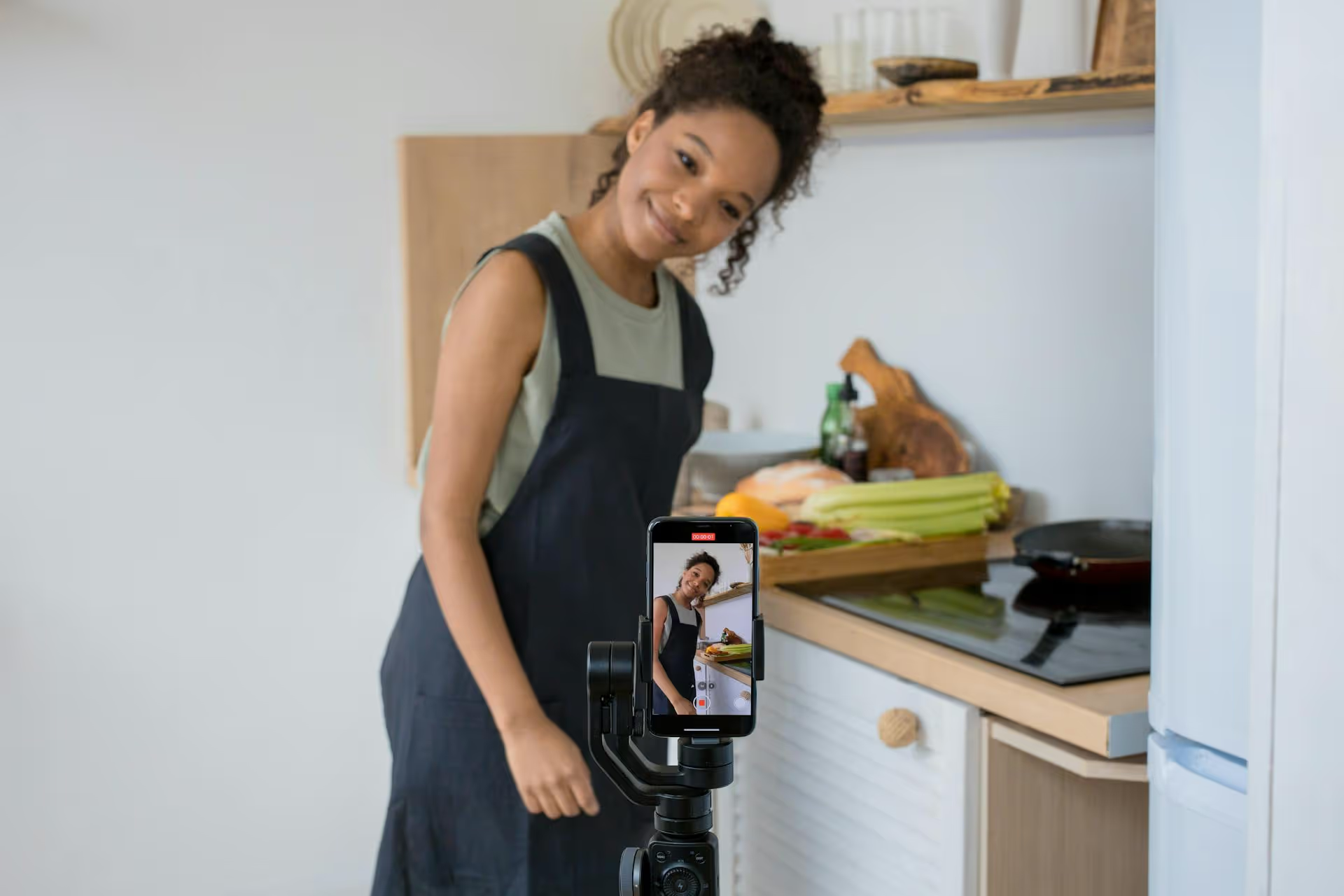
Your TikTok video description is more than just an afterthought - it's a powerful tool for driving engagement and getting your content discovered. Mastering this small block of text can mean the difference between a video that vanishes and one that lands on thousands of For You Pages. This guide breaks down exactly how to write effective TikTok descriptions, from crafting a compelling hook to choosing the right hashtags, so you can turn casual viewers into loyal followers.
In the fast-paced world of TikTok, it’s easy to focus all your energy on the video and slap a quick caption on at the end. But the description, or caption, serves three vital functions that great creators learned to master long ago.
While captions can vary wildly in tone and length, the most effective ones often follow a simple but powerful structure. Let's break it down into its core components.
TikTok only shows the first line or two of your description before hiding the rest behind a "...more" button. This opening line is your video's headline, and it has one job: to stop the scroll and make someone curious enough to watch, read, or engage.
Here are a few ways to craft a compelling hook:
If your hook gets them to stop, the body of your description gives them a reason to stay. This is where you can add more detail, tell a deeper story, or provide valuable information that complements your video.
The key here is clarity and connection. Don't write a novel. Instead, aim to:
Every effective description ends by guiding the viewer toward a specific action and helping the algorithm categorize the content.
Never assume your viewers know what to do next. You have to tell them! A strong call-to-action turns passive watchers into active participants. The engagement this drives is a powerful signal to the algorithm that people are enjoying your content.
Tailor your CTA to your TikTok's goal. Do you want to spark conversation? Get followers? Some popular CTAs include:
Hashtags are essential for discoverability. They categorize your video and tell TikTok's algorithm who should see it. Instead of a random approach, try a strategic mix of the following:
A good rule of thumb for a balanced approach is to use around 3-5 hashtags total. Avoid generic tags like #fyp or #foryoupage. They are generally too saturated to be successful, and the algorithm likely doesn't use them for categorization.
Your description's tone should match your video's. Maintain a consistent brand voice, and try to sound like a real person, not a corporate robot. If your video is lighthearted and funny, be playful in your description. If your video is inspirational, be encouraging in your text. Authenticity builds trust and lets you connect with your audience.
TikTok functions more and more like a search engine. People are typing search terms like "easy pasta recipes" directly into the app. Weave these keywords naturally into your descriptions. Instead of just writing "This is fantastic," try something like, "Here’s my go-to 10-minute pasta recipe." You've just placed a relevant keyword right in front of people searching for it.
A great way to boost comments is to ask a debatable question that encourages people to share their opinions. For example: "Unpopular opinion: pineapple belongs on pizza. Agree or disagree?" This simple method drives debate in the comments and is a powerful engagement signal to TikTok.
While TikTok allows for up to 2,200 characters, you should usually use a fraction of that. Short, snappy sentences are better for quick entertainment videos. But for educational tutorials, how-to guides, or storytelling, a longer description can give you more space to explain details thoroughly. The rule is to be as long as you need to be to add value, and not a word longer.
Collaborating with another creator or using a specific brand's product? Tag them! Tagging shows up in their notifications, increases the potential for engagement from their audience, and can even lead to being reshared.
Writing a great TikTok description is about providing context, sparking engagement, having a clear call-to-action, and using the right hashtags. It's not just about what you write, it's about giving your video the best chance to be discovered, shared, and remembered by your audience.
As you build a content strategy across all social channels, planning becomes key. Our team at Postbase created a tool to help you stay organized. Our platform’s visual calendar helps you schedule content and see your entire multi-channel strategy at a glance, freeing you up to focus on creating content that connects.
Spencer's spent a decade building products at companies like Buffer, UserTesting, and Bump Health. He's spent years in the weeds of social media management—scheduling posts, analyzing performance, coordinating teams. At Postbase, he's building tools to automate the busywork so you can focus on creating great content.

Enhance your email signature by adding social media icons. Discover step-by-step instructions to turn every email into a powerful marketing tool.
Record clear audio for Instagram Reels with this guide. Learn actionable steps to create professional-sounding audio, using just your phone or upgraded gear.
Check your Instagram profile interactions to see what your audience loves. Discover where to find these insights and use them to make smarter content decisions.
Requesting an Instagram username? Learn strategies from trademark claims to negotiation for securing your ideal handle. Get the steps to boost your brand today!
Attract your ideal audience on Instagram with our guide. Discover steps to define, find, and engage followers who buy and believe in your brand.
Activate Instagram Insights to boost your content strategy. Learn how to turn it on, what to analyze, and use data to grow your account effectively.
Wrestling with social media? It doesn’t have to be this hard. Plan your content, schedule posts, respond to comments, and analyze performance — all in one simple, easy-to-use tool.



