

How to Add Social Media Icons to an Email Signature
Enhance your email signature by adding social media icons. Discover step-by-step instructions to turn every email into a powerful marketing tool.

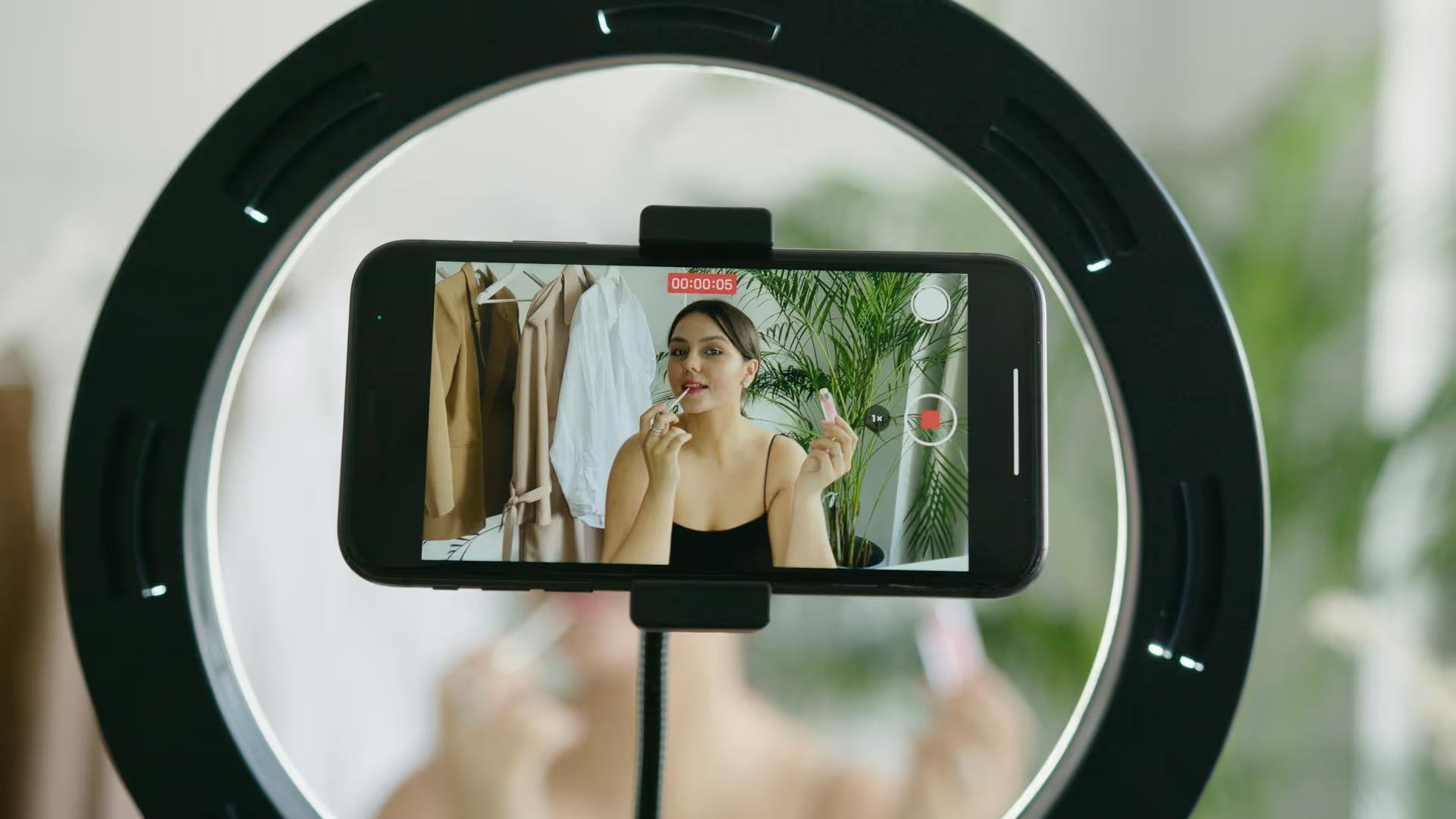
While TikTok is famous for its short-form videos, picture-based posts are quietly taking over the platform. From aesthetic photo dumps to step-by-step tutorials, using static images gives you a powerful and easy way to create engaging content. This guide will walk you through exactly how to upload pictures on TikTok using every available method, plus creative strategies to make your photo posts stand out.
In late 2022, TikTok rolled out its dedicated Photo Mode, and it completely changed the game. If you’ve ever used an Instagram carousel post, you’ll feel right at home. This feature lets you upload a series of pictures that users can swipe through at their own pace. It’s perfect for storytelling, sharing recommendations, or creating viral "text-in-front-of-an-aesthetic-background" style posts.
Unlike turning your photos into a video slideshow, Photo Mode keeps the images static, giving your audience control over how long they view each slide. This is a huge advantage for posts that contain a lot of text or detailed images.
Creating a carousel is incredibly straightforward. Just follow these simple steps:
That’s it! Your audience can now swipe through your images left and right, just like on other platforms.
Before photo mode existed, the only way to share pictures was by compiling them into a video slideshow. This method is still very much alive and offers a different kind of viewing experience. Instead of manual swiping, a slideshow gives you complete creative control over timing, transitions, and effects, making it feel more like a traditional video.
This is your best bet when you want a fast-paced, high-energy feel or want to sync photo changes perfectly to the beat of a song.
Sometimes you just want to share one great photo. But since TikTok is a video platform, how do you do it? It’s actually much simpler than you’d think, and you have two great options.
This is the cleanest and most direct way. Follow the exact same steps for creating a Photo Mode carousel, but just select a single photo. When you post it, it will simply appear as a static image with your chosen audio playing. There are no "swipe" indicators, making for a clean, simple viewing experience.
The post will appear on the For You Page as a still image, looking completely native to the platform. Viewers can simply tap and hold to pause if they want a closer look.
You can also turn a single picture into a mini-video. This gives you access to video-only effects, making an otherwise static image feel more dynamic.
This is a great option if you feel a completely static image seems out of place or if you want to add a bit more visual flair.
Now that you know the technical "how," let's talk about the creative "why." Here’s how you can leverage picture-based content to grow your account and connect with your audience.
The most viral photo mode posts often have very little to do with the picture itself. Creators use an aesthetically pleasing - but generic - background photo and cover it with engaging text. Think about sharing:
This format is easy to produce, highly shareable, and encourages people to read, which increases watch time and signals to the algorithm that your content is valuable.
The "dump" trend is content gold. Find a trending sound that’s about sharing recent photos (captions are often like "life lately" or "camera roll finds"), and upload a collection of unpolished, authentic photos from your camera roll. It feels personal, relatable, and requires almost no production effort.
Audio is half the experience on TikTok, even for picture posts. An amazing photo carousel can fall flat with the wrong sound, while a mediocre one can go viral with the right one. Always check your For You Page or TikTok's Creative Center to see what songs or original audio clips are currently trending. The sound provides context and is a primary way new audiences discover your content.
You have less than three seconds to hook a viewer. For photo carousels, your first image shoulders all that responsibility. Use a text hook that sparks curiosity and encourages them to swipe.
Your goal is to give them a reason to stick around and swipe through your entire series.
Uploading pictures to TikTok is a fantastic way to diversify your content strategy, share stories in a new format, and create valuable posts quickly. Whether you’re using the intuitive Photo Mode for swipeable carousels or crafting a beat-synced video slideshow, static images offer a whole new playground for creativity on a video-first platform.
Once you get the hang of creating great photo content, the most important factor for growth is consistency. We've found that planning our content calendar ahead is the only way to avoid scrambling for ideas last minute. For that, we built Postbase to make our lives easier, scheduling all our TikTok videos and carousels from one clean, visual calendar. This lets us focus on creating instead of worrying about when and what to post next.
Spencer's spent a decade building products at companies like Buffer, UserTesting, and Bump Health. He's spent years in the weeds of social media management—scheduling posts, analyzing performance, coordinating teams. At Postbase, he's building tools to automate the busywork so you can focus on creating great content.

Enhance your email signature by adding social media icons. Discover step-by-step instructions to turn every email into a powerful marketing tool.
Record clear audio for Instagram Reels with this guide. Learn actionable steps to create professional-sounding audio, using just your phone or upgraded gear.
Check your Instagram profile interactions to see what your audience loves. Discover where to find these insights and use them to make smarter content decisions.
Requesting an Instagram username? Learn strategies from trademark claims to negotiation for securing your ideal handle. Get the steps to boost your brand today!
Attract your ideal audience on Instagram with our guide. Discover steps to define, find, and engage followers who buy and believe in your brand.
Activate Instagram Insights to boost your content strategy. Learn how to turn it on, what to analyze, and use data to grow your account effectively.
Wrestling with social media? It doesn’t have to be this hard. Plan your content, schedule posts, respond to comments, and analyze performance — all in one simple, easy-to-use tool.



