

How to Add Social Media Icons to an Email Signature
Enhance your email signature by adding social media icons. Discover step-by-step instructions to turn every email into a powerful marketing tool.

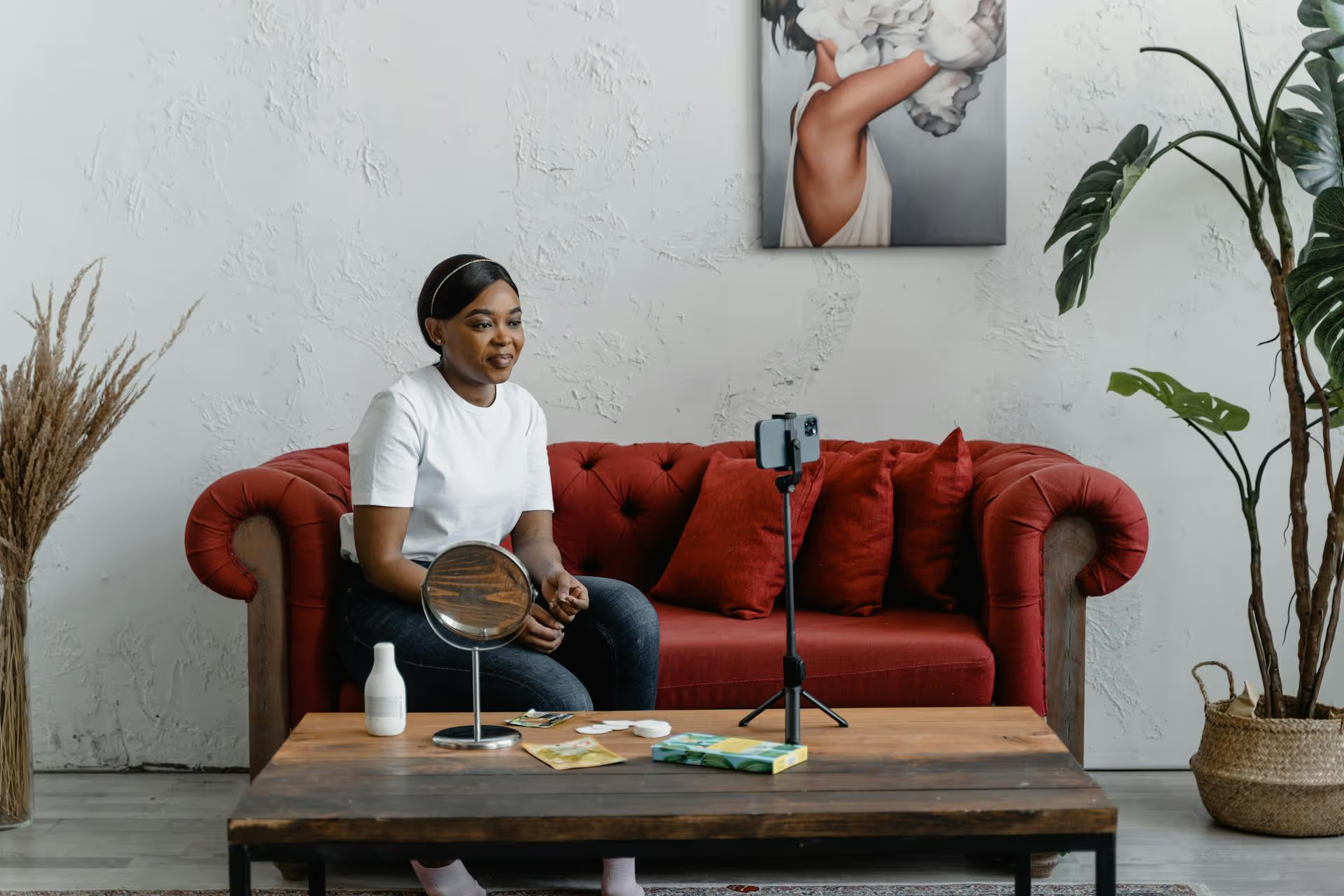
Creating beautiful Instagram photos is much more achievable than you might think, and it doesn't require a professional camera or an expensive studio. This guide breaks down the practical lighting, composition, and editing techniques that will immediately improve your images. You’ll learn how to get the most out of the phone in your pocket and start building a feed that truly stands out.
The best photos start long before you open your camera app. A few moments of preparation can make the difference between a forgettable snapshot and a stunning image that stops the scroll. These fundamentals are simple, easy to remember, and have an enormous impact on your final result.
This might sound ridiculously basic, but it's the single most common reason for blurry or hazy phone photos. Your phone's camera lens is constantly exposed to fingerprints, dust, and pocket lint. A smudged lens diffuses light, reduces sharpness, and can create a soft, unflattering glow over your entire image.
Before you shoot, get into the habit of giving your lens a quick wipe with a soft, clean cloth. A microfiber cloth (like the one you'd use for eyeglasses) is perfect, but the corner of a clean t-shirt works in a pinch. You'll be shocked at how much crisper your photos look with this one-second fix.
Lighting is the foundation of photography. Understanding how to use light is more important than your camera, your location, or your subject. Forget about the built-in flash on your phone - it almost always creates harsh, flat, and unnatural-looking images. Instead, learn to seek out and use good natural light.
A great photo usually has a clear subject and a sense of purpose. Before you start shooting, ask yourself: What's the story here? What is the one thing I want people to focus on? Having a clear idea helps you arrange the elements in your frame more effectively.
To begin arranging those elements, turn on your camera's grid. On both iPhone and Android, you can find this in your camera settings. This grid divides your screen into nine equal rectangles and is the key to using the most fundamental composition guideline: the Rule of Thirds.
The idea is simple: instead of placing your subject dead center, position them along one of the lines or at one of the four intersections. This creates a more dynamic and visually interesting photo that feels more balanced to the human eye. For a landscape, try placing the horizon on the top or bottom horizontal line, not right in the middle.
Modern smartphone cameras are incredibly powerful, packed with technology that rivals dedicated cameras from just a few years ago. The secret to unlocking their potential is to move beyond the point-and-shoot mentality and start taking manual control.
While shooting directly in the Instagram app is convenient for Stories, you should always use your phone's default camera app for feed posts. Your native app saves photos at the highest possible resolution and gives you far more control over settings. Photos taken within the Instagram app are often compressed and lower quality. You can always import your high-quality shot into Instagram later for editing and posting.
This is an absolute must-know. Your phone's camera automatically tries to guess what to focus on and what brightness level is best, but it's often wrong. You can, and should, override it.
Resist the urge to pinch-to-zoom. Your phone’s primary lens has a fixed focal length. When you "zoom in," you're not actually using an optical lens to get closer, you're just digitally cropping the sensor's image and enlarging it. This drastically reduces the image quality, resulting in a grainy, pixelated mess. The solution is simple: move your feet. Get physically closer to your subject for a cleaner, sharper photo.
The exception: Some newer phones (like pro model iPhones) have multiple lenses with actual optical zoom (e.g., 2x, 3x, 5x). Tapping these presets in your camera app will give you a high-quality shot. It's the sliding, in-between "digital zoom" function that you want to avoid at all costs.
Your camera does more than just take still photos. Explore its other capabilities:
Once you've got a handle on the technical settings, you can start focusing on the art of composition. How you arrange the elements within your frame has a massive impact on the mood and message of your photo.
Most people shoot photos from eye level. To make your images more interesting, instantly, change your perspective. Don't be afraid to move around!
One of the most effective compositional tools is using leading lines. These are natural lines within the photo - like roads, paths, fences, staircases, or the edge of a building - that draw the viewer's eye from the foreground deep into the image, typically leading directly to your main subject. This technique creates a strong sense of depth and guides the viewer on a visual journey through your photo.
Negative space is the empty or uncluttered area around your main subject. Don't be afraid to have a lot of "nothing" in your photo. A clean, simple background - like an empty wall, a big patch of sky, or clear sand - can make your subject stand out dramatically. It gives the image breathing room and creates a clean, minimalist, or calming feeling.
Almost every professional photo you see has been edited. Editing is not about faking reality, it's about enhancing your photo to better match what your eyes saw in the moment. The key is to be subtle and develop a consistent style that defines your visual brand.
Instead of immediately applying a heavy filter that can ruin your photo, start with a few basic, manual adjustments. Most free editing apps have these tools:
You don't need expensive desktop software. There are incredibly powerful editing apps available right on your phone:
The "pro" look on Instagram often comes from consistency. This is your visual brand identity. When someone visits your profile, does the grid of photos feel harmonious? You can achieve this by:
Creating pro-level Instagram photos isn't about having the most expensive gear, it’s about understanding the fundamentals of light and composition and developing a knack for subtle, polished editing. Every one of these techniques is a skill you can build with a bit of attention and practice, all with the camera you already use every day.
Once you’ve captured and perfected these incredible images, getting them out to your audience when they'll have the biggest impact is the next step. At Postbase, we designed our visual content calendar to help us plan everything out seamlessly. It lets us see our entire grid ahead of time, drag and drop posts to get the perfect flow, and schedule content across all our platforms reliably. This planning helps us maintain our beautiful, cohesive feed without the chaos of posting on the fly.
```
Spencer's spent a decade building products at companies like Buffer, UserTesting, and Bump Health. He's spent years in the weeds of social media management—scheduling posts, analyzing performance, coordinating teams. At Postbase, he's building tools to automate the busywork so you can focus on creating great content.

Enhance your email signature by adding social media icons. Discover step-by-step instructions to turn every email into a powerful marketing tool.
Record clear audio for Instagram Reels with this guide. Learn actionable steps to create professional-sounding audio, using just your phone or upgraded gear.
Check your Instagram profile interactions to see what your audience loves. Discover where to find these insights and use them to make smarter content decisions.
Requesting an Instagram username? Learn strategies from trademark claims to negotiation for securing your ideal handle. Get the steps to boost your brand today!
Attract your ideal audience on Instagram with our guide. Discover steps to define, find, and engage followers who buy and believe in your brand.
Activate Instagram Insights to boost your content strategy. Learn how to turn it on, what to analyze, and use data to grow your account effectively.
Wrestling with social media? It doesn’t have to be this hard. Plan your content, schedule posts, respond to comments, and analyze performance — all in one simple, easy-to-use tool.



