

How to Add Social Media Icons to an Email Signature
Enhance your email signature by adding social media icons. Discover step-by-step instructions to turn every email into a powerful marketing tool.

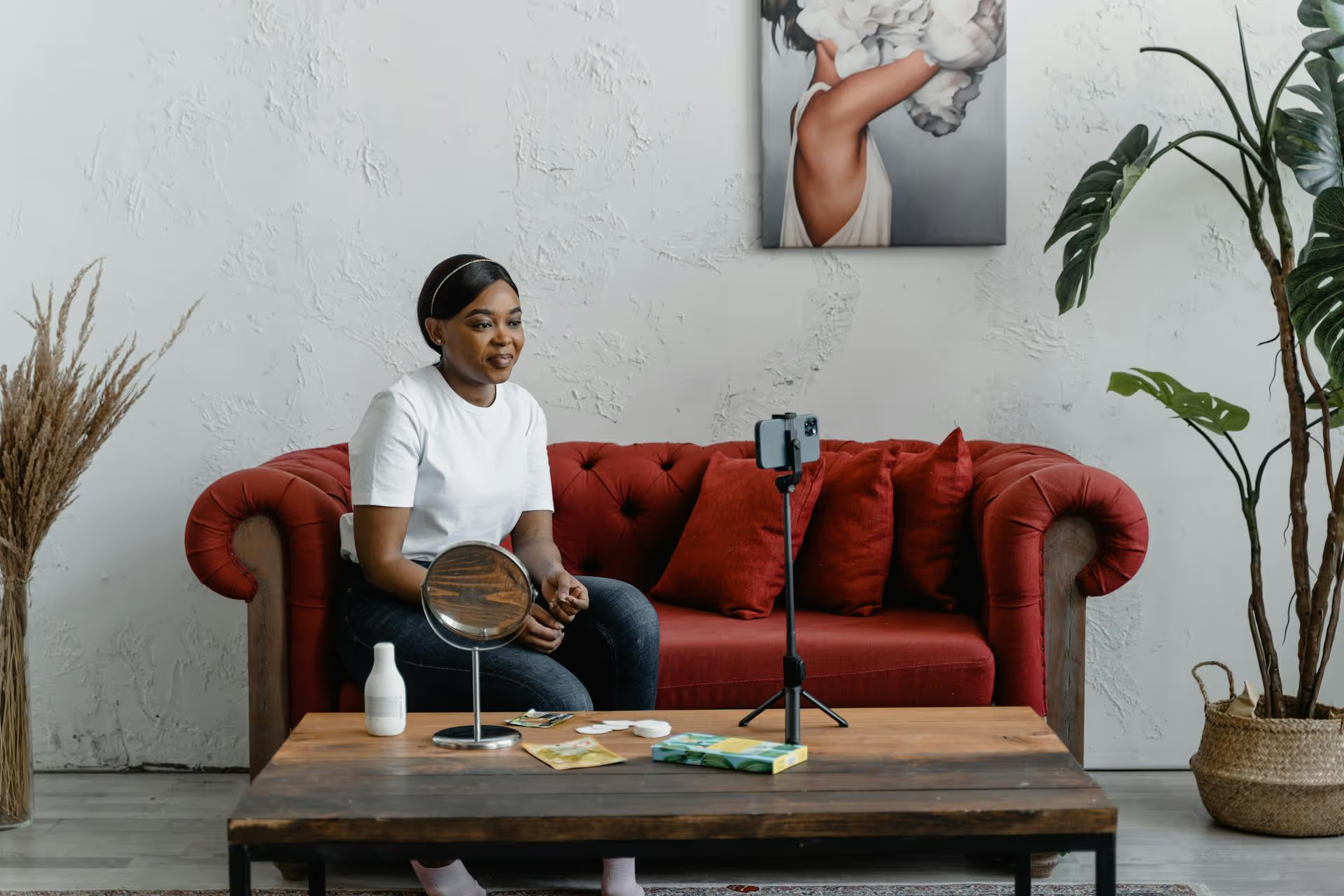
Premiering a video on Facebook transforms a simple upload into a can’t-miss viewing event. It’s a powerful way to generate buzz, capture your audience's undivided attention, and drive a flood of real-time engagement. This guide will walk you through exactly how to set up a successful Facebook Premiere, from the initial upload to the best practices that turn viewers into loyal fans.
Think of a Facebook Premiere as the social media equivalent of a TV show premiere. You upload a pre-recorded video, schedule it for a specific time, and Facebook broadcasts it “live” for the very first time. While the video plays, a live chat runs alongside it, allowing you and your audience to comment, react, and experience the content together in real time.
This creates a shared, interactive experience that a standard video upload just can’t replicate. Your followers get a notification that you have a Premiere starting soon, a countdown timer builds anticipation on your Page, and everyone tunes in at the same moment.
When you upload a standard video, engagement trickles in over hours or days as people discover it in their feeds. A Premiere, however, concentrates that engagement into a single, high-energy window. Everyone is watching and commenting simultaneously, which signals to the Facebook algorithm that your content is valuable and timely, potentially boosting its initial reach.
Going live is great for spontaneous, off-the-cuff interaction, but it comes with risks - technical glitches, awkward pauses, or fumbled lines. A Premiere gives you the best of both worlds. You get the real-time engagement of a live broadcast without the pressure, because the video itself is pre-recorded, edited, and perfectly polished. While your professional-quality video plays, you’re free to be in the comment section, responding to your audience and stoking the conversation.
Setting up a Premiere is straightforward, but taking the time to nail each step will make all the difference. For the best results and most available options, always schedule your premiere from a desktop computer using Meta Business Suite.
Before you even think about uploading, make sure your content is set up for success.
With your assets ready, it's time to upload. Navigate to Meta Business Suite for your Facebook Page.
Once your video is uploading, the "Create post" window will populate with several fields. This is where you'll add the title, description, and thumbnail you prepared earlier.
Make sure to review everything to ensure there are no typos and your links work correctly.
This is where the magic happens. After filling in your video details, click on the “Publishing Options” dropdown at the bottom of the window.
Once you select "Premiere," you’ll see an option to add an image. This is a great way to add an extra promotional element that will show up in the announcement post. A poster-style image or a different variation of your thumbnail works well here.
Once you've configured everything, click the "Schedule" button. At this point, Facebook will automatically publish an announcement post on your Page. This post is the heart of your promotional efforts.
This announcement includes the date and time of the premiere and features a "Get Reminder" button that allows interested followers to receive a notification just before the event starts. Now, your job is to drive as many people to that post as possible.
Just scheduling a Premiere isn't enough. The real success lies in turning it into a genuine online event. Here’s how to ensure high-engagement.
Don't be shy about promoting your upcoming event. Treat it like a product launch.
Don't just pick a random time. Dig into your Facebook Page Insights (or Meta Business Suite analytics) to see when your audience is most active online. Scheduling your premiere during this peak window drastically increases the chances of a larger live audience.
This is the most critical part. Your job isn't done when the premiere starts - it's just beginning. The value of a premiere is the interaction.
Once the premiere ends, the video immediately becomes a regular video-on-demand post on your page. The comments from the live chat remain, which provides powerful social proof for future viewers.
Facebook Premieres offer an incredible opportunity to do more than just upload a video. They allow you to create a memorable event that builds community and drives powerful, concentrated engagement. By carefully preparing your content, promoting the event, and actively participating during the broadcast, you can transform a simple video debut into a launch that gets noticed.
Mastering a specific feature like Facebook Premiere is a great tactic, but it’s most effective when it’s part of a broader, well-organized content plan. At Postbase, we designed our visual calendar to give you a clear, bird's-eye view of your entire strategy across all platforms. This allows you to see exactly where a big event like a Premiere fits in, letting you plan promotional content around it and spot scheduling gaps in seconds. It's a great way to better plan high-impact moments with Postbase.
Spencer's spent a decade building products at companies like Buffer, UserTesting, and Bump Health. He's spent years in the weeds of social media management—scheduling posts, analyzing performance, coordinating teams. At Postbase, he's building tools to automate the busywork so you can focus on creating great content.

Enhance your email signature by adding social media icons. Discover step-by-step instructions to turn every email into a powerful marketing tool.
Record clear audio for Instagram Reels with this guide. Learn actionable steps to create professional-sounding audio, using just your phone or upgraded gear.
Check your Instagram profile interactions to see what your audience loves. Discover where to find these insights and use them to make smarter content decisions.
Requesting an Instagram username? Learn strategies from trademark claims to negotiation for securing your ideal handle. Get the steps to boost your brand today!
Attract your ideal audience on Instagram with our guide. Discover steps to define, find, and engage followers who buy and believe in your brand.
Activate Instagram Insights to boost your content strategy. Learn how to turn it on, what to analyze, and use data to grow your account effectively.
Wrestling with social media? It doesn’t have to be this hard. Plan your content, schedule posts, respond to comments, and analyze performance — all in one simple, easy-to-use tool.



