

How to Add Social Media Icons to an Email Signature
Enhance your email signature by adding social media icons. Discover step-by-step instructions to turn every email into a powerful marketing tool.

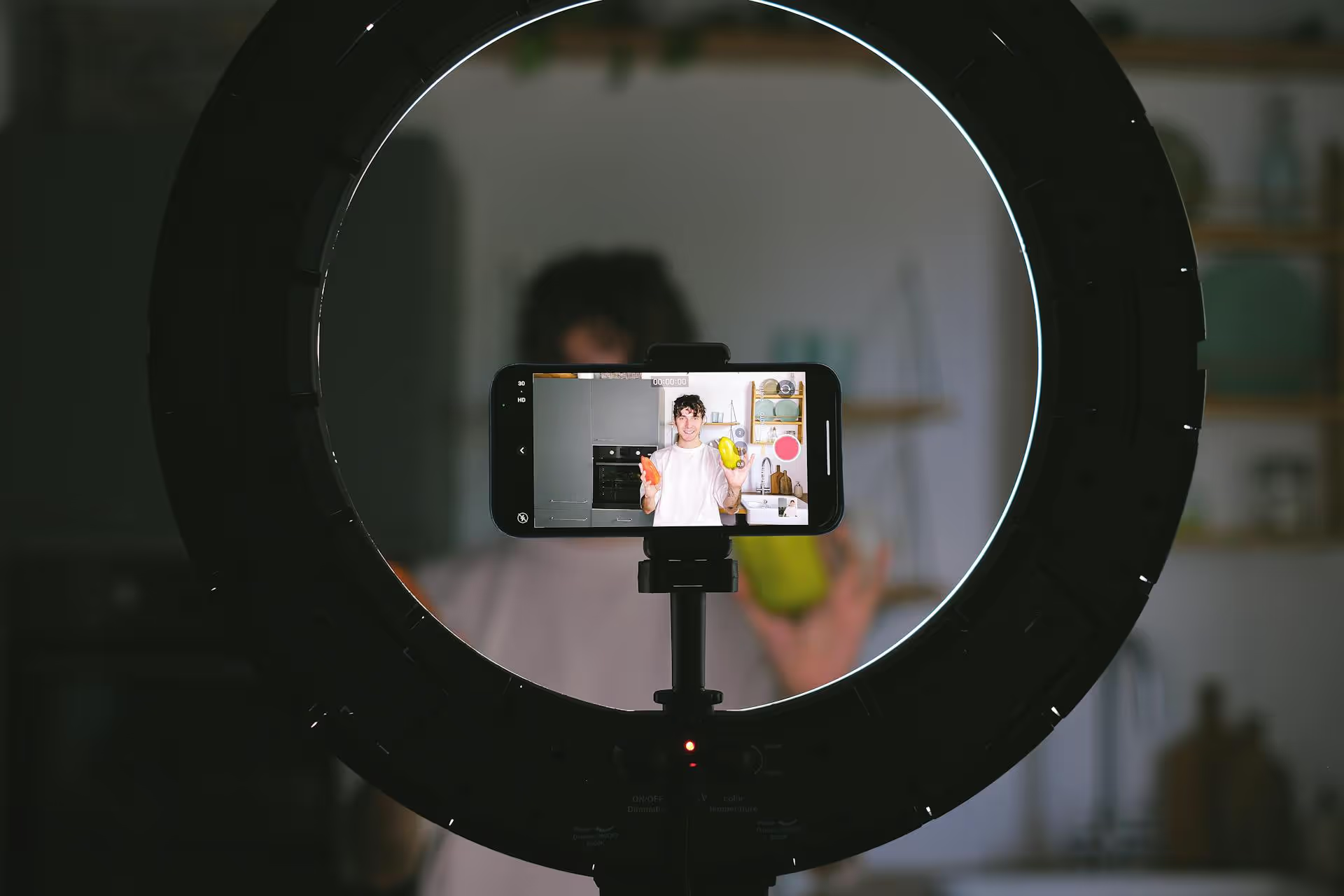
Marketing your event on Instagram is one of the most effective ways to build buzz, connect with your audience, and sell tickets. This guide breaks down the process into a clear, phase-by-phase timeline, giving you actionable steps to promote your event from the first announcement to the final thank you post. We'll cover everything from pre-event hype and engagement strategies to what to do on the day of and after it's all over.
The early stages are all about setting yourself up for success. This is where you lay the groundwork, build initial awareness, and get the first wave of excitement going. Don't rush this part, a strong start makes everything that follows easier.
Before you post anything, you need a few key digital assets. First, create a unique and memorable event hashtag. It should be short, easy to remember, and not already in use. Something like #VibeFest2024 is better than #MusicandArtsFestivalinNewYork2024. Encourage speakers, sponsors, and early ticket buyers to use it right away. This hashtag will become the central hub for all user-generated content (UGC).
Next, update your Instagram bio. Your bio is valuable real estate. Make it count by including:
Your first announcement post should be a showstopper. Don't just slap text on a plain background. Invest in a high-quality video teaser, a beautifully designed graphic, or a carousel post that reveals the event's theme and purpose. The goal is to stop the scroll and immediately signal that this is an event people won't want to miss.
Pair this visual with a compelling caption that answers the essential questions: who, what, when, where, and why. End with a clear CTA directing people to the link in your bio. On the day of your announcement, use the countdown sticker in your Instagram Stories to build anticipation and remind followers as the date gets closer.
You don’t have to build hype all by yourself. Your speakers, sponsors, musical guests, and key partners are your biggest promotional assets. Create a simple media kit for them with pre-designed graphics, suggested captions, and the official event hashtag. Ask them to share the event announcement with their own followers. When one of your headline speakers posts about your event, it adds instant credibility and exposes your event to a brand new, relevant audience.
With the initial announcement out, it’s time to ramp up engagement and keep your event top-of-mind. This phase is about creating conversations, showcasing your value, and transforming passive followers into active community members and ticket buyers.
People love seeing the making-of process. It feels authentic and makes them feel like insiders. Use Reels and Stories to share behind-the-scenes content:
This type of raw, unpolished content often performs better than overly produced ads because it builds a genuine human connection.
Don’t just stick to Feed posts. A well-rounded Instagram strategy uses every content format for what it does best:
A classic giveaway is one of the fastest ways to generate buzz and expand your reach. Offer a pair of free tickets as the prize. For the entry requirements, ask participants to:
For a bonus entry, ask them to share the post to their Story and tag your account. This simple mechanic encourages viral sharing and puts your event in front of hundreds or even thousands of potential attendees you wouldn’t have reached otherwise.
The final stretch is all about converting interest into action. The main goals are to create a sense of urgency and provide all the necessary information to remove any last-minute barriers to purchase or attendance.
If tickets are selling well, let people know! Gentle pressure works wonders. Post graphics on your Feed and Stories with messaging like:
Use the countdown sticker in Stories relentlessly during the last 48 hours before ticket sales close. This visual reminder of time running out is incredibly effective.
Start spotlighting people who are excited to attend. Scan your event hashtag or mentions for posts from ticket holders. Share their posts to your Stories and thank them for their support. This acts as powerful social proof, when people see their peers are going, they feel a stronger desire to join in (hello, FOMO).
In the week leading up to the event, shift some of your content to be practical and helpful for attendees. Create posts about:
This content is not only valuable for people who are already coming, but it also signals that your event is well-organized and professional, which can help convince any remaining fence-sitters.
Your Instagram marketing doesn't stop when the doors open. The work you do during and after the event sets the stage for your next one.
Promoting an event on Instagram is a full-cycle process that rewards consistent effort and thoughtful planning. By breaking your strategy into phases - from building early hype to engaging attendees after the doors close - you create a comprehensive marketing engine that drives awareness, ticket sales, and lasting community connection.
We know how chaotic managing a multi-phase campaign can be, which is why we built our visual calendar in Postbase to make mapping out your content simple and intuitive. Scheduling your Reels, Stories, and announcements in advance helps you stay on track, while our unified inbox makes it easy to manage all the comments and DMs that come flooding in from giveaways and Q&,As without having to jump between apps. It's about getting back your time so you can focus on putting on an amazing event.
```
Spencer's spent a decade building products at companies like Buffer, UserTesting, and Bump Health. He's spent years in the weeds of social media management—scheduling posts, analyzing performance, coordinating teams. At Postbase, he's building tools to automate the busywork so you can focus on creating great content.

Enhance your email signature by adding social media icons. Discover step-by-step instructions to turn every email into a powerful marketing tool.
Record clear audio for Instagram Reels with this guide. Learn actionable steps to create professional-sounding audio, using just your phone or upgraded gear.
Check your Instagram profile interactions to see what your audience loves. Discover where to find these insights and use them to make smarter content decisions.
Requesting an Instagram username? Learn strategies from trademark claims to negotiation for securing your ideal handle. Get the steps to boost your brand today!
Attract your ideal audience on Instagram with our guide. Discover steps to define, find, and engage followers who buy and believe in your brand.
Activate Instagram Insights to boost your content strategy. Learn how to turn it on, what to analyze, and use data to grow your account effectively.
Wrestling with social media? It doesn’t have to be this hard. Plan your content, schedule posts, respond to comments, and analyze performance — all in one simple, easy-to-use tool.



