

How to Add Social Media Icons to an Email Signature
Enhance your email signature by adding social media icons. Discover step-by-step instructions to turn every email into a powerful marketing tool.

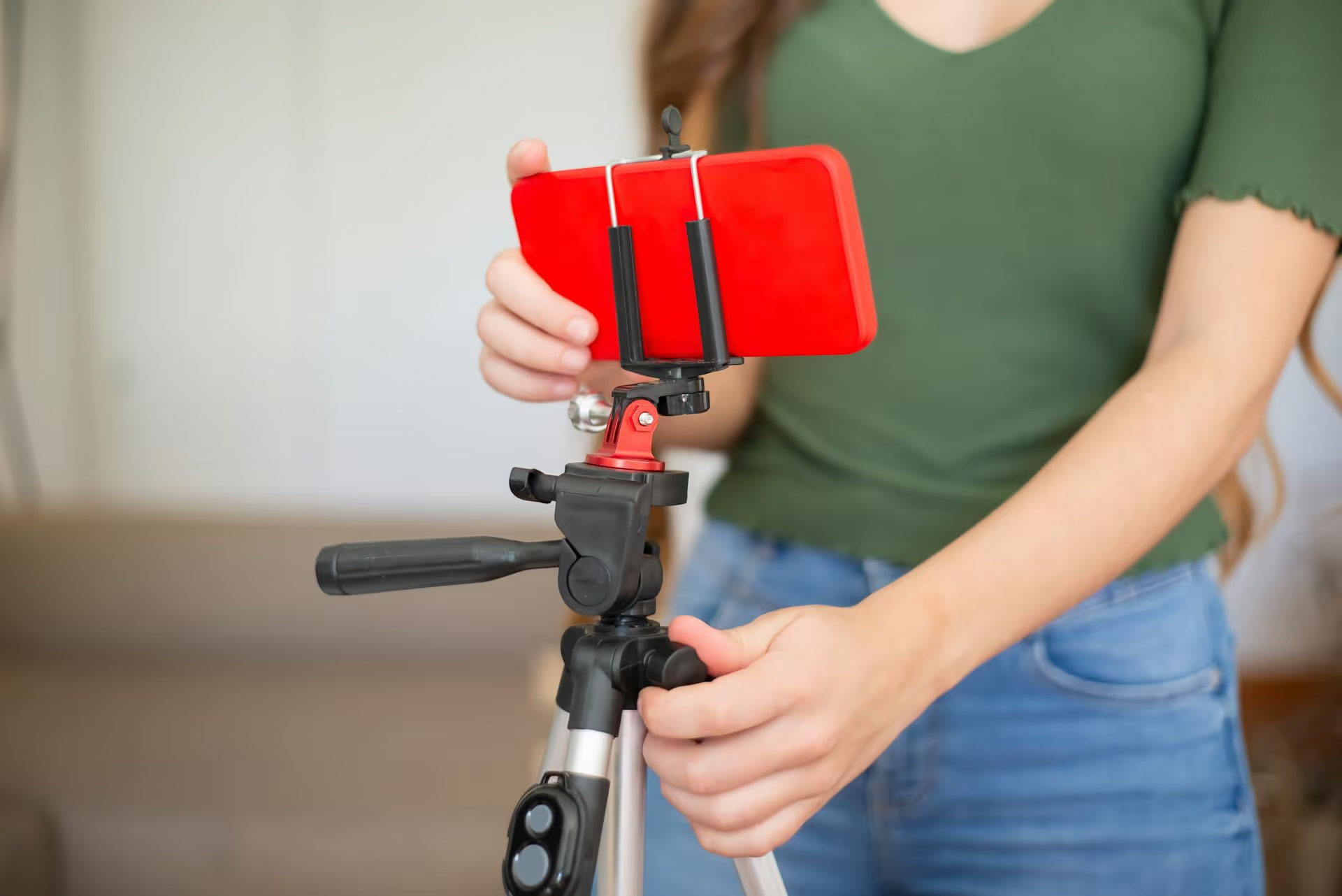
Switching your personal Facebook profile to a creator account is more than just a settings change, it's a strategic move to unlock a suite of powerful tools designed to help you grow an audience and build your brand. This switch signals to Facebook that you're a public figure, content producer, or influencer, giving you access to analytics, monetization features, and enhanced content tools that regular profiles don't have. This guide will walk you through what a creator account is, why it’s a game-changer, and the step-by-step process to make the switch today.
First, let's clarify the terminology. What people refer to as a "creator account" is officially called Professional Mode for profiles on Facebook. Activating this mode transforms your personal profile into a public-facing hub for your content, without losing any of your existing friends or followers. It’s the perfect middle ground between a private personal profile and a formal Business Page.
Here’s a simple way to think about the differences:
Essentially, Professional Mode is for individuals - artists, journalists, freelancers, coaches, gamers, chefs, you name it - who want to build a community around themselves and their content.
If you're serious about creating content on Facebook, activating Professional Mode isn't just a good idea, it’s almost essential. The benefits go far beyond a fancy label on your profile and give you a real competitive edge in building your brand.
This is arguably the biggest reason to make the switch. Once you activate Professional Mode, you unlock the Professional Dashboard, a central hub for all your creative tools and insights. Before this, you were essentially posting in the dark, guessing what your audience liked. Now, you get data.
With the Professional Dashboard, you can track:
Professional Mode is also your gateway to earning money directly on Facebook. While eligibility requirements vary for each program, turning on this mode is the first and most important step. Here are some of the key monetization streams you can tap into:
Professional Mode also gives you access to features that make creating and managing content easier and more effective. You'll operate within the Meta Business Suite, which offers a much more professional interface for content planning than the standard profile view.
You’ll also gain better discoverability. As a public creator profile, your content is more likely to be recommended to new audiences beyond your existing follower base. Facebook's algorithm understands you're a creator and will work to put your public posts in front of people who might be interested in what you have to say.
Ready to make the switch? The process is surprisingly simple and completely reversible if you ever change your mind. It only takes a few taps on your mobile device.
Follow these steps:
And that’s it! Your profile is now in Professional Mode. Your friend count will be replaced by a follower count, you’ll have access to the Professional Dashboard right from your profile, and any public posts you create will now have greater potential reach.
Activating Professional Mode is just the beginning. To truly benefit, you need to use the tools you've just unlocked. Here’s a quick-start plan for your first few weeks as a creator.
This is your new command center. Make it a habit to check your dashboard daily or weekly. Don’t get lost in the data, focus on two key areas to start:
Professional creators don't just post whenever they feel like it, they have a plan. With your new analytics, you can start making informed decisions. Think about:
A follower count means nothing without a real community behind it. A creator account gives you the tools to foster that connection. Spend time every day responding to comments on your posts. Ask questions in your captions to encourage interaction. Acknowledge your Top Fans - the people who engage with your content the most. Thanking them publicly or creating content specifically for them builds tremendous loyalty and turns casual followers into true supporters.
Upgrading your Facebook profile to a creator account by activating Professional Mode is a simple, reversible change that provides the professional tools you need for serious growth. By giving you access to detailed analytics, monetization features, and better content management, it moves you from simply posting content to strategically building a brand and community.
As you begin planning your content strategy and nurturing your growing audience, staying organized is the next biggest challenge. At Postbase, we designed our platform specifically for creators and marketers who need a clean, simple way to manage it all. Instead of struggling with spreadsheets or clunky tools built for a different era, you can plan, schedule, and analyze your content across all your platforms from a single, beautiful calendar. We made Postbase to feel like a collaborator, one that's designed for the video-first, multi-platform world creators live in today.
Spencer's spent a decade building products at companies like Buffer, UserTesting, and Bump Health. He's spent years in the weeds of social media management—scheduling posts, analyzing performance, coordinating teams. At Postbase, he's building tools to automate the busywork so you can focus on creating great content.

Enhance your email signature by adding social media icons. Discover step-by-step instructions to turn every email into a powerful marketing tool.
Record clear audio for Instagram Reels with this guide. Learn actionable steps to create professional-sounding audio, using just your phone or upgraded gear.
Check your Instagram profile interactions to see what your audience loves. Discover where to find these insights and use them to make smarter content decisions.
Requesting an Instagram username? Learn strategies from trademark claims to negotiation for securing your ideal handle. Get the steps to boost your brand today!
Attract your ideal audience on Instagram with our guide. Discover steps to define, find, and engage followers who buy and believe in your brand.
Activate Instagram Insights to boost your content strategy. Learn how to turn it on, what to analyze, and use data to grow your account effectively.
Wrestling with social media? It doesn’t have to be this hard. Plan your content, schedule posts, respond to comments, and analyze performance — all in one simple, easy-to-use tool.



