

How to Add Social Media Icons to an Email Signature
Enhance your email signature by adding social media icons. Discover step-by-step instructions to turn every email into a powerful marketing tool.

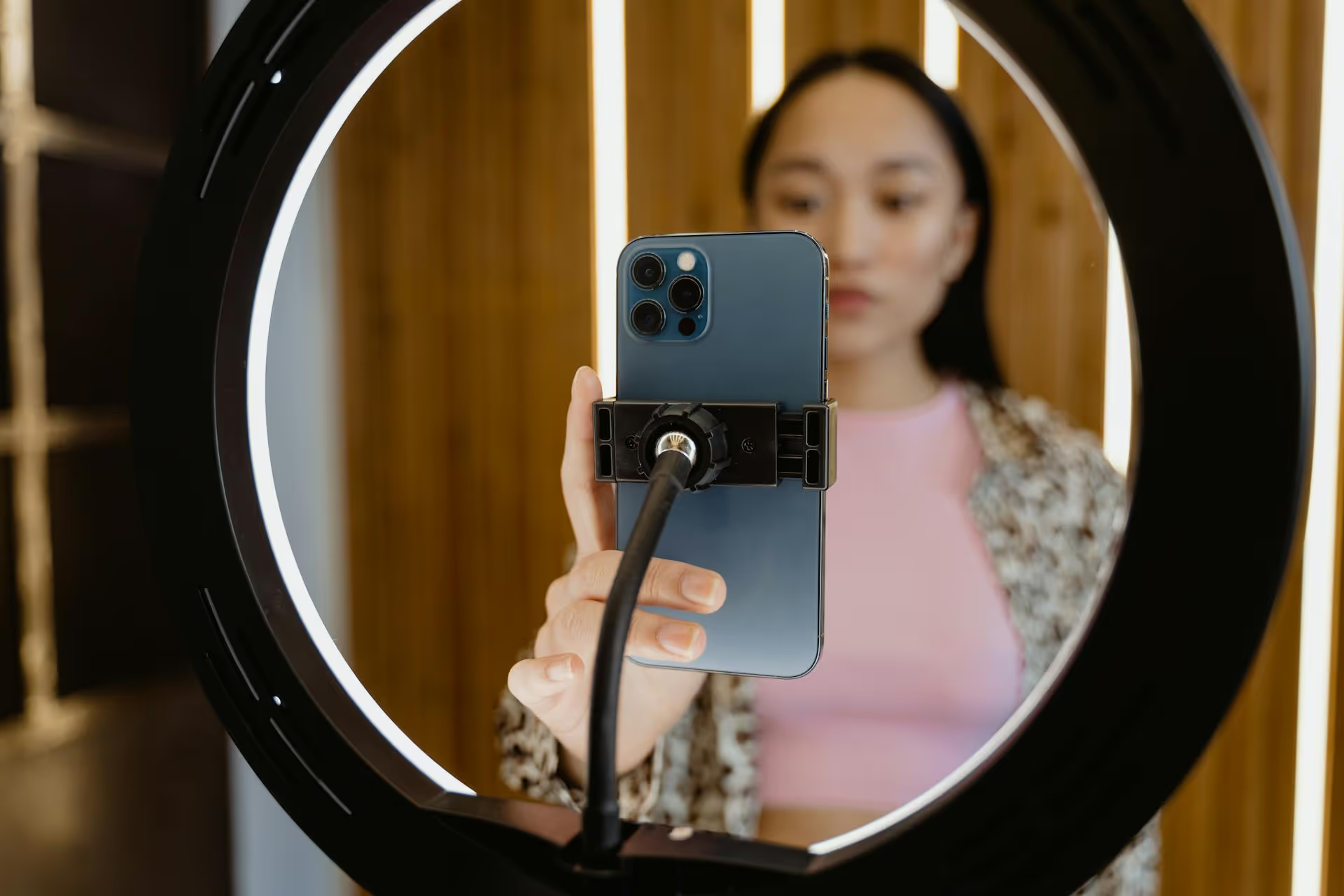
Creating Instagram posts that grab attention is more than just snapping a good photo and hitting 'share.' It's a mix of visuals, storytelling, and strategy working together to make someone stop scrolling, engage, and even hit that follow button. This guide will walk you through the practical steps and creative ideas you need to transform your feed and start making content that truly stands out.
The coolest-looking posts fall flat without a purpose. Before you worry about filters or captions, define the foundation of your content. A solid strategy not only makes your feed more cohesive but also makes the creative process easier because you're no longer staring at a blank screen wondering what to post.
You can't be everything to everyone. Your content pillars are the 3-5 core topics you consistently talk about. They give your audience a reason to follow you and set clear expectations. If you're a personal trainer, your pillars might be:
Every post should fit into one of these buckets. This simple framework keeps you focused and helps build a brand around what you're known for.
Ask yourself: what do I want this post to do? The goal isn't always to get more 'likes.' Different posts serve different purposes. Are you trying to:
Defining the goal first shapes your visual choices, your caption, and your call to action.
Instagram is a visual platform, and a strong aesthetic is non-negotiable. This doesn't mean you need a professional photographer, but it does mean being intentional about the look and feel of your content.
Blurry, poorly lit content gets scrolled past instantly. Luckily, your smartphone is powerful enough to get professional results. Focus on these simple fundamentals:
A cool Instagram feed is varied. Mixing up your content formats keeps your audience engaged and allows you to tell different kinds of stories.
Carousels get some of the highest engagement rates because they keep people on your post longer. Use them smartly:
Short-form video is king, but not all Reels are created equal. Cool Reels have three common elements:
The visual gets their attention, the caption keeps it. A great photo with a lazy caption is a missed opportunity. Your caption is where you can share personality, provide value, and build a real connection with your audience.
On the feed, only the first line or two of a caption is visible before a user has to tap "...more." Make it count. Start with a question, a bold statement, or a relatable problem.
Example: Instead of "Here's a pancake recipe I love," try "The secret to fluffy pancakes isn't what you think."
People connect with people, not perfectly curated images. Share a relatable struggle, a funny anecdote, or a lesson you learned. You don't need to overshare, but pulling back the curtain a little bit helps build trust and community. Your vulnerability can be your superpower on social media.
Politely tell your audience what you want them to do next. If you don't ask, they won't act. Make it easy and specific.
Hashtags, tags, and stickers aren't just for decoration, they are tools that directly impact how many people see your content.
Spraying 30 random hashtags won't get you very far. The goal is to use relevant hashtags that connect you with your target audience. Use a blended approach:
Whenever you're collaborating with another brand or person, featuring a product, or shooting at a specific location, use an appropriate tag!
Creating cool Instagram posts consistently comes down to blending art and science. It's about developing a strong visual identity backed by a dependable content strategy, writing captions that resonate, and using the platform's features to maximize your visibility. When these pieces work together, you create a feed that not only looks great but also builds a loyal community.
Of course, planning and scheduling all this amazing content for Instagram, TikTok, Reels, and Shorts can quickly become overwhelming. At Postbase, we designed our visual calendar to make this exact process simple. You can see your entire content plan at a glance, drag and drop posts to reschedule, and trust that your posts - especially video - will publish reliably, every single time. It gives us the headspace to focus on the creative side, knowing the logistics are handled.
Spencer's spent a decade building products at companies like Buffer, UserTesting, and Bump Health. He's spent years in the weeds of social media management—scheduling posts, analyzing performance, coordinating teams. At Postbase, he's building tools to automate the busywork so you can focus on creating great content.

Enhance your email signature by adding social media icons. Discover step-by-step instructions to turn every email into a powerful marketing tool.
Record clear audio for Instagram Reels with this guide. Learn actionable steps to create professional-sounding audio, using just your phone or upgraded gear.
Check your Instagram profile interactions to see what your audience loves. Discover where to find these insights and use them to make smarter content decisions.
Requesting an Instagram username? Learn strategies from trademark claims to negotiation for securing your ideal handle. Get the steps to boost your brand today!
Attract your ideal audience on Instagram with our guide. Discover steps to define, find, and engage followers who buy and believe in your brand.
Activate Instagram Insights to boost your content strategy. Learn how to turn it on, what to analyze, and use data to grow your account effectively.
Wrestling with social media? It doesn’t have to be this hard. Plan your content, schedule posts, respond to comments, and analyze performance — all in one simple, easy-to-use tool.



