

How to Add Social Media Icons to an Email Signature
Enhance your email signature by adding social media icons. Discover step-by-step instructions to turn every email into a powerful marketing tool.

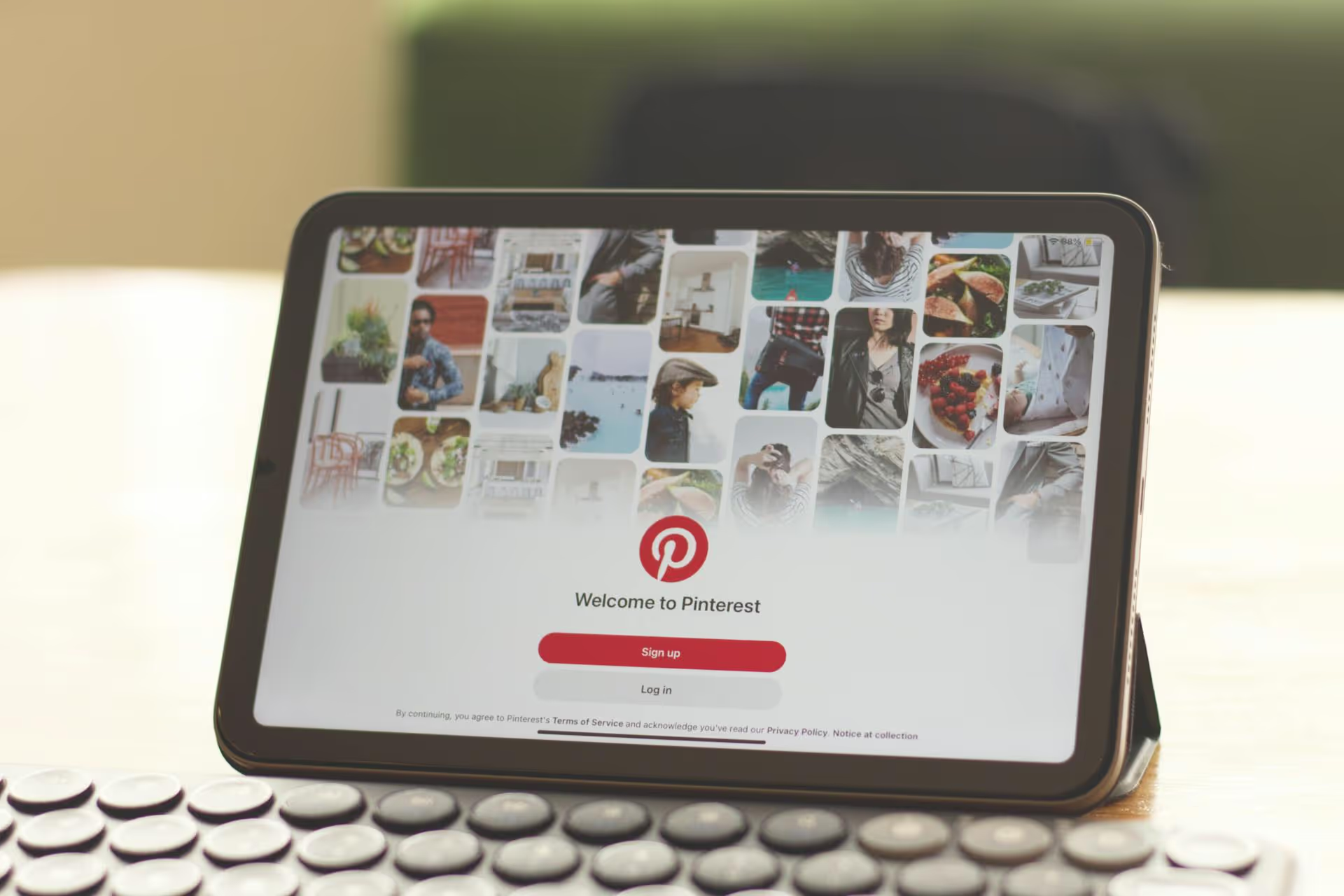
Feeling like your Pinterest posts are disappearing into a massive void? You're not alone. The secret isn't pinning more, it’s pinning smarter. This breakdown gives you actionable strategies that take your pins from invisible to inspiration central by focusing on search optimization, visual-first content, and solid routines.
First things first, let's get a huge misunderstanding out of the way. Pinterest is not a typical social network where people go to see what their friends were up to last weekend. It's a visual discovery and search engine. Users come with a forward-looking mindset. They are planning a future purchase, a home renovation, a dream vacation, or maybe just what's for dinner tonight. They are searching for ideas, solutions, and inspiration.
This simple mental shift changes everything. Your goal isn’t just to get "likes" but to be the answer to someone’s search query. Every pin you create is an opportunity to be discovered by a user actively looking for exactly what you offer. When you start treating your content as a solution, you're on the right track to getting seen.
Since Pinterest operates on search, Search Engine Optimization (SEO) is your most powerful tool. It’s how you signal to Pinterest what your content is about, so it can be shown to the right people. Getting this right is absolutely fundamental.
Before you create a single pin, you need to know what words and phrases your audience is actually typing into the search bar. Forget guessing, Pinterest gives you the answers directly.
Here’s how to do your research:
Create a simple list or spreadsheet of these keywords. A mix of broad topic keywords (like "healthy recipes") and long-tail, specific keywords (like "easy vegan weeknight dinner recipes") will give you the most flexibility.
Once you have your list, it's time to put those keywords to work. Sprinkling them across your Pinterest profile and content tells the algorithm exactly who to show your pins to.
Here are the five most valuable placements for your keywords:
Great SEO gets your pins discovered, but great design gets them clicked. On a platform as visually driven as Pinterest, the creative aspect is equally as important as the keywords.
Pinterest is a vertically-scrolling platform on mobile phones, tablets, and desktop browsers. Tall, vertical images get priority, taking up more screen real estate and catching the eye more effectively. Ignore this at your own peril, friend.
Most people don't click on pins unless they feel fairly certain of finding a direct solution to some of their "problems." A great image isn't enough, you need to tell people what your content provides without them having to read the description. A big, bold, easy-to-read headline on your pin absolutely needs to be added to all your pins.
Use fonts that are legible on a small mobile screen, and provide high contrast for easy readability (like black text on a white background).
Add a small, subtle brand logo to every one of your pins. Your pins should appear as a natural extension of your personal blog's style on your site. Having your logo or web address will reinforce your brand's identity across all platforms, making your marketing efforts truly full circle. Every pin should include your brand, helping people not only know but recognize your pins over time.
One of the best ways to get traction is to not stop at just one visual for a particular piece of content. For every blog post or YouTube video, you can easily create 10-20 pin variations with different titles, images, and keywords in their descriptions. This is a great way to A/B test what works well, giving you more successful pins for scheduling.
Pinterest offers more than just standard image pins. Using different formats keeps your content fresh and allows you to reach viewers in various places on the app.
These are the classics - vertical images linking to an external URL. They are your primary traffic drivers and the very bedrock of Pinterest still.
Short videos catch the eye because they auto-play in the feed. They're perfect for tutorials, process demonstrations, or bringing a product to life. Keep them brief and engaging, with on-screen text so your message can reach those browsing with the sound off. Videos can also be a great platform for affiliate partners on platforms including Pinterest.
Idea Pins are multi-page slides (up to twenty pages) that keep users right on Pinterest. They are an amazing way to repurpose long-form content into small, snackable pieces. When working on Idea Pins, it's best to make them completely self-serving, never assuming a user will read your corresponding article later.
Rich pins pull additional, real-time data from a page on your site and embed it directly into the pin itself. The main types of Rich Pins include recipe, product, and article pins, which work by taking advantage of extra markup that you can add to your web pages.
These are ad formats similar to organic pins, with the only exception being that a business has paid for them to show up to users who don't follow them. Promoted pins are available in several formats you can try running.
The Pinterest algorithm favors accounts that consistently provide value to its user base. It is a more effective strategy to post a few high-quality pins daily than to bulk-publish pins for a month only to disappear for the next six. Maintain a presence across your boards and consider joining relevant group boards where members already have followers who may be interested in your content. The old "golden rule" for Pinterest was to pin as frequently as possible for maximum results (e.g., 80 or 100 pins per day). However, as automation tools have become more prevalent, Pinterest has emphasized quality over quantity. Pinning just a few times a day is the new normal. For more tailored strategies, you should consult a social media marketing manager. Generally, pinning spaced out through the day - once in the morning, once in the afternoon, and once late at night - will give you more visibility. Using a scheduling tool is key because it ensures you post when Pinterest usage is peaking.
Getting your content seen on Pinterest boils down to a thoughtful three-part strategy: treat it like the search engine it is with rock-solid SEO, create stunning visuals that stop the scroll, and maintain a consistent presence over time. Approach it with patience and a plan, and you’ll start seeing the traffic and engagement you’ve been working for.
Building that consistent strategy is much easier when you’re not scrambling to post every day. We designed Postbase to streamline exactly that. Planning your pins for weeks or months on our visual calendar gives you a clear view of your strategy, and you can trust that our reliable scheduling will get your content out at the right time. This frees you up to spend more time creating the high-quality designs and keyword-rich content that actually move the needle.
Spencer's spent a decade building products at companies like Buffer, UserTesting, and Bump Health. He's spent years in the weeds of social media management—scheduling posts, analyzing performance, coordinating teams. At Postbase, he's building tools to automate the busywork so you can focus on creating great content.

Enhance your email signature by adding social media icons. Discover step-by-step instructions to turn every email into a powerful marketing tool.
Record clear audio for Instagram Reels with this guide. Learn actionable steps to create professional-sounding audio, using just your phone or upgraded gear.
Check your Instagram profile interactions to see what your audience loves. Discover where to find these insights and use them to make smarter content decisions.
Requesting an Instagram username? Learn strategies from trademark claims to negotiation for securing your ideal handle. Get the steps to boost your brand today!
Attract your ideal audience on Instagram with our guide. Discover steps to define, find, and engage followers who buy and believe in your brand.
Activate Instagram Insights to boost your content strategy. Learn how to turn it on, what to analyze, and use data to grow your account effectively.
Wrestling with social media? It doesn’t have to be this hard. Plan your content, schedule posts, respond to comments, and analyze performance — all in one simple, easy-to-use tool.



