

How to Add Social Media Icons to an Email Signature
Enhance your email signature by adding social media icons. Discover step-by-step instructions to turn every email into a powerful marketing tool.

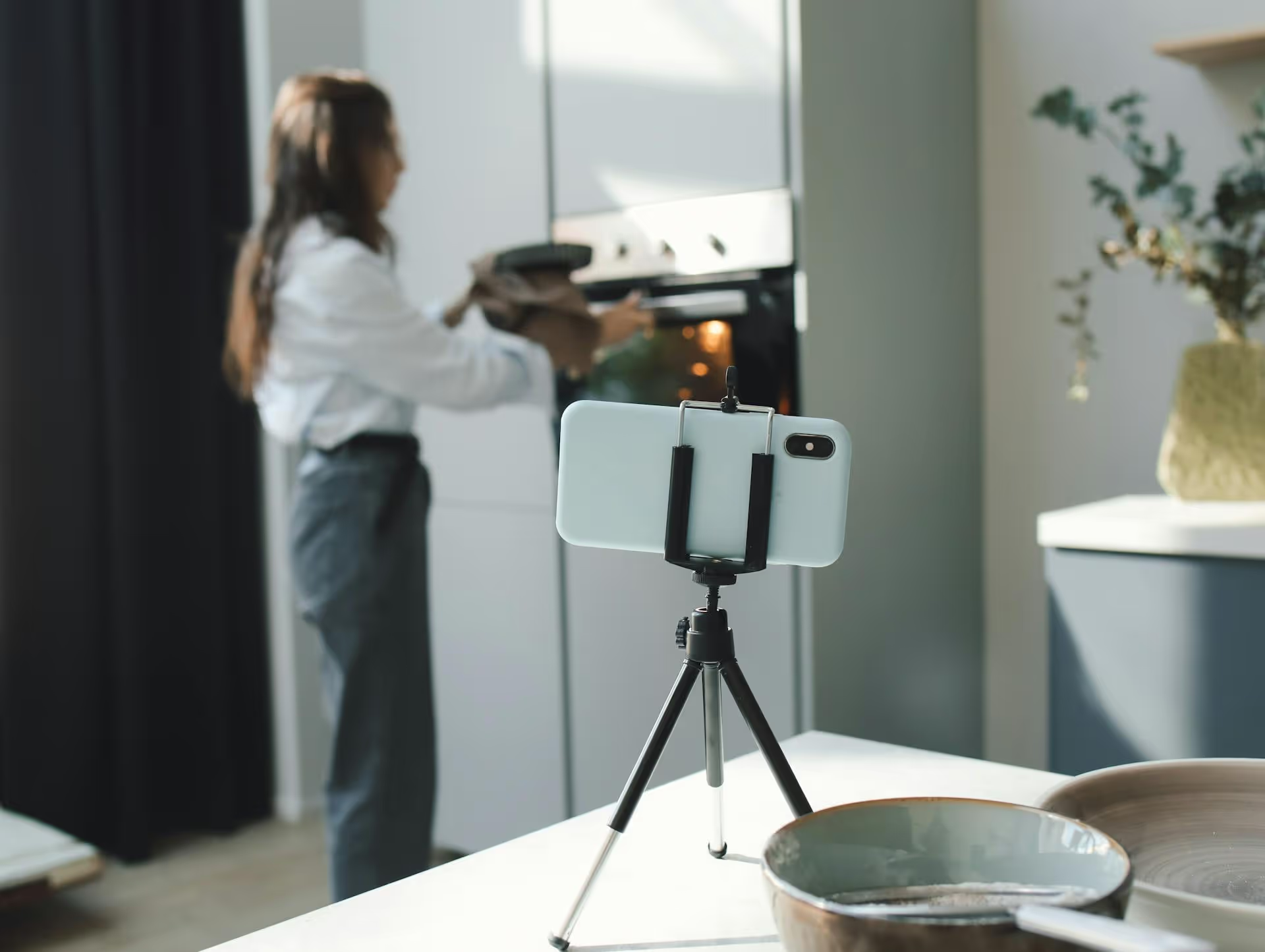
Going live on TikTok can feel like throwing a party and hoping someone shows up. You hit the button, the red light appears, and you wait. Pulling in more viewers isn't about luck, it's about strategy, from how you prepare before you stream to how you engage a real-time audience. This guide breaks down the actionable steps to help you attract more viewers to your TikTok Lives, turn them into engaged fans, and make them want to come back for your next one.
A successful TikTok Live begins long before you hit the red button. The work you do beforehand is what separates a stream with a handful of viewers from one that pulls in a crowd. Let's cover the foundational steps.
People are scrolling endlessly, you need a hook to make them stop and tune in. Your Live needs a clear purpose, a theme that signals what viewers will get out of it. Instead of just going live with no plan, frame it as an event.
Here are some ideas for a compelling Live topic:
Having a clear topic doesn't just attract viewers, it helps you guide the conversation and provide real value, which keeps them watching longer.
You wouldn't expect people to show up to a party you never told them about. The same goes for your Live. You need to build anticipation and remind people to join. Promoting your TikTok Live stream effectively is crucial for maximizing viewership.
TikTok has a fantastic tool called "LIVE Events" that lets you schedule your stream in advance. Here’s how to do it and why it works:
In the days leading up to your Live, post several regular TikTok videos about it. Don't just make it a bland announcement. Instead, turn the promotion into valuable content itself.
Your followers on Instagram, X, or your email list might not have seen your TikTok promo. A few hours before your Live, post an Instagram Story with the link to your Live Event or your TikTok profile, telling people exactly when you’ll be on.
Streaming when your followers are actually on the app can make a massive difference. You can find this data right in your TikTok analytics.
Here’s where to look:
This graph shows you the hours and days when your audience is most active. Plan your stream for peak times - usually evenings or weekends - to maximize the number of followers who will get that initial "you're live now" notification.
A choppy, dark, or hard-to-hear stream will make viewers drop off in seconds. You don't need a professional studio, but a few basics are non-negotiable:
Once you're live, your job shifts to retaining viewers and turning them into participants. An engaged audience sticks around, attracts new viewers through interaction, and bumps your stream up on the For You Page.
Viewers will trickle in for the first few minutes, so don’t get straight into the most important part of your stream. Use the initial 2-3 minutes to warm up your audience.
A Live is a conversation, not a broadcast. Your deepest engagement comes from making your audience feel heard.
TikTok Lives are more dynamic when you're not doing it alone. You have two excellent options for this:
A moderator is another user you trust who can help manage your live stream. They can mute or block disruptive users and filter comments so you can focus on the content. This is useful for preventing spam and keeping the chat positive, which makes the Live feel safer and more enjoyable for everyone.
Using the Multi-Guest feature to bring another creator "on stage" with you is one of the single best ways to grow your viewership. When you do this:
Stick to your original topic. If you promised a tutorial, do the tutorial. If you promised a Q&,A, answer questions diligently. Viewers arrived for a reason - make sure you're delivering on that promise.
Also, control the pacing. If the chat slows down, have a few pre-planned talking points or questions ready to keep the momentum going. Don't be afraid of a little silence, but prolonged dead air can cause people to lose interest and scroll away.
Your work isn’t over once you hit "end." The content you created during your Live is a valuable asset you can use to grow your account and promote future streams.
TikTok now automatically saves a replay of your Live stream (for up to 90 days) in your LIVE Center. You can go back and re-watch it and, more importantly, download it to your phone.
A one-hour Live can be a goldmine of short-form video content.
Repurposing your Live not only gives you more content to post but it also shows non-attendees what kind of value they missed, making them more likely to join next time.
Immediately after your stream ends, TikTok gives you a summary of its analytics. Dig into them.
Use these insights to understand what works. Did a certain topic get more engagement? Did having a guest bring in more followers? Let the data inform your strategy for your next broadcast.
Consistently growing your TikTok Live audience comes down to making it a planned event, not a spontaneous broadcast. By planning your topic, promoting it in advance, engaging actively with your audience during the stream using the platform’s tools, and repurposing your content when it's over, you create a powerful flywheel that attracts viewers and builds a loyal community around your brand.
Juggling all the promotional content across TikTok, Instagram, and other channels can get hectic when you're preparing for a Live. We built Postbase to streamline exactly that. You can map out your entire pre-Live content strategy on our visual calendar, scheduling every reminder video and "going live soon" post without having to jump between apps. It keeps your campaigns organized and ensures your audience always knows when and where to find you.
```
Spencer's spent a decade building products at companies like Buffer, UserTesting, and Bump Health. He's spent years in the weeds of social media management—scheduling posts, analyzing performance, coordinating teams. At Postbase, he's building tools to automate the busywork so you can focus on creating great content.

Enhance your email signature by adding social media icons. Discover step-by-step instructions to turn every email into a powerful marketing tool.
Record clear audio for Instagram Reels with this guide. Learn actionable steps to create professional-sounding audio, using just your phone or upgraded gear.
Check your Instagram profile interactions to see what your audience loves. Discover where to find these insights and use them to make smarter content decisions.
Requesting an Instagram username? Learn strategies from trademark claims to negotiation for securing your ideal handle. Get the steps to boost your brand today!
Attract your ideal audience on Instagram with our guide. Discover steps to define, find, and engage followers who buy and believe in your brand.
Activate Instagram Insights to boost your content strategy. Learn how to turn it on, what to analyze, and use data to grow your account effectively.
Wrestling with social media? It doesn’t have to be this hard. Plan your content, schedule posts, respond to comments, and analyze performance — all in one simple, easy-to-use tool.



