

How to Add Social Media Icons to an Email Signature
Enhance your email signature by adding social media icons. Discover step-by-step instructions to turn every email into a powerful marketing tool.

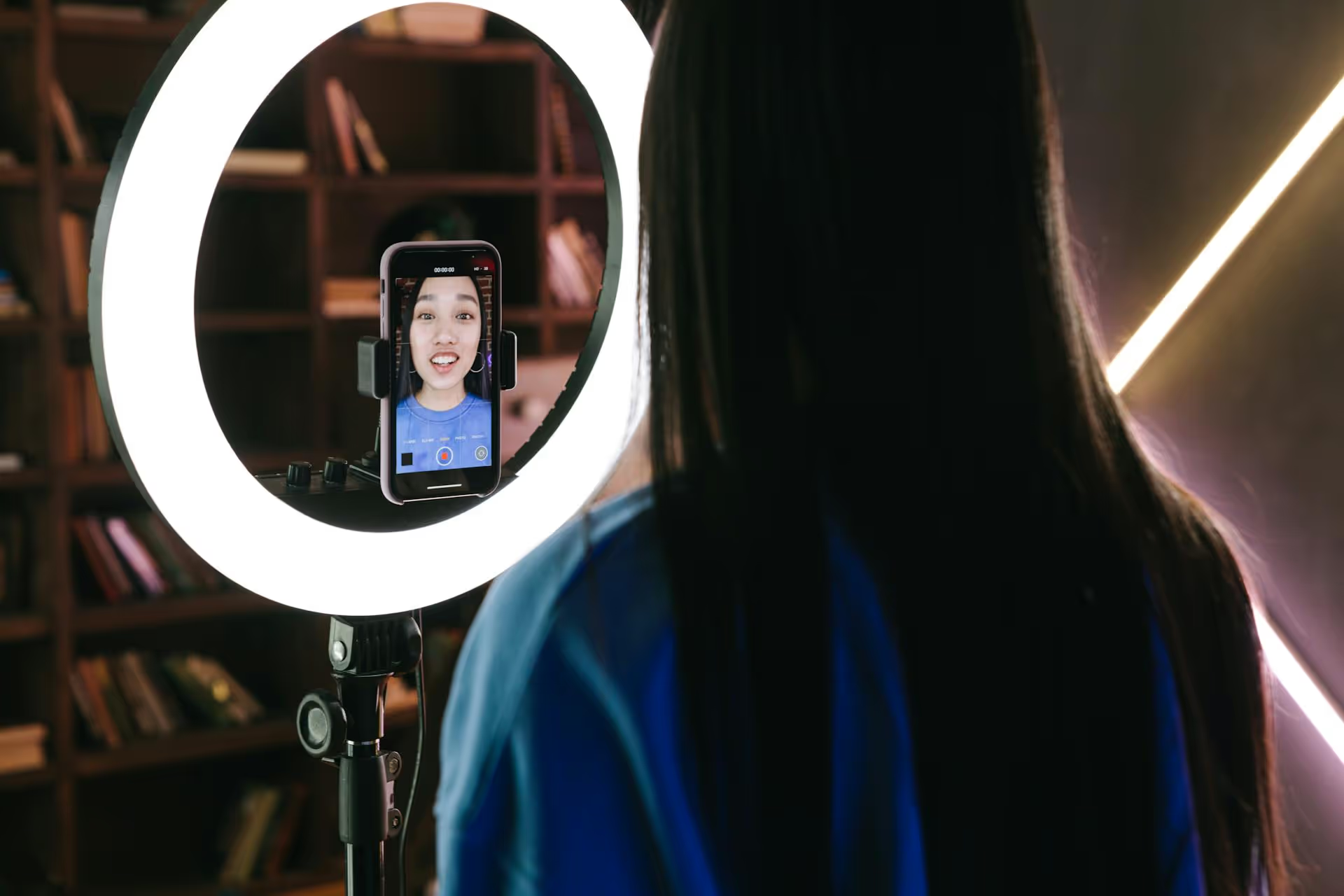
Transforming a standard product link into an engaging, scroll-stopping video is one of the smartest marketing moves you can make on social media today. It's a method that turns a digital asset - the URL - into a piece of authentic storytelling that your audience will actually want to watch. This guide breaks down exactly how to create compelling User-Generated Content-style videos using nothing more than a product URL as your starting point.
Let's be clear: we're talking about creating content that emulates the style of User-Generated Content. This isn't about fooling your audience. It's about communicating in the visual language they trust most. While true UGC from real customers is pure gold, a brand-produced video shot in that same authentic, low-fi style can be nearly as effective.
So, why does this work so well?
Your journey begins on the product page itself. Your mission is to look past the professional product photos and find the human story buried within the data. Think of yourself as a content detective, hunting for clues that will form the foundation of your video.
The clean, white-background "silo" shot of the product is great for a website, but it's boring on social media. Instead of focusing on what the product is, zoom in on what it does. From the product page, try to answer these questions:
That story is the angle you'll use for your video, not just showing the item on a table.
This is where you'll find your script. Customer reviews are an absolute goldmine for authentic language, pain points, and amazing results. Scroll down to the reviews section of the product page and start looking for patterns and powerful quotes.
Copy and paste the best phrases into a document. These are your talking points and on-screen text overlays.
Finally, read the official product description carefully. You're looking for hidden nuggets that add to the story. Pay attention to unique materials ("made from recycled airplane aluminum"), clever design choices ("our patented one-click lid"), or a strong brand mission ("every purchase helps plant a tree"). These details add depth and provide interesting angles for your video, making it more than just a simple product demo.
Great UGC-style videos feel spontaneous, but they are almost always guided by a carefully planned script. The key is to write a script that sounds like a real person talking, not a marketing team. Your script should have three simple parts.
You have a tiny window to stop someone from scrolling. Your hook needs to be immediate and compelling. Don't start with "Hi guys, today I want to show you..." Lead with the problem or a surprising claim. Using the intel from your research, create a hook that speaks directly to a viewer's experience.
Now, use the review language and benefits you found to tell the story. Structure it as a simple narrative: problem, solution, and the resulting experience. String together the key benefits you want to highlight in a conversational flow.
Write out your main points, but don't memorize them word-for-word. Reading strictly from a script can sound robotic. Instead, internalize the points you want to make and then deliver them naturally to the camera or in a voiceover. Speak in short, simple sentences. It's how people talk in real life and how they communicate on social platforms.
End your video with a soft, inviting call to action. Aggressive CTAs like "BUY NOW!" can break the authentic spell you just cast. Keep it casual and helpful.
The way you film is just as important as what you're filming. The goal is to avoid anything that looks or feels like a professional advertisement.
Your smartphone is the best tool for this job. Its video quality is more than enough, and its slightly imperfect nature is exactly what makes the content feel genuine. Here’s how to get the look right:
Visually demonstrate every point you make. If you say something is "easy to open with one hand," film yourself doing just that while holding groceries or a phone in the other hand. Create a mini-unboxing, even if the product isn't brand new. Showing the packaging adds to the sense that you’re a real customer who just received the item.
Your editing style should match the low-fi filming aesthetic: quick, energetic, and optimized for mobile viewing.
Use user-friendly mobile apps like CapCut, InShot, or the built-in editors on TikTok and Instagram. The key principle is pacing. No single clip should stay on screen for more than a few seconds. Rapid cuts maintain viewer energy and hold attention. Cut out every unnecessary pause and "um." Be ruthless.
A staggering amount of users watch videos with the sound off, so on-screen text is non-negotiable. Use text captions to summarize your voiceover and place bold text overlays to emphasize the most important benefits you want viewers to remember. Where possible, use the native text fonts provided by platforms like TikTok and Instagram, it makes your content feel more organic to the feed.
Audio is a powerful lever for engagement. Using a trending song on TikTok or Reels can dramatically increase your video’s discoverability. Search the platform for popular sounds that fit the mood of your video. If there are no relevant trends, choose a simple, royalty-free instrumental track that adds a nice background vibe without overpowering your message.
Let's walk through a final example to see how all the pieces come together.
You don't need a huge team or an expensive camera to create video content that genuinely performs on social media. By starting with a simple product URL and working backward to uncover the human story in reviews and product details, you can produce authentic, UGC-style videos that connect with audiences and build meaningful brand trust.
Creating great content is half the battle, the other half is getting it out into the world. Managing a calendar for Reels, TikToks, and Shorts can quickly become overwhelming. At Postbase, we built our whole platform to solve that exact problem. It’s designed specifically for today’s short-form video formats, allowing you to visually plan your content calendar, schedule reliably across every platform, and see all your analytics in one clean space. This means you can focus more on creating awesome videos and less on the headache of posting them.
```
Spencer's spent a decade building products at companies like Buffer, UserTesting, and Bump Health. He's spent years in the weeds of social media management—scheduling posts, analyzing performance, coordinating teams. At Postbase, he's building tools to automate the busywork so you can focus on creating great content.

Enhance your email signature by adding social media icons. Discover step-by-step instructions to turn every email into a powerful marketing tool.
Record clear audio for Instagram Reels with this guide. Learn actionable steps to create professional-sounding audio, using just your phone or upgraded gear.
Check your Instagram profile interactions to see what your audience loves. Discover where to find these insights and use them to make smarter content decisions.
Requesting an Instagram username? Learn strategies from trademark claims to negotiation for securing your ideal handle. Get the steps to boost your brand today!
Attract your ideal audience on Instagram with our guide. Discover steps to define, find, and engage followers who buy and believe in your brand.
Activate Instagram Insights to boost your content strategy. Learn how to turn it on, what to analyze, and use data to grow your account effectively.
Wrestling with social media? It doesn’t have to be this hard. Plan your content, schedule posts, respond to comments, and analyze performance — all in one simple, easy-to-use tool.



