

How to Add Social Media Icons to an Email Signature
Enhance your email signature by adding social media icons. Discover step-by-step instructions to turn every email into a powerful marketing tool.

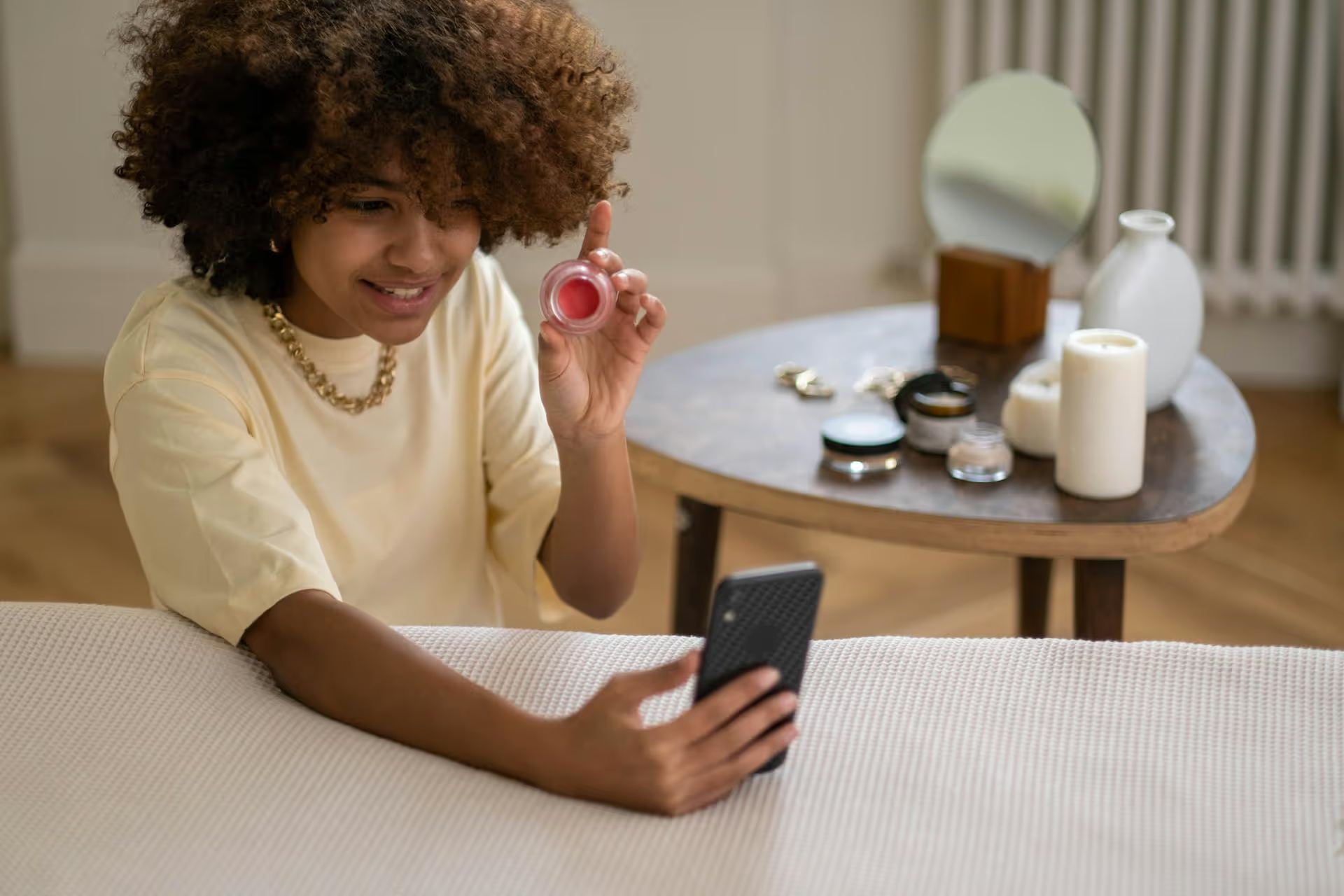
Changing your TikTok profile picture is a small action with a big impact, serving as a digital handshake or the cover of your personal brand's story. This guide not only gives you the exact button-by-button steps to update your image but also offers advice on selecting a picture that truly represents you and helps you stand out.
Ready for a quick profile refresh? The process takes less than a minute. Here's exactly what to do.
Launch the TikTok app on your phone. In the bottom-right corner of your screen, you'll see a small icon labeled "Profile" (it often looks like a person's silhouette). Tap it to go to your main profile page where you can see all of your published videos.
Just below your follower count and bio, you'll find a prominent "Edit Profile" button. Tapping this will take you to a new screen where you can modify your username, bio, connected social accounts, and, of course, your profile picture.
At the very top of the "Edit Profile" screen, you will see your current profile picture with text layered on top. You have two options here: Change Photo or Change Video. Tap the one that corresponds with what you want to upload. Yes, you can even use a short video loop as your profile picture!
After you tap "Change Photo," TikTok will ask for permission to access your photo library. You can then:
If you tap "Change Video," you'll be taken directly to your video gallery to select a clip that is up to six seconds long.
Once you've selected an image, TikTok will show you how it will look inside the signature circular profile frame. You can use your fingers to zoom in, zoom out, and drag the photo to position it perfectly. Make sure the most important part of your image (like your face or your brand's logo) is centered and clearly visible. When you're happy with the placement, tap Confirm. You then need to decide if you want to also "Post this photo to your feed." Finally, tap the Save button in the top right corner.
That's it! Your new profile picture is now live. It might take a moment to update across the entire app, but it should be visible on your profile page immediately.
A great TikTok PFP isn't just about picking any photo - it's about making a strategic choice that reinforces your brand and grabs attention. The right image can make your comments stand out and encourage profile clicks. Here's what to keep in mind.
There's nothing worse for a profile's first impression than a blurry, pixelated image. Your profile picture shows up on your profile, in search results, and on every comment you leave. Use a clear, high-resolution original photo. Avoid using screenshots of other pictures, as this dramatically reduces the quality. The focal point of your photo should be sharp and easy to identify, even at a very small size.
Your profile picture should communicate what your page is about at a glance. Think about your niche and what visual cues represent it best.
The goal is to let viewers see your PFP and instantly understand what kind of creator you are.
In most cases, a human face is the most effective choice. People are biologically hardwired to connect with faces. A clean, well-lit headshot where you're making eye contact with the camera and smiling can make your profile feel more personal and trustworthy. This is especially true for personal brands, coaches, and creators who are the face of their account. Avoid photos where you are wearing sunglasses or have your face turned away, as these can create a sense of distance.
Remember that your profile picture appears as a tiny circle in the comment section. To stand out in a wall of hundreds of other comments, use an image with punch. A background with a distinct, bold color or a strong contrast between you and the background can help your PFP pop. Compare it to your phone's dark mode and light mode - does it look good against both interfaces?
If you're building a brand online, consistency is your best friend. Using the same (or very similar) profile picture across all of your social media platforms - TikTok, Instagram, YouTube, X - helps your audience recognize you instantly. When someone discovers you on TikTok and goes to find you on Instagram, that consistent photo confirms they've found the right person.
One of TikTok's unique features is the ability to use a short video loop instead of a static image. A profile video can be a huge attention-grabber, making your profile dynamic and interactive the second someone lands on it.
Keep the video simple and instantly understandable. Complex visuals won't translate well in such a short, silent loop.
Did you follow the steps, but your old photo is still sticking around? Annoying, right? This is usually caused by a simple technical hiccup. Here are the most common culprits and how to fix them.
Apps store temporary data (cache) to load faster, but sometimes this data becomes outdated or corrupted. Clearing it forces the app to fetch the newest information - like your new PFP.
How to Fix: Go to your TikTok "Profile." Tap the three horizontal lines in the top right to open "Settings and privacy." Scroll down to the "Cache &, Cellular" section and tap "Free up space." Finally, tap "Clear" next to Cache.
A weak Wi-Fi or cellular signal can interrupt the upload process, causing it to fail without an obvious error message.
How to Fix: Make sure you have a strong, stable internet connection. Try switching from cellular data to Wi-Fi (or vice versa) and attempt to change the picture again.
TikTok plays well with standard image formats like JPG and PNG. If you're trying to upload a less common file type, it might not work.
How to Fix: Convert your image to a JPG or PNG using a simple editing tool on your phone or computer before attempting the upload again. For more detailed solutions, you can also check out how to fix TikTok upload quality.
Sometimes, the issue isn't on your end. Apps have hiccups. TikTok's servers might be experiencing a temporary issue preventing uploads.
How to Fix: If you've tried all the steps above, just wait. Give it 30-60 minutes and then try one more time. The issue often resolves itself.
Your TikTok profile picture is a small but mighty part of your digital identity. It's often the first thing people notice, so taking a moment to choose a clear, high-quality, on-brand image is a simple and effective way to elevate your brand and attract the right followers.
Keeping your visuals and branding sharp is just one piece of the puzzle. The other is posting great content consistently so people have a reason to visit your amazing profile in the first place. This is an administrative task that's surprisingly time-consuming, but we built Postbase to make it a lot easier. It's a modern social media scheduler designed for how people *actually* create content today - with a special focus on short-form video. That's why we make it simple to see everything in one visual calendar, schedule your TikToks weeks in advance, and make sure your brilliant content strategy actually turns into published posts without any headaches.
```
Spencer's spent a decade building products at companies like Buffer, UserTesting, and Bump Health. He's spent years in the weeds of social media management—scheduling posts, analyzing performance, coordinating teams. At Postbase, he's building tools to automate the busywork so you can focus on creating great content.

Enhance your email signature by adding social media icons. Discover step-by-step instructions to turn every email into a powerful marketing tool.
Record clear audio for Instagram Reels with this guide. Learn actionable steps to create professional-sounding audio, using just your phone or upgraded gear.
Check your Instagram profile interactions to see what your audience loves. Discover where to find these insights and use them to make smarter content decisions.
Requesting an Instagram username? Learn strategies from trademark claims to negotiation for securing your ideal handle. Get the steps to boost your brand today!
Attract your ideal audience on Instagram with our guide. Discover steps to define, find, and engage followers who buy and believe in your brand.
Activate Instagram Insights to boost your content strategy. Learn how to turn it on, what to analyze, and use data to grow your account effectively.
Wrestling with social media? It doesn’t have to be this hard. Plan your content, schedule posts, respond to comments, and analyze performance — all in one simple, easy-to-use tool.



