

How to Add Social Media Icons to an Email Signature
Enhance your email signature by adding social media icons. Discover step-by-step instructions to turn every email into a powerful marketing tool.

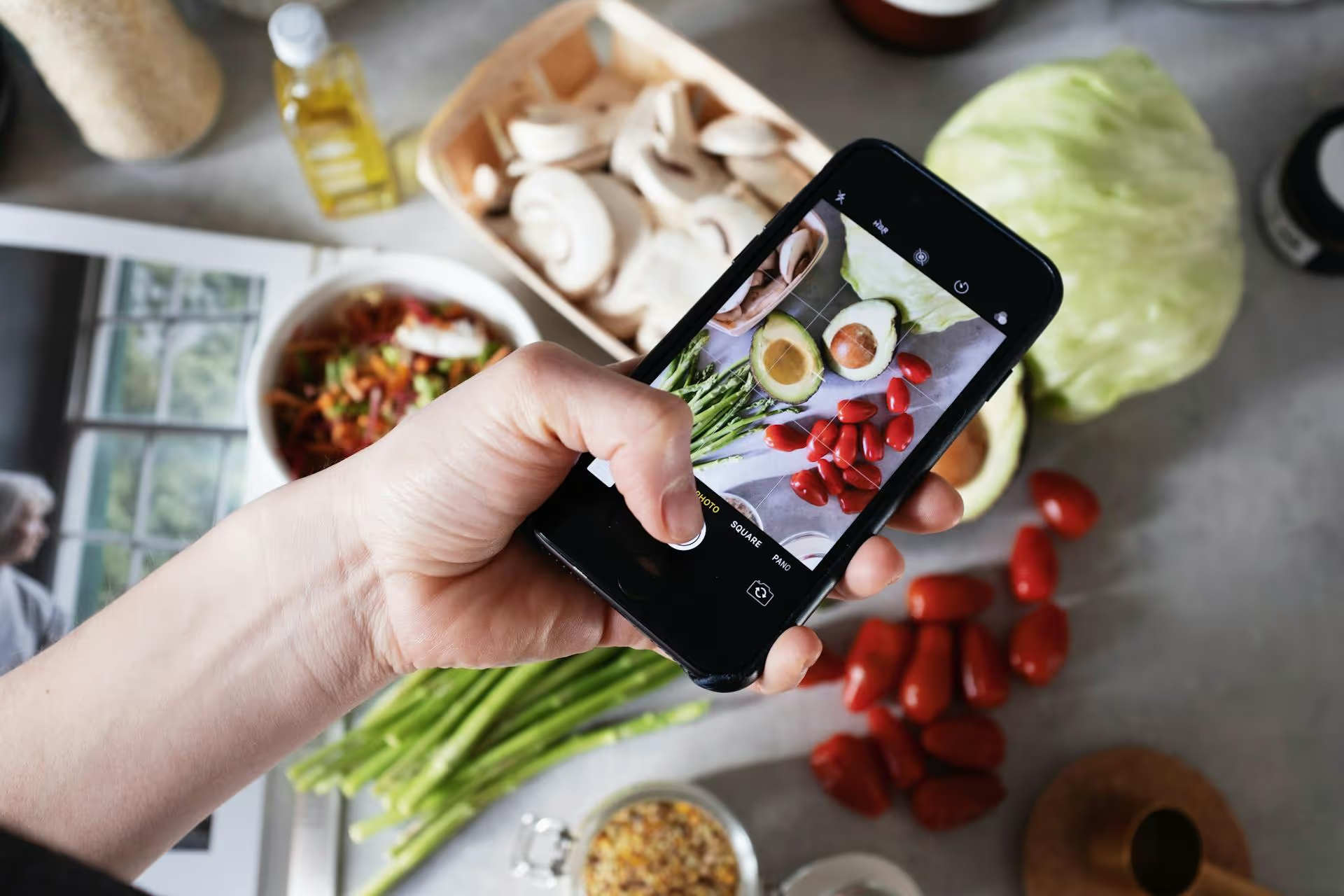
Using someone else’s image on Pinterest can land your account in hot water, but the rules around what you can and can’t share feel confusing. You’re trying to build a brand, not get a law degree. This guide breaks down exactly how to avoid copyright issues on Pinterest, giving you a clear, step-by-step approach to creating and sharing content safely.
It’s easy to think of Pinterest as a free-for-all collage of internet images, but every single image, video, and graphic is owned by a creator somewhere. Ignoring their rights isn’t just bad practice, it can have real consequences for your account. Copyright infringement can lead to:
Getting this right isn’t about navigating a legal minefield, it's about protecting the brand and audience you’ve worked so hard to build.
Let's clear up the main concepts without any of the legal jargon. Understanding these three ideas will take you 90% of the way to pinning safely.
Copyright is an automatic legal right given to someone the moment they create an original piece of work. If you take a photo, you own the copyright. If an artist draws a graphic, they own the copyright. You don’t need to register it for that basic protection to exist. As the copyright owner, you have the exclusive right to decide how that work is used, shared, and distributed.
On Pinterest, this means the person who created the image or video has the final say on whether it can be pinned. Finding an image on Google does not mean it's free to use - it just means Google indexed a website where it appeared.
You may have heard of "Fair Use," a legal doctrine that allows the use of copyrighted material without permission under specific circumstances, like for commentary, criticism, or news reporting. However, fair use is a murky and highly specific legal defense that almost never applies to commercial use on Pinterest. Using a photograph for your brand’s “Monday Motivation” pin to drive traffic and sales is commercial use. Relying on fair use as a strategy is a huge risk and almost always a losing argument.
Content in the public domain is no longer protected by copyright and is free for anyone to use for any reason. This typically includes works where the copyright has expired (usually many decades after the creator's death) or works that creators have explicitly dedicated to a Creative Commons license like CC0 ("No Rights Reserved"). Websites like Pexels and Unsplash are built on creators contributing their work under these types of open licenses.
The safest content is content you create yourself. When you design an original pin, you are the copyright owner. But even here, there are a few things to keep in mind to make sure your pin is 100% legally sound.
Any photo or video you take with your phone or camera is yours. This is the gold standard for original content. Your product shots, lifestyle photos, behind-the-scenes videos - they are all 100% your intellectual property. You can use them however you want without worrying about copyright strikes.
Tools like Canva are fantastic, but you don't automatically own every element in your design. Here's how it works:
The bottom line: Creating designs in Canva is safe. Just don't repurpose individual Pro elements outside of the design you created with them.
Fonts are software, and they come with licenses. The fonts included in design tools like Canva are licensed for you to use in your designs. However, if you download and install custom fonts you found online, you need to check their license. Many free fonts are for "personal use only" and require you to purchase a commercial license to use them for brand marketing on Pinterest.
When in doubt, stick to the fonts provided within your design app or use fonts from Google Fonts, which are open-source and free for commercial use.
Music is a major copyright trap. You can’t just use a popular song from Spotify on your video pin. Doing so is a fast track to getting your pin muted or removed. Here’s how to do it right:
Repinning is core to how Pinterest works, but it's also where most people get tripped up. There’s a right way and a very wrong way to share other people's work.
When you click the "Save" button to repin something, Pinterest automatically creates a new instance of that pin that links back to the original source. This is the built-in, platform-approved method for sharing. It's generally considered low-risk because you are preserving the original link and giving implicit credit to the source account. Pinterest itself is designed around this function.
However, you should still practice good judgment. If you find a pin that looks stolen (e.g., a professional photo with a different user’s watermark Photoshopped out), don’t repin it. Amplifying stolen content doesn't help anyone.
This is where most copyright infringement happens. Never download an image you found on Pinterest or Google and re-upload it as a new, separate pin.
When you do this, you are stripping away the original source link and presenting the content as your own. This is a direct copyright violation. You are creating a "stolen pin," even if you didn't mean to. Photographers and creators use image recognition software to find these stolen pins, and they will file DMCA takedown notices for them.
Example Scenario:
Sometimes you need an image you simply can't create yourself. That’s when stock photography comes in, but you need to understand the licenses.
Sites like Pexels and Unsplash offer photos under very liberal licenses, usually their own version of the Creative Commons Zero (CC0) license. This means the photographer has waived their rights, and you can use the photo for personal or commercial purposes without credit. These sites are a fantastic resource for high-quality, safe-to-use images for your pins. Even so, it's good practice to double-check the license on each image before downloading.
When you pay for a stock photo, you are buying a license that grants you the right to use it. A standard license typically covers social media use for marketing. Paid platforms are extremely safe because they provide legal indemnification, meaning they'll protect you if there’s ever a copyright dispute over an image you licensed from them.
If you get an email from Pinterest about a DMCA takedown notice, don’t panic. It happens. Here's a clear, calm way to handle it.
The best defense is a good offense. By creating original content and using properly licensed imagery from the start, you'll likely never have to deal with this at all.
Treating copyright with respect on Pinterest isn't about limiting your creativity - it's about protecting it. By using your own content, sharing mindfully with the "Save" button, and relying on properly licensed stock imagery, you build a brand that is sustainable, professional, and safe from unexpected takedowns.
As we've worked with hundreds of brands and content creators, we've seen how a well-organized workflow is one of the best defenses against accidental copyright issues. When you plan your content ahead of time with a visual calendar, you can vet every image, video, and design element without rushing. That’s why we built the Postbase content calendar to give you a clear, bird's-eye view of everything you're scheduling, so you can confidently manage your content workflow and keep your account safe.
Spencer's spent a decade building products at companies like Buffer, UserTesting, and Bump Health. He's spent years in the weeds of social media management—scheduling posts, analyzing performance, coordinating teams. At Postbase, he's building tools to automate the busywork so you can focus on creating great content.

Enhance your email signature by adding social media icons. Discover step-by-step instructions to turn every email into a powerful marketing tool.
Record clear audio for Instagram Reels with this guide. Learn actionable steps to create professional-sounding audio, using just your phone or upgraded gear.
Check your Instagram profile interactions to see what your audience loves. Discover where to find these insights and use them to make smarter content decisions.
Requesting an Instagram username? Learn strategies from trademark claims to negotiation for securing your ideal handle. Get the steps to boost your brand today!
Attract your ideal audience on Instagram with our guide. Discover steps to define, find, and engage followers who buy and believe in your brand.
Activate Instagram Insights to boost your content strategy. Learn how to turn it on, what to analyze, and use data to grow your account effectively.
Wrestling with social media? It doesn’t have to be this hard. Plan your content, schedule posts, respond to comments, and analyze performance — all in one simple, easy-to-use tool.



